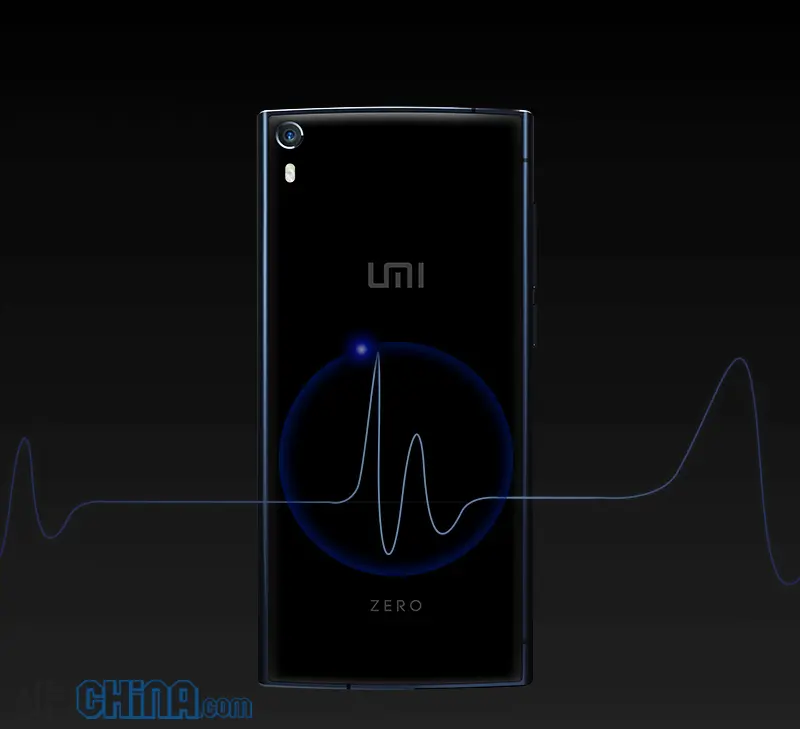
Umi have been enjoying a runaway success with their UMi Zero smartphone, and its great to see they are supporting their fans with software updates.
Um Zero update 3.0.3 is available to download via the UMidigi forums now (unfortunately not available as an OTA yet). The update needs to be downloaded and copied to an SD card, but the process is fairly straight forward:
- Copy the file to an SD card.
- Ensure you have at least 50% of power in the phone.
- Head in to settings > About the phone > System updates > Start update
- Wait a few moments and wait for the UMi Zero to reboot a few times
- Done
The updates brings a few fixes and optimizations to the UMi Zero including enhanced battery performance, new quick toggles, camera optimizations and the addition of notification lights.
For the full details of the UMi Zero rom update and to download the ROM head over to the UMidigi forums.
[ UMi Facebook ]
Popular News




Latest News
Loading