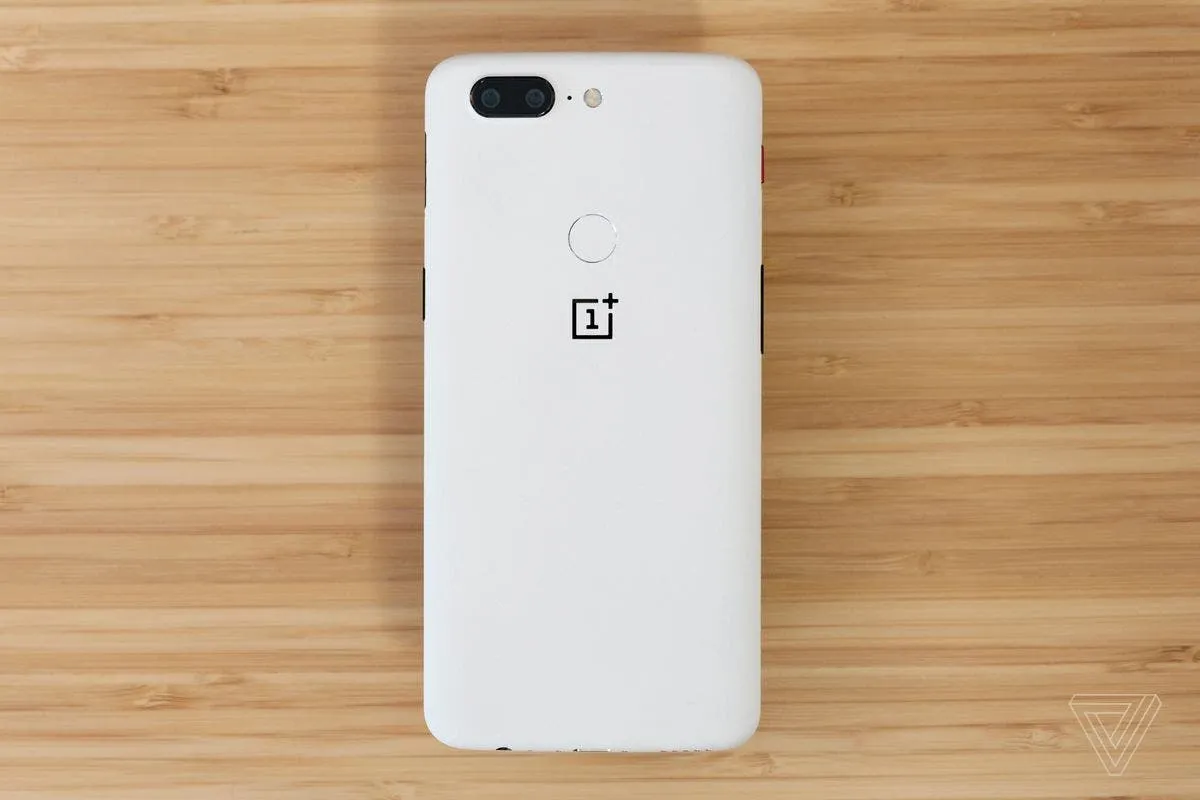
OnePlus 5 and OnePlus 5T are currently receiving open Beta 4 and Beta 2 respectively. This update brings new features most of which upgrades the launcher, adds OnePlus Switch application for backup and restore bug fixes/optimizations. However, OnePlus stated that some third party camera apps will not function properly with this update. The complete changelog as released by OnePlus is contained below
Changelog
Launcher:
- Launcher Updated to v2.3
- Drawer categories
- You can see new categories when using the search icon in the drawer
- Auto folder tagging
- When you add applications that are similar, our system will help you automatically name the new folder you created
- Dynamic Icon for Clock
- The Clock icon is now dynamic
- Notification dot optimization
- The Blue notification dots present to notify you of a newly installed app will now be removed automatically after 15 days
- Drawer categories
- Launcher usage tips improved
- We’ve added some new helpful tips for first use of the launcher
System:
- Optimizations for logic managing high power consumption applications
- Added a more intelligent background application management solution
- Improved power consumption measurements
- Various bug fixes and optimizations
Applications:
- Added OnePlus Switch application for backup & restore
- We’ve added the new OnePlus switch app so moving your information to a new OnePlus device will be easier than ever
- Clipboard
- Added a new clipboard feature activated when copying information. You can edit the text copied and then choose to “Search, Translate, or Share”
- File manager
- Improved experience when deleting files
- Added large file management function
- Dialer
- More caller information now given to you during incoming call notification
Known issues:
- Some third-party camera applications may not fully work with this update
Bron: fonearena
Popular News




Latest News
Loading