The Unnecessary Xiaomi Apps You Can Safely Remove Today
How to's | GuidesSunday, 07 December 2025 at 13:18

Are you sick of your Xiaomi phone feeling slow? Does the battery drain way too fast? Maybe you're just constantly running out of storage space. Well, the real problem is likely a ton of useless, pre-installed stuff—what we all call "bloatware."

Think about it: these extra programs are constantly sitting in the background. They eat up your precious battery life. They hog your storage. And here's the kicker: a lot of them are only there to track what you do or push annoying advertisements at you.
Good news, though! You can safely uninstall most of that bloatware. Seriously. Doing this is one of the easiest, fastest ways to get back storage, make your Xiaomi or HyperOS device much quicker, and often, you'll see a nice bump in battery life too.
BIG WARNING: You must be careful before hitting delete on anything. Taking out the wrong system application can definitely cause stability issues. Only stick to the packages we've listed below. And please, always make a backup of your data first!
Core System Bloatware (MIUI & HyperOS)
These are usually the worst offenders. A lot of these apps are just about tracking you, showing ads, or they’re features that Google’s default options already handle better:
| Package Name | Purpose (Why to Remove) |
| com.miui.msa.global | The main application for serving advertisements in the MIUI/HyperOS system. Removing this is essential for an ad-free experience. |
| com.miui.analytics | Used for tracking user behavior and sending data to Xiaomi servers. A privacy concern for many users. |
| com.miui.daemon | A background tracking service. Some users report no issues after removal, while others have noted possible battery consumption changes. Generally safe to remove for privacy reasons, but proceed with caution. |
| com.xiaomi.joyose | Another background tracking tool. Opinions vary, but it's often linked to data collection or minor performance management. You can generally remove it. |
| com.miui.cleanmaster | A cleaning utility that provides minimal help and often includes excessive advertising. |
| com.miui.android.fashiongallery | The "Wallpaper Carousel." It constantly loads new images and often displays ads on your lock screen, draining data and battery. |
| com.miui.webkit.core | Xiaomi's custom system webview. Removing this forces the device to rely on Google's standard Android WebView, which is usually preferred for security and compatibility. |
| com.android.browser | The default Xiaomi browser. If you use Chrome, Firefox, or any other browser, you don't need this one. |
| com.miui.bugreport | The tool for bug reporting and tracking. Useful if you're a beta tester, but unnecessary for most daily users. |
| com.xiaomi.glgm | A system tracking or gaming-related service. Removing it usually frees up resources. |
Regional, Financial, and Productivity Apps
Unless you actively use Xiaomi’s dedicated financial services or prefer their version of basic apps, these are safe to ditch:
- Financial Services: You can safely remove region-specific financial applications like com.mipay.wallet.id (Mi Pay - Indonesia), com.mipay.wallet.in (Mi Pay - India), com.xiaomi.payment (Mi Coin), and the various com.micredit.in packages.
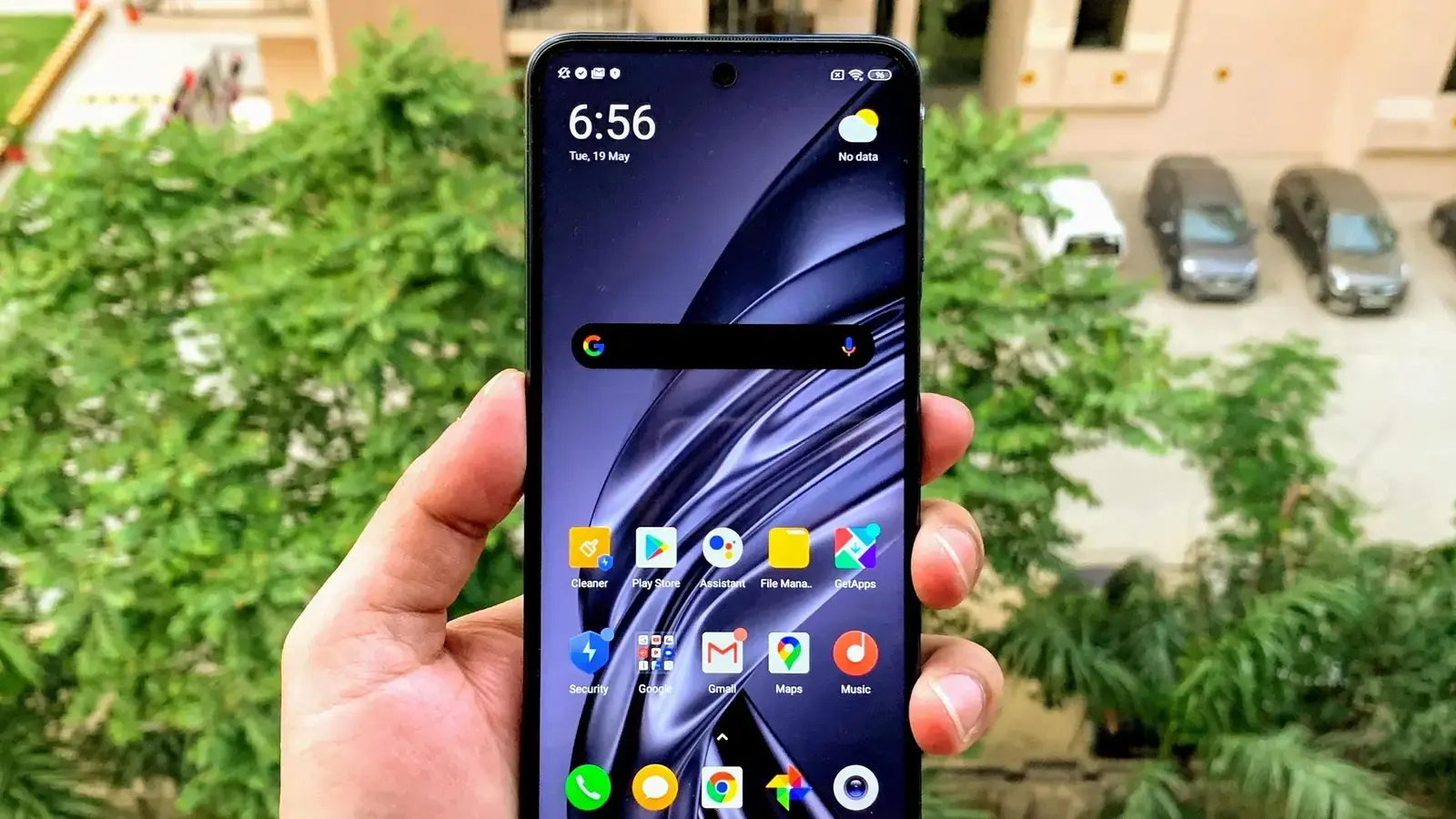
- Media and Productivity: These can be replaced by cleaner, often ad-free apps from the Play Store. Remove com.miui.player (Music player with ads), com.miui.videoplayer (Video player), com.miui.notes (Note taking), and com.xiaomi.mipicks (GetApps alternate store).
- Other Utilities: You can remove com.miui.weather2, com.miui.yellowpage, com.miui.compass, and com.android.fmradio.
Translation and Input Services
If you use Google's keyboard (Gboard) or Google Translate, you absolutely don't need Xiaomi's built-in translation or input methods. They are safe to remove:
- Translation Services: com.miui.translation.kingsoft, com.miui.translation.youdao, com.miui.translation.xmcloud, and com.miui.translationservice.
- Input/Keyboard: com.sohu.inputmethod.sogou.xiaomi (Sogou keyboard) and com.iflytek.inputmethod.miui (iFlytek input method).

Google Bloatware (Optional)
Many Xiaomi devices come with Google apps you might not use. These are usually safe to uninstall directly from the app drawer, but their package names are included here for completeness:
- com.google.android.apps.podcasts (Google Podcasts)
- com.google.android.videos (Google TV)
- com.google.android.apps.tachyon (Google Duo)
- com.google.android.apps.wellbeing (Digital Wellbeing)
How to Safely Remove the Bloatware
Since many of these apps are deeply embedded system packages, you cannot uninstall them by simply dragging them to the trash. The process requires a PC and the use of the ADB (Android Debug Bridge) command line tool.
The basic process involves:
- Enabling Developer Options and USB Debugging on your phone.
- Connecting your phone to a PC with ADB installed.
- Using the command pm uninstall -k --user 0 <package-name> for each unwanted application.
Essential Safety Tip: Always install an alternative application before you remove a core service. For instance, install a third-party file manager before removing com.mi.android.globalFileexplorer to avoid losing essential functionality.
Popular News

Latest News
Loading