Microsoft now let’s Windows 11 handhelds check cloud-save status
microsoftSunday, 30 November 2025 at 11:47
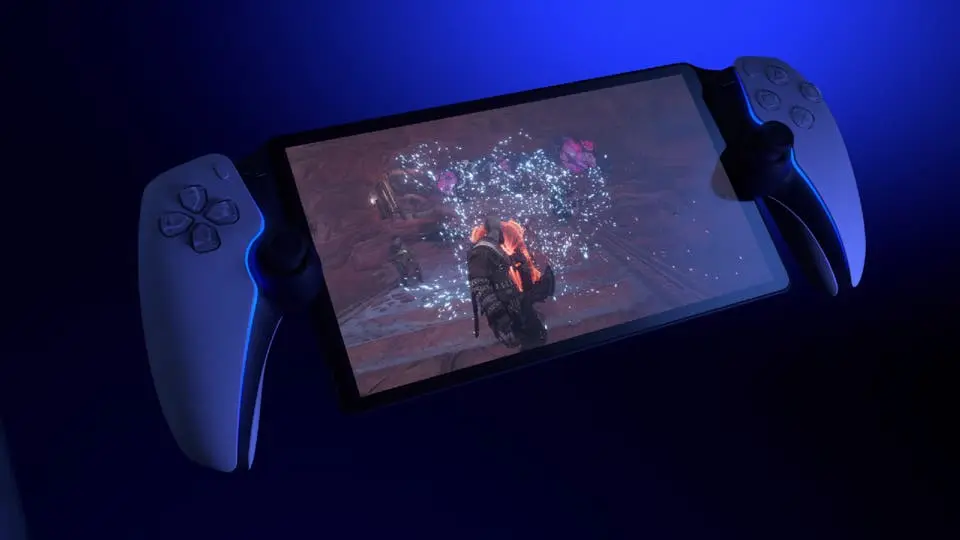
Microsoft is quietly making handheld
gaming on Windows 11 a bit smoother. With the newest Windows 11 Insider Build 26220.7271,
the Xbox full-screen Experience, once only found on ROG’s Xbox Ally, is finally
reaching more devices. Along with that rollout comes a simple but very handy
feature: you can now check whether your game saves are synced to the cloud
before you start playing.

Check Your Saves at a Glance
The big change is a small icon that
tells you if your most recent save is already backed up online. When you open a
game’s page inside Xbox FSE, the system will show you the cloud status right
away, no guessing, no digging through menus. For anyone who switches between
PCs or handhelds often, this is the kind of thing that saves time and nerves.
If you were playing on another
device earlier, the launcher will let you know when a newer save exists. It
shows a clear note saying there’s a fresh save waiting for download, giving you
a heads-up to sync before you open the game. That means fewer moments where you
load in, only to realise you’re stuck with an older save.
See When Your Save Was Uploaded
The
update also covers what happens when you finish playing. After you quit a game,
Xbox FSE now shows the exact upload time for the latest cloud save. You can
leave the session knowing the data made it online, instead of hoping it did.
It’s a small touch, but it makes moving between platforms feel a lot more
secure and stress-free.
Works Across More Than Just Xbox Games
The full-screen experience isn’t
locked to Microsoft Store titles. It works with Steam, Epic Games Store, GOG,
Ubisoft, and Blizzard’s Battle.net games, too. Instead of tapping your way
through Windows interfaces made for mice and keyboards, you browse everything
with a controller. It feels closer to a console dashboard, quick, direct, and
easy to navigate.
Xbox FSE also trims down what runs
in the background while you play. Windows pushes aside tasks that aren’t
needed, which can help games run a bit smoother and keep the handheld feeling
responsive.
With more devices gaining access and
cloud saves becoming easier to track, Xbox FSE is starting to feel like the
kind of feature handheld PC gamers will use every day. It’s not flashy, but
it’s the kind of improvement you notice the moment you stop worrying about
losing progress.
Popular News


Latest News
Loading