Zopo ZP900 Leader Review Part 2: Zopo ZP900 Leader Camera Test
ReviewsSunday, 26 August 2012 at 06:19
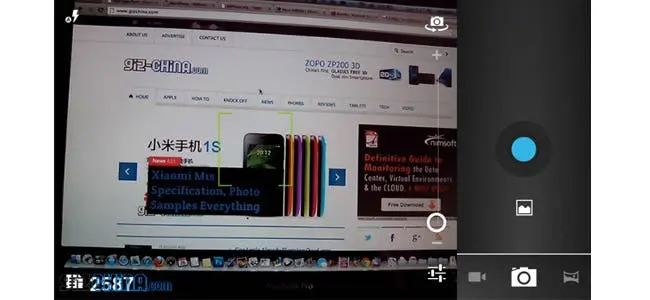
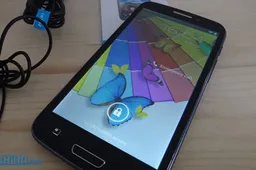
Here is the second part to my ZOPO ZP900 Leader review! This time around I'll be looking at the rear camera and sampling some photos taken with the ZP900 Leader's 8 mega-pixel rear camera!
Zopo, like many other Chinese phone makers, are taking advantage of the signficant price cuts in hardware and have given their Zopo ZP900 leader Android phone a great 8 mega-pixel rear camera, which boasts auto-focus and dual LED flash, along with some great software functions such as face recognition, built-in filters and much more!
I took the Zopo ZP900 Leader with me down to our local marina today, as the sky was blue and the sun shining, so I could snap some photos of the cityscape, along with a few nice close ups of random things I came across while browsing the various coffee shops and stores.
Using the ZOPO ZP900 Leader Camera
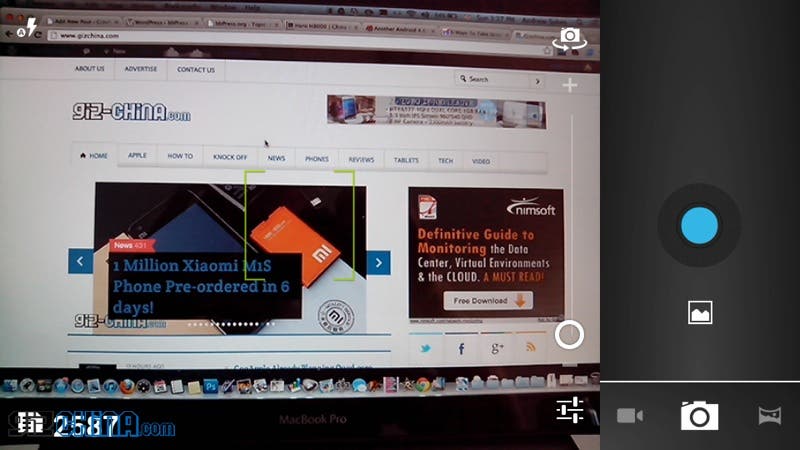
If you have used an Android phone before, using the camera on the ZP900 Leader should be a breeze, in fact I would go as far to say it is even easier to use the camera on the ZP900 than many other Android phones I have used.
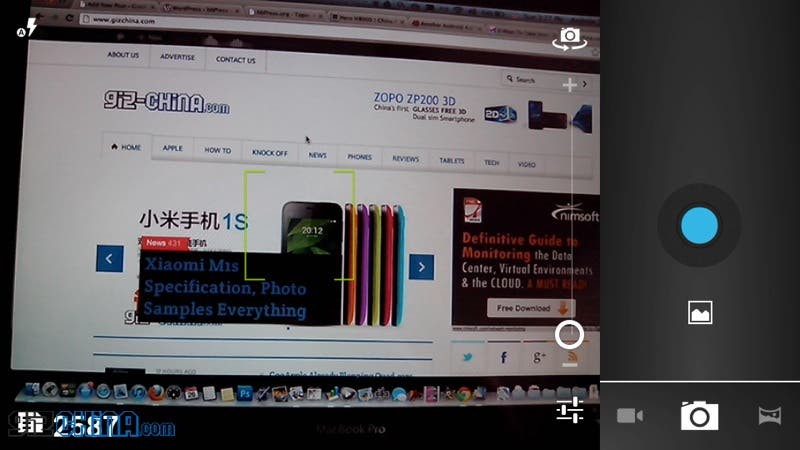
The ease of use really comes down to the size of the Zopo ZP900's large 5.3 inch display, which offers more than enough room to frame your subject while also allowing plenty of finger space for you to flick through the various settings, options and filters without making the screen seemed cramped.
Zopo ZP900 Leader Camera Options
The Zopo ZP900 Leader comes with Android ICS 4.0.4, which means you get some excellent options available to you right out of the box! As with all Android camera phones, there are plenty of manual options for you to get the most out of the 8 mega-pixel rear camera, plus there are a choice of a few built-in filters.
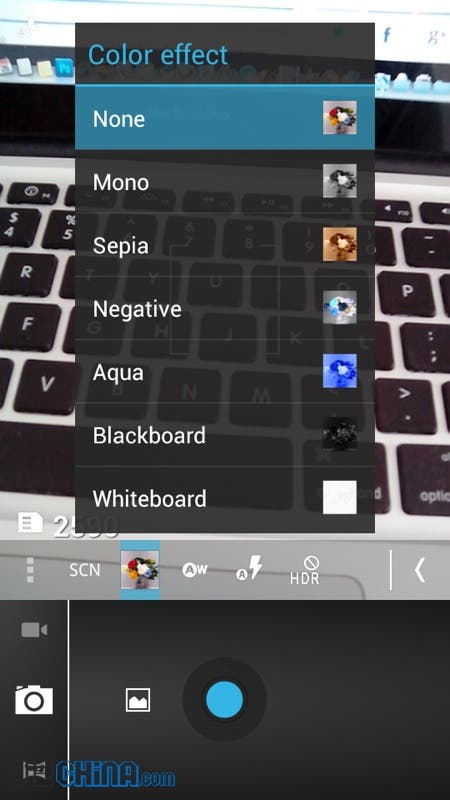
The built-in filters include mono, sepia,negative,aqua, blackboard and whiteboard. While they don't give quite the same amount of style to your photos as the Instagram app would, they are worthwhile to have as back ups.
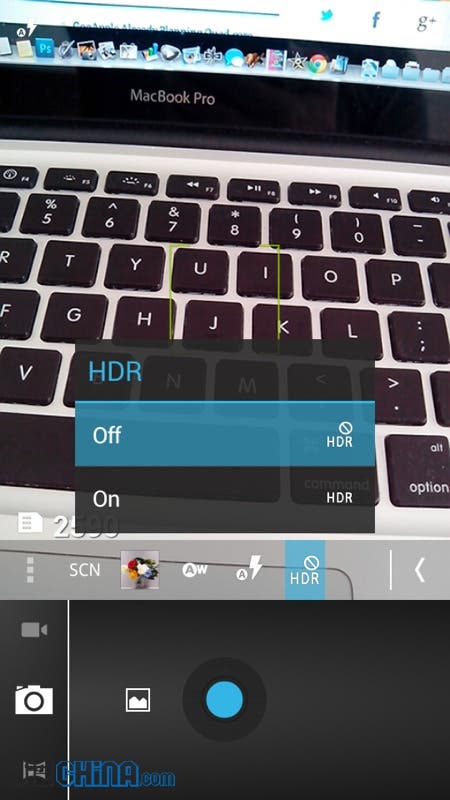
HDR is also on offer with the Zopo ZP900 Leader and is one which I used quite a bit with the photos I took (see below).
Other highlights include face detection, smile shot and panorama options which all work just as you would expect from an Android phone of this calibre (very well!).
Zopo ZP900 Leader Photos Rear Camera Test Samples
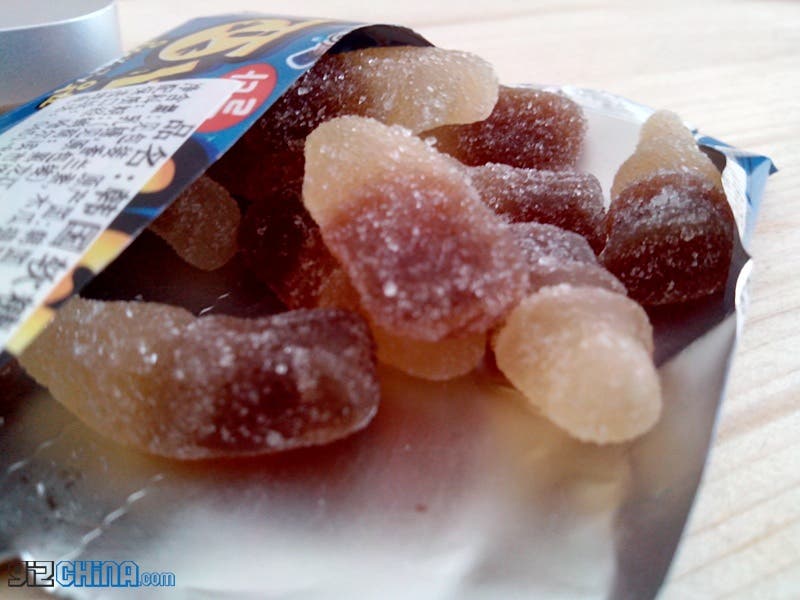
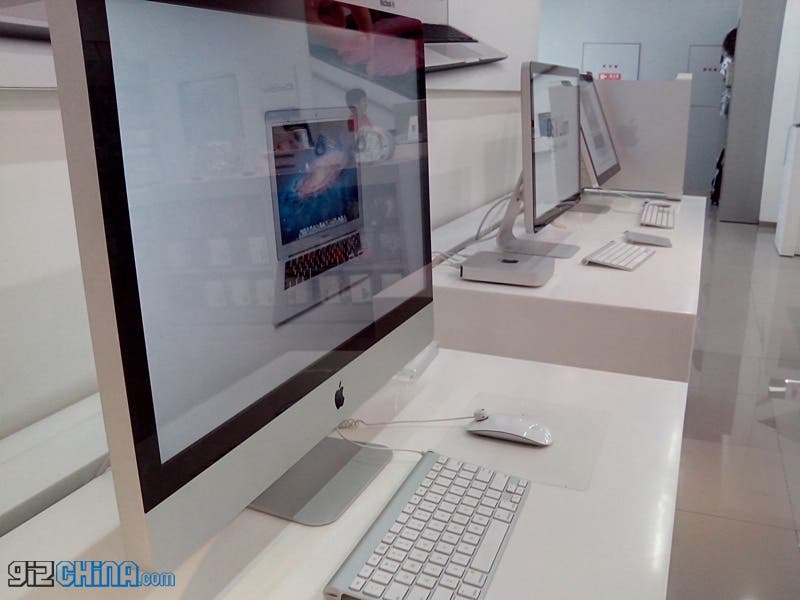
The photos below were all taken using natural light (the flash off) on a sunny cloudless day. The best way I can describe the photos taken with the Zopo ZP900 Leader are as being 'honest'.

While some Android phones, the HTC One X for example, tend to make colours look brighter than they do in real life, the ZP900 Leader's photos tend to represent the actual colours seen more naturally. Some of you are going to like this while others will prefer a camera which produces brighter photos.
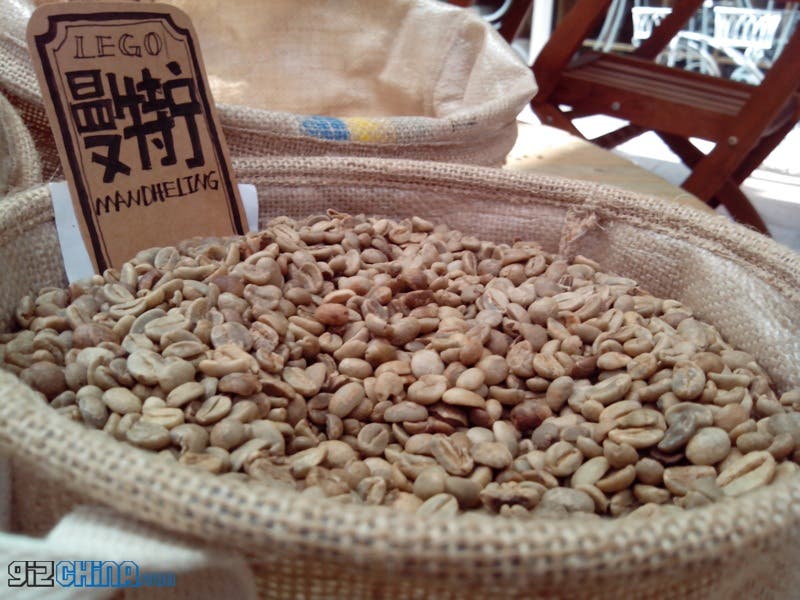

I personally like to have slightly brighter photos than what the ZP900 produces on automatic mode, but with HDR on or a little fiddling with the various manual setting I could easily get the Zopo to take photos how I personally like them.


No matter how you like your photos to look though you won't be disappointed with image quality, as the ZP900 Leader takes fantastic photos and quickly saves them ready to capture even more.
More Photo Examples from Zopo ZP900 Leader rear camera

Zopo ZP900 Leader camera Conclusion

The Zopo ZP900's rear 8 mega-pixel camera might not capture the same vibrant photos as phones like the HTC One X, but this is really down to personal preference. If you want a large Android phone with an easy to use and high quality camera then the Zopo Zp900 Leader could be the phone for you!
Zopo Leader Review Part 3: WIN a ZOPO Leader ZP900!

Part 3 of my Zopo ZP300 review will be an overall review of the phone as a whole complete with video hands on. Part 3 will also feature Quadrant and Antutu test results but most importantly of all will give details of how you can win the Zopo ZP900 Leader Android phone!
If you can't wait to get hold of the excellent Zopo ZP900 Leader then head over to Zopomobileshop.com where you can order this awesome dual-core MT6577 phone now!
Zopo ZP900 Leader Camera Sample Photo Gallery
[gallery link="file"]
Popular News
Latest News
Loading