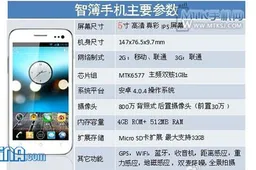
Hi guys, In this article I will be showing you how to manage your dual sim phone so you know exactly what to expect when your phone dual-sim Android phone arrives.
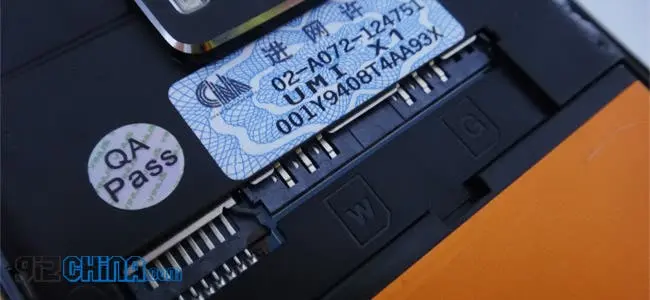
The majority of dual sim phones have a WCDMA(3G) and GSM (2G) sim card slot as the primary slot and a GSM only sim card slot as the secondary. This means that only one sim can use a 3G connection, the other sim will only be able to pick up a 2G signal. So as long as you don’t plan on using the 3G internet connection on both sims you’ll be fine. The 3G sim card slot is marked with a “W”, the 2G sim card slot is marked with a “G”. There are plans for newer dual-sim Android phones which have dual 3G compatible sim slots.
When you turn on your phone you are greeted with two signal bars at the top of the phone, the first one is for the first sim slot, the second one is for the second sim slot. The majority of phones work in a dual standby mode, whereas a minority work in a dual active mode. Dual standby is when both sims can work at the same time, but say for example you use one sim card to make a call, the other sim card will not work and be on standby for the duration of the call. Dual active is where both sim cards will be active all the time, even during calls. An easy way to get around the Dual standby limitation of turning one sim off when you’re on a call is to set up call forwarding on both sims to each other. This means that if you are using Sim 1 on a call and someone calls you on Sim 2, which is on standby, the call will be forwarded to sim 1 with the active connection and will be listed as a waiting call which you can choose to answer. Simple!
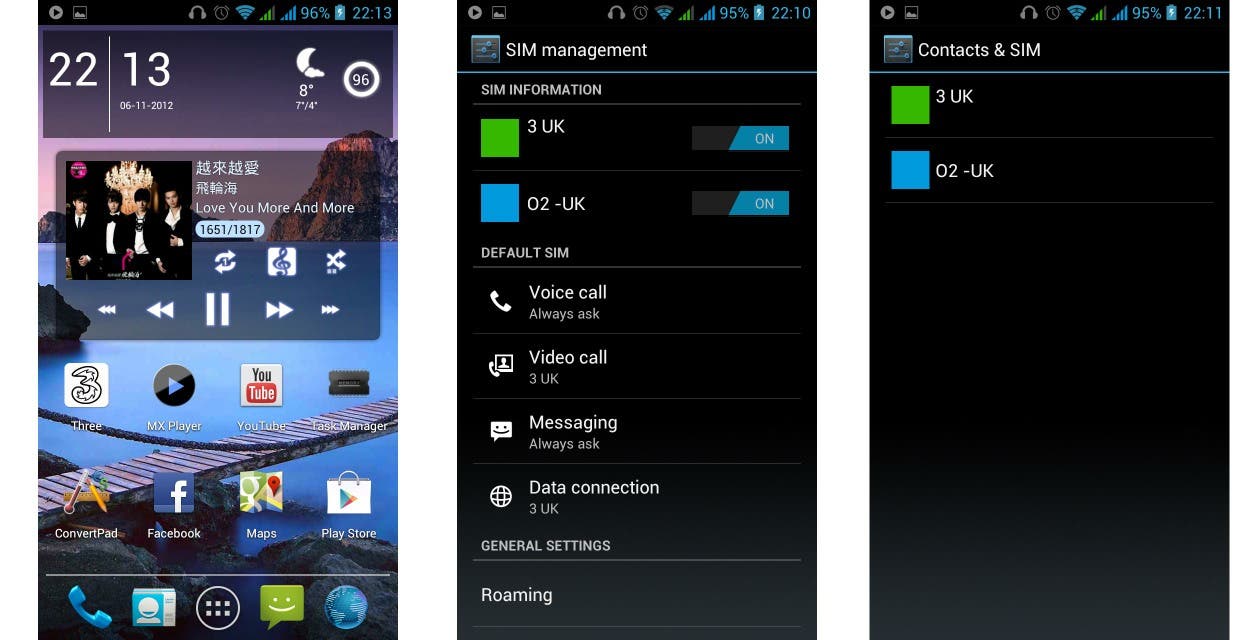
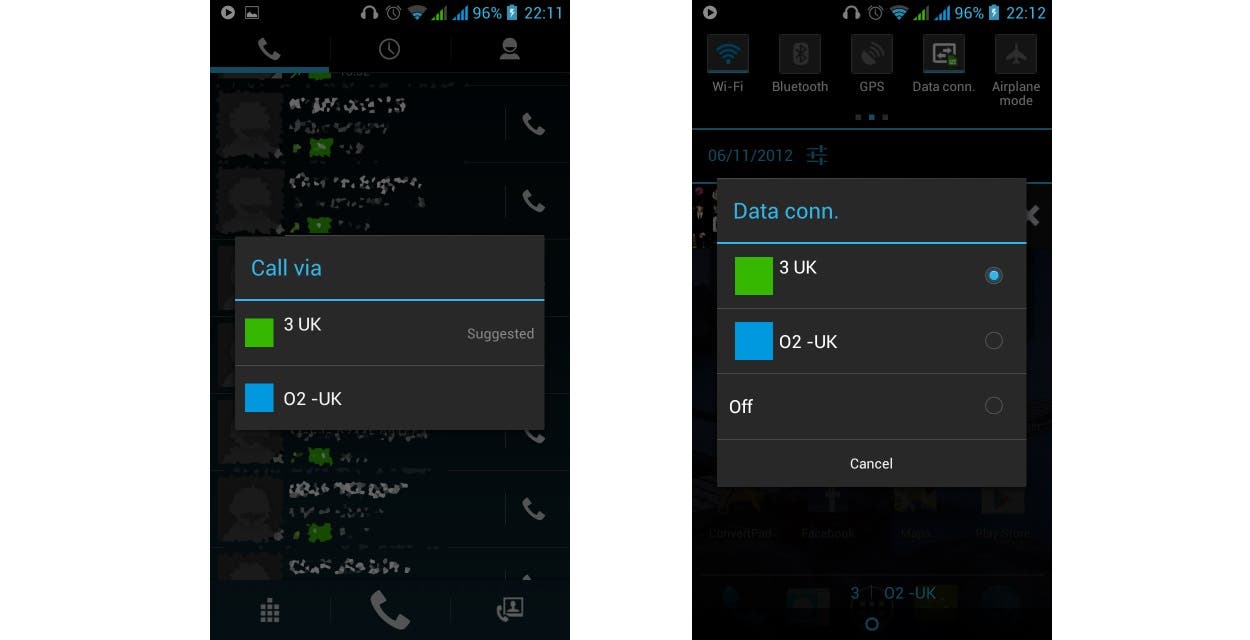
You can manage both Sim cards from the settings. Just click on sim management at the top. Here you get the option to turn the Sim cards on and off at will and you can set the defaults for each sim. For example I use 3 as my data connection, where as I have O2 as my default for voice calls. You can also set the phone to always ask you which sim card to use. The picture below shows you what it looks like when you set it to “always ask”.
You can also assign contacts to certain Sim cards, this is useful when differentiating between work colleagues and personal contacts. The call/texts goes through on the sim of your choice no matter what. This can be changed from the contact itself, or from the sim management settings.

When you get a call or text, or if you send a call or text, the phone will display the Sim used. For example, you can see that one text was from my three number, another text was to my O2 number. You can also change these settings on the go. For example, when in the dialer or messaging service, drag down the notification bar and you get an option to switch to a different sim card as default.
Using a dual sim phone on Android is simple. You have all the options you need at the touch of a button.
[Author Info] About Me- I am a fan of this website and have been for sometime now. Without this site I would have been lost when it comes to Chinese dual phones and them from China. I hope with this review I can give something back to the site that has helped me so much –Daniel (AhmadCentral)[/Author Info]




Loading