Google's eyewear based mobile computer, aka the Google Glass is only available to lucky 'Explorers' hand picked by Google themselves, but that doesn't mean you can have your very own Google Glass experience! Learn how to install Google Glass on your Android phone right here!
Before you try this out please understand that you do so at your own risk. I installed Google Glass on my Xiaomi Mi2 with no ill effects, but that isn't to say you won't run in to problems on your own phone!
Installing Google Glass is really simple thanks to Android developer Zhouwei, who has kindly spent time and effort to create a Google Glass api which you can install just as you would any Android application. Just head over to Zhuowei's GitHub page here and download then install the apk named glasshome-modded.apk.
Once installed you can open Google Glass like another Android app and interact with it using your voice and the command "ok glass".

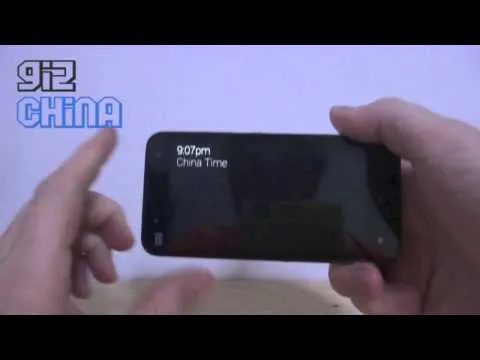
I tried out a few things after installing the camera and maps apks too and was able to get my Xiaomi to find directions and even take photos by using the "ok glass…" commands. Certain features like making a call, messaging and hangouts crashed the app for me, but you might have better luck.


Watch Google Glass running on a Xiaomi Mi2
If you do decide to install Google Glass on your Android phone or tablet, let us know how you get on with it in the comments below!
[ Source ]
Popular News
Latest News
Loading