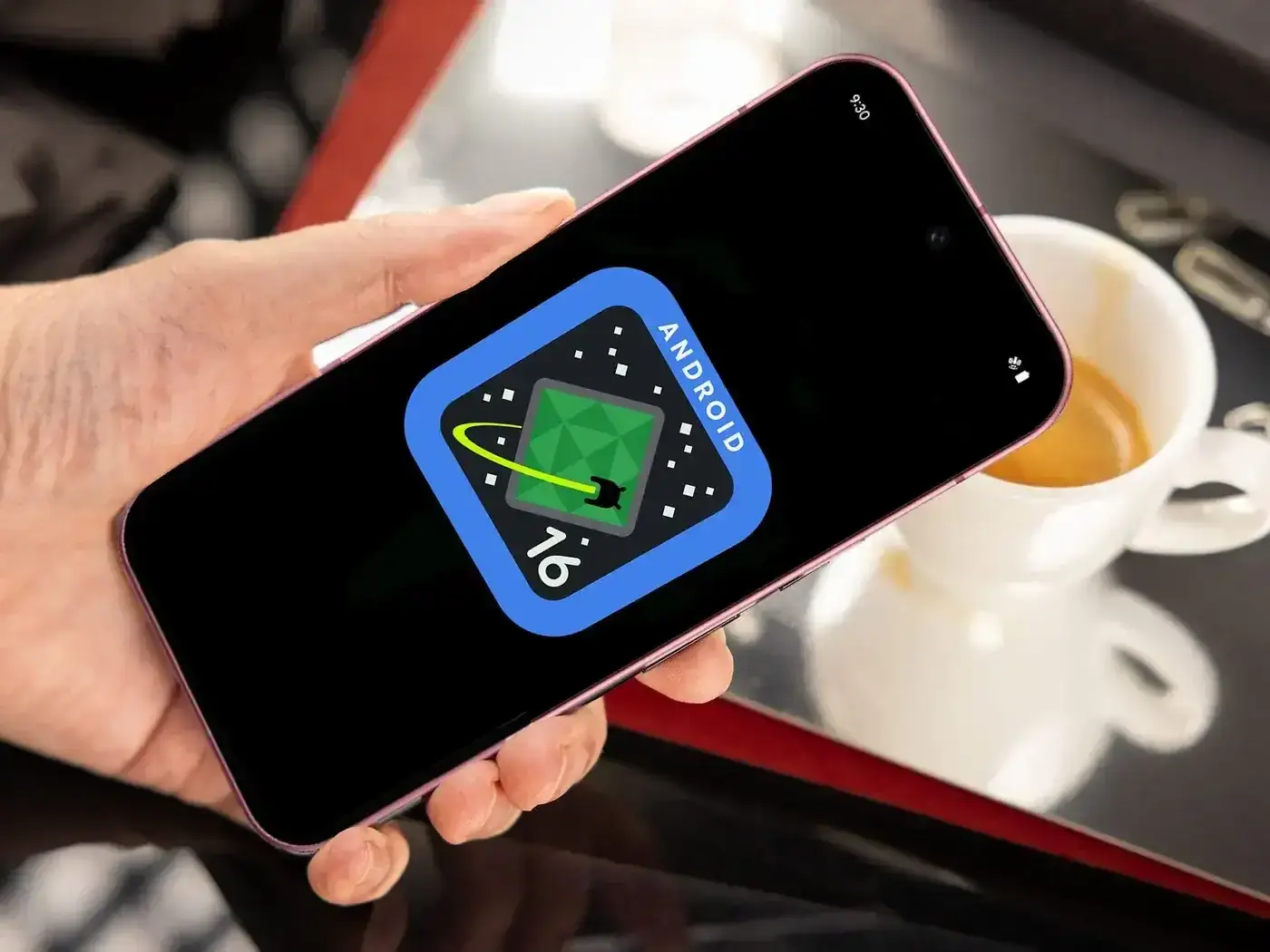
Google is rolling out
a new update for Pixel phones that should make life much easier for anyone
trying their new software, as this version of the Android 16 beta is now out
for the Pixel 6 and all later models, including the new Pixel 10.

Rather than add new
bells or tools, this update is all about fixing the bugs under the hood that
made phones act up, with the goal to make the phone feel strong and stable
again.
Sorting Out Battery and Charging Issues
One of the big wins here is for battery
life, as many Pixel users were mad that their phones lost a lot of power at
night while just on the desk, and Google changed how the phone runs apps in the
back, which should end that odd drain.
They also fixed a bug
with the charging limit. If you’re the type of person who likes to stop your
charge at 80% to keep the battery healthy, the phone will finally listen to you
now instead of forcing its way to 100%.
A Much Smoother Feel
If you’ve been dealing with a laggy phone, this update
should help quite a bit, since Google fixed a glitch that made the app drawer
freeze when you tried to scroll through your apps, and they also spent some
time helping out people with foldable phones.
Switching from the small front screen to the large inside
screen used to crash the whole system, but that has now been fixed, so the
shift should feel completely smooth.
Fixing Calls and Work Apps
There are also a
handful of fixes for the things we do every day. Google patched some bugs that
were causing slow Wi-Fi and even some missed calls. They
also fixed the odd, awkward pause that could happen when you switch a call to
speaker, and for anyone who uses their phone for work, they fixed a bug that
made apps like Teams and Outlook crash as soon as you tried to open them.
A Small Change to How You Save Photos
Not all the news is about bug fixes, as
Google changed how the multitask screen works, which may bug users who liked
the old way, since you could long-press a pic in "recent apps" and
save it straight to your phone, a neat way to skip a screenshot, but now the
"save" button is gone, leaving only copy or share, which makes saving
a file take a few more steps.
Popular News



Latest News
Loading