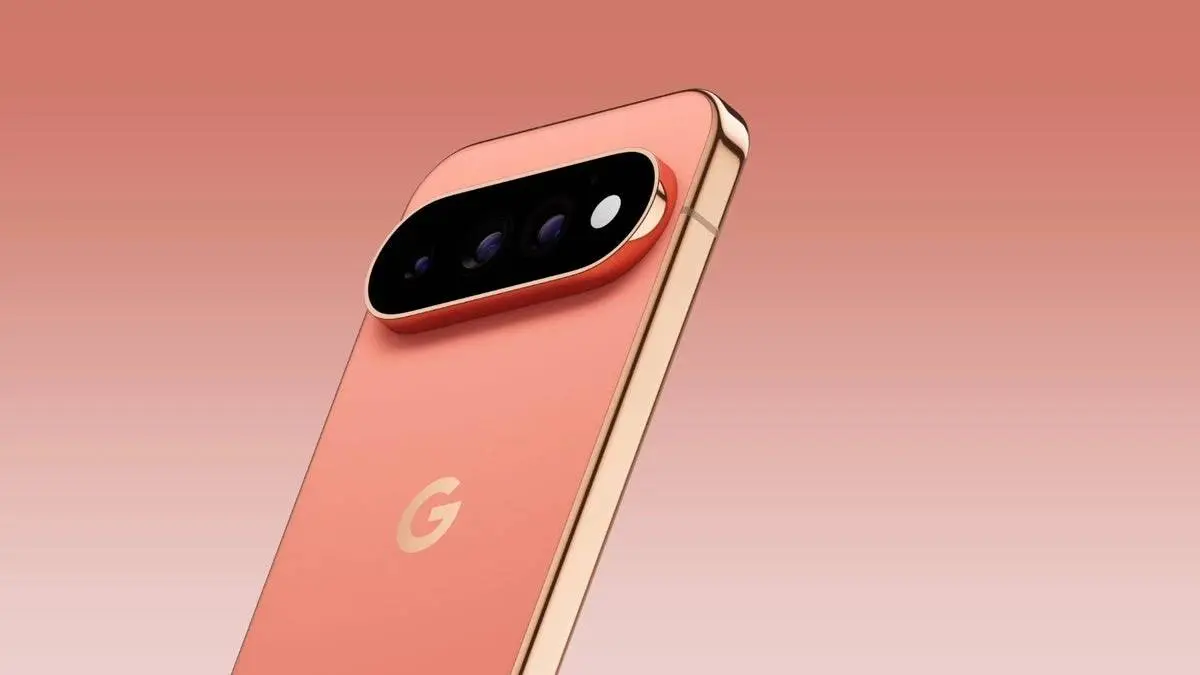
Google gave the Pixel 11 Pro and Pixel 11 Pro XL a new HiLight LED this year, but its current use is rather limited. It can glow when Gemini is active and alert you to calls from favorite contacts. That's about it. Now, a free app called HiLight Studio shows what Google could have done with the hardware from day one.
And after seeing what the app can do, Google's version feels a little unfinished.

HiLight should have worked like this from day one
HiLight is a set of LED lights placed around the camera flash on the Pixel 11 Pro models. Google added it after removing the temperature sensor from the camera bar.
The idea is good. Put your phone face down and the light can tell you who is calling without making you check the screen.
The problem is that Google doesn't let HiLight do much else. It doesn't work as a normal notification light for apps such as WhatsApp, Slack or Messages. You also get only a small set of colors to choose from.
That's where HiLight Studio comes in.
The free app lets you use HiLight with almost any app notification. You can set one color for messages, another for Slack and something else for any other app you want.
You can even create your own light effects
It gets better. HiLight Studio isn't limited to solid colors.
You can create effects such as pulses and waves, change the speed of the animation and adjust brightness, intensity and saturation. There are eight preset colors, but a color slider lets you pick almost any shade you want. You can even export your settings and share them with other users.
To be honest, this is what I expected when Google first showed HiLight.
Notification LEDs are not new. Android phones had them years ago, and one reason people liked them was the ability to tell different notifications apart without touching the phone. HiLight has the hardware to do that, but Google's software barely uses it.
There is one big catch
HiLight Studio is free, open-source and has no ads, but you won't find it on the Play Store. You need to sideload it, and the setup also uses Shizuku. The app must be started again after every reboot.
That makes it hard to recommend to everyone. If you know your way around Android, the setup shouldn't be a huge problem. Most Pixel owners, though, shouldn't need to install extra tools just to make a built-in LED work properly.
And that's really my problem with HiLight. Google put a new piece of hardware on phones that start at $1,099 for the Pixel 11 Pro, but gave it very little to do. A third-party developer has already shown how much better it can be.
Hopefully Google is paying attention, because HiLight Studio feels less like a clever mod and more like the feature HiLight should have been from the start.
Popular News
Latest News
Loading