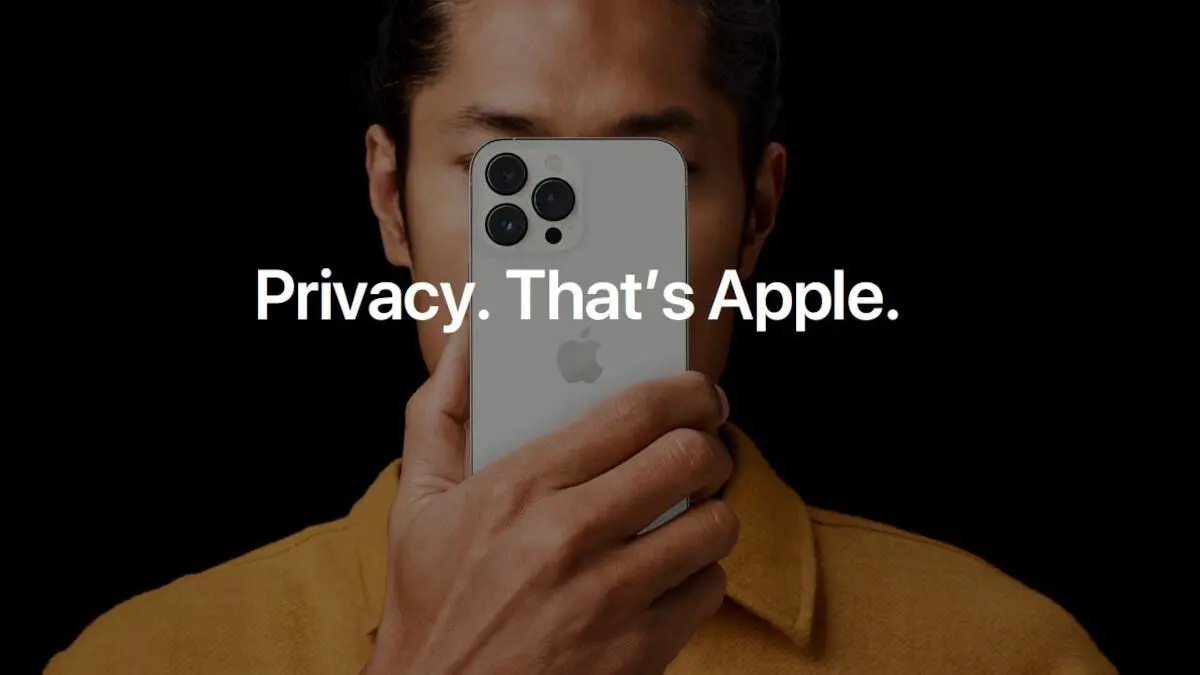
Ever feel like your iPhone knows too much?
Like ads pop up that seem to read your mind? You’re not alone. Apps track
what you do across the web and on your phone. This lets firms serve ads
aimed at you. But here’s the good news: you can stop it fast. No long tech
tricks, just a few taps and your phone chills out. Let’s see how.

Why apps track you
Most apps want your info. Why? So they can
sell it to firms that push ads. That’s why when you open an app, you often see
a pop-up asking to track you. Many just tap “Allow” to get it over with. But
that means the app can follow you across other apps and sites.
There is a feature on iPhones which Apple
calls App Tracking Transparency (ATT). This feature allows users to deactivate
tracking. If this feature is inactive, the advertising ID of your device will
be blocked. Apps can no longer see it. If apps can not see this ID, it means
they can not serve you targeted ads. The truth is that you will still get ads,
but it will not be one you just browsed about or one you just searched for. The
ads will be generic and random.
It can be really weird to just think of
something or just discuss something with a friend and the next thing, boom, its
appearing on the next available ad space.
Stop tracking when you get a new app
The first time you open a new app, ATT pops up
a message. It asks if you want the app to track you. Don’t just tap “Allow.” You can hit Ask App Not to Track and be
done.
Steps to block tracking for new apps:
- Grab an app from the App Store.
- Open it for the first time.
- When the tracking pop-up shows, tap Ask App Not to Track.
- Use the app as normal.
The app works just like before. Ads may show
up, but they won’t be built from your data. This is the fastest way to stay
private for each new app.
A tip: don’t rush the prompt. Some people tap
allow out of habit, then wonder why they get weird ads. Take a second, tap “Ask
App Not to Track,” and you’re safe.
Stop tracking all at once
If you’re tired of saying no each time, you
can shut it down for all apps in one move. This blocks any future requests
automatically. No prompts, no fuss.
Steps to block all apps:
- Open Settings.
- Tap Privacy & Security.
- Tap Tracking.
- Turn off Allow Apps to Request to Track.
Boom. Every app you install now will be told no
without asking. It’s perfect if you just want to lock your phone down fast.
This is handy for folks who install a lot of
apps. Gaming, social, shopping—you name it. Once this is on, you don’t see
pop-ups again. Just one step, done.

Stop tracking in apps you already have
Don’t worry if you’ve already let apps track
you. You can fix that too. iOS keeps a list of apps that asked to track you and
their current status. You can check it anytime.
Steps to block tracking in old apps:
- Go to Settings.
- Tap Privacy & Security.
- Tap Tracking.
- Look at the list of apps.
- Flip off any app you don’t want tracking you.
Changes happen right away, though restarting
your phone can help make sure. After this, apps lose access to your advertising
ID. Ads will still appear, but won’t feel so creepy.
Pro tip: check every few weeks. Some apps
update and may try to track you again. A quick look keeps your data safe.
Quick tips to stay private
- Update iOS: Make sure your phone is on the latest version. Apple tweaks privacy with each update.
- Check apps often: Apps get updates too. New features may ask to track you again.
- Use ad blockers: Apps like this clean up your web view and reduce trackers.
- Be picky: Not all apps need tracking to work. If an app seems sketch, consider alternatives.
- Clear cache: Some apps keep extra info in cache. Clearing it helps wipe old tracking.
These are small moves, but together they make
a big difference. Think of it as giving your iPhone a privacy shield.
Why you shouldn’t wait
Tracking may feel small, but it builds a
detailed picture of you. From sites you visit to what you buy, it’s all linked.
The sooner you shut it off, the less data firms gather. ATT puts you in control
and stops them from building a profile without asking.
Plus, once you stop tracking, you get less
targeted ads. That means fewer pop-ups that know your every move. It’s like
telling firms, “Chill, I got this.”
Another reason: companies sell this info to
other firms. That means ads aren’t just about shopping—they’re about behavior,
hobbies, even locations. You don’t need that level of detail floating around.
Common questions
Q: Will apps stop working if I block tracking? A: Nope. Apps still run as normal. You may just see ads that aren’t
custom.
Q: Can I turn tracking back on? A: Yes. Go to Settings > Privacy & Security > Tracking
and flip the switch.
Q: Do I need a new iPhone for this? A: No. ATT works on iPhones from iOS 14.5 onward. That’s almost any
iPhone made in the last few years.
Q: What about websites? A: Some sites still track via cookies. Using Safari’s privacy features
and ad blockers can help here.
Q: Can I stop tracking on social apps? A: Yup. Apps like Facebook, TikTok, and Insta respect ATT. Just block
them the same way. Ads will still show, but won’t feel personal.
Wrap up
Apps track, but you don’t have to let them.
iPhone’s ATT feature makes it simple to say no. You can block tracking
for new apps, all apps, or just the ones you already use. It’s fast, easy, and
stops firms from collecting your data without a fuss.
So next time your phone asks to track you,
don’t just tap “Allow.” Take control. Your phone works the same, your data
stays yours, and you get ads that don’t feel like they’re stalking you.
Privacy is yours to keep—tap wisely.
Think of it this way: a few taps today can
save your info from being sold and stop those “how did they know?” ad moments.
In the world of constant tracking, a little action goes a long way.
Popular News
Latest News
Loading