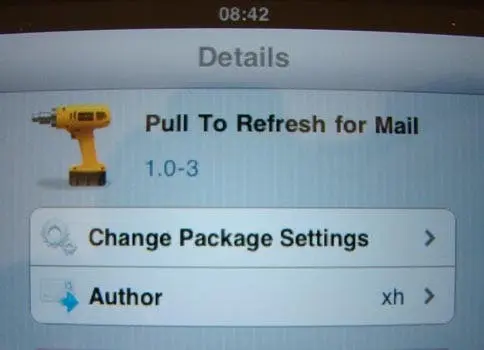
If you use either the Facebook or Apps you’ll know just how useful the ‘pull to refresh’ function is. This little hack for your iPhone, and iPod gives the same functionality to your inbox. Just drag your finger down the and your mail will be . Here’s how to get it on your iDevice. First things first! Is your iDevice jailbroken? If not you may want to head over to our tutorial on how to use Limera1n to Jailbreak (please we know 4.1 is supported if you are on 4.2 you may need a different method to jailbreak).
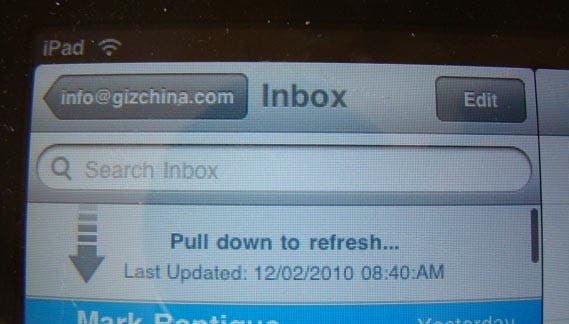
Once jailbroken open Cydia and head to the BigBoss repository. The tweak is called ‘Pull to Refresh for Mail’ and is FREE! Choose the tweak and install. Once finished installing your Springboard will respring so wait a few seconds. Now your back at your springboard head in to your inbox in the mail app and drag your finger down the screen! Voila! Pull to refresh mail is now active on your iPhone, or iPod!

Popular News
Latest News
Loading