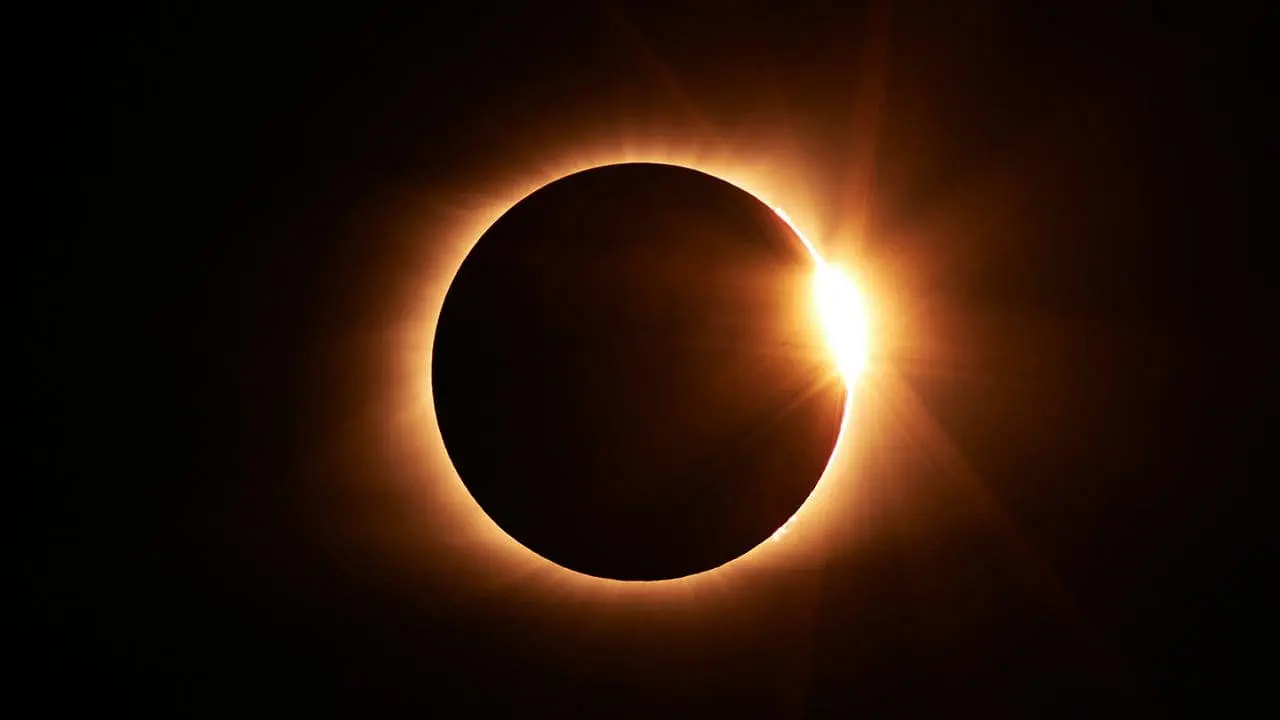
There will be a total solar eclipse tomorrow, Monday, April 8. While this may not be the first time you will be seeing a solar eclipse, it will certainly be something that will deserve a capture. But you would want to be fully prepared to get the best possible shot, and that's where this guide on how to photograph solar eclipse with Android phones steps in.
It will equip you with all the tips and tricks that you would want to know to capture solar eclipse photos with your Android phone. So, if you're excited about witnessing the celestial event tomorrow, you would want to keep on reading.
Safety First!
No matter what, you shouldn't look directly at the sun. Even for a moment, it can cause permanent eye damage or even blindness. This holds true whether there's an eclipse or not. The sun's intense light is always dangerous.

During a solar eclipse, when the moon blocks part of the sun, the sun's light stays just as strong. The only safe time to look directly at the sun with your bare eyes is during the brief period of totality in a total solar eclipse. But even then, certified solar viewing glasses are essential.
Always prioritize your safety. For the entire eclipse, from start to finish, wear certified solar viewing glasses whenever you glance at the sun.
How to Capture Solar Eclipse with Your Android Phone
There's a crucial step before you dive into photographing a solar eclipse. That would be to be mentally prepared for the dynamic lighting conditions. Eclipses involve constant light changes, requiring you to adjust your camera settings on the fly. But if you consider the things below, it can get easy to capture the celestial event tomorrow:
Get Some Handy Photography Gears
While your Android phone is the key player, a few additional tools can elevate your eclipse photography experience. Here's what to consider:
Solar Film
This special filter acts like sunglasses for your camera lens. It will allow only safe amounts of sunlight through during the eclipse's brighter phases. Think of it as a layer of protection for your camera sensor. Look for a solar film designed specifically for camera lenses. You can also repurpose certified solar eclipse glasses in a pinch!

Tripod
This handy stand provides much-needed stability. It will be especially helpful for capturing clear images during the eclipse's darker stages when slower shutter speeds are needed.
Also, a tripod frees up your hands for adjusting camera settings and holding the solar film. Consider a compact phone tripod for portability. If portability isn't a concern, you can also explore robust options for a better mobile photography setup.

Remember to Use the Telephoto Lens to Photograph the Solar Eclipse
Your phone's main camera likely won't be enough to capture the breathtaking details of the eclipse. That's where your telephoto lens comes in if you have one. Look for the option with the highest number in your viewfinder (usually achieved with a simple tap).
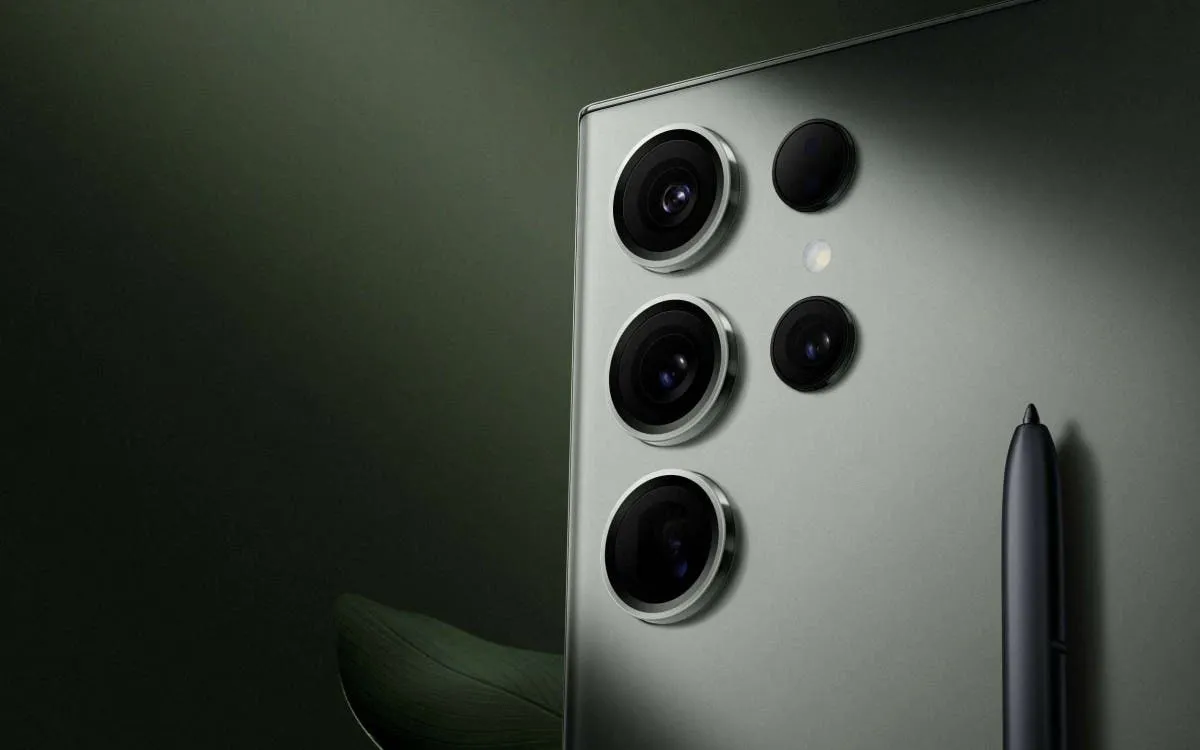
Here's the key: resist the urge to max out the zoom! While some phones boast impressive zoom capabilities (like the Galaxy S24 Ultra's 100x!), extreme zooming often sacrifices image quality. Aim for a balance between getting a close-up and maintaining clarity.

For most Android phones, a 20-30x zoom will be more than sufficient to capture the eclipse in stunning detail. The Pixel 8 Pro, in particular, excels at this thanks to its powerful AI-powered post-processing capabilities. It allows you to zoom in further without sacrificing quality. Remember, a crisp, detailed image is always better than a blurry, zoomed-in mess.
Use Manual Mode to Get the Best Solar Eclipse Photos
A solar eclipse is a unique event, and your phone's automatic settings might not always capture it perfectly. For more control over your shots, consider venturing into manual mode.
If you have a Pixel device, open the camera app, then tap the adjustments icon in the bottom right corner. For Samsung Galaxy smartphones, open the camera app, switch to "More" mode, and select "Pro".

But getting to the manual mode is one thing, and understanding its aspects is another. So, the first thing you need to understand is ISO. It's a crucial element for capturing solar eclipse. This controls your camera sensor's sensitivity to light. Higher ISO captures more light in low-light conditions. However, note that it can also introduce graininess.
Next is the shutter speed. This determines how long the camera's sensor is exposed to light. A slower shutter speed lets in more light. But it requires a very steady hand to avoid blur.
The beauty of manual mode is the real-time preview. As you adjust settings, your phone shows you exactly how the final image will look. Experiment a bit during the day (outside of the eclipse) to get comfortable with these settings. Once you have your solar film, practice aiming it at the sun while adjusting your camera for a high shutter speed and low ISO.
Popular News
Latest News
Loading