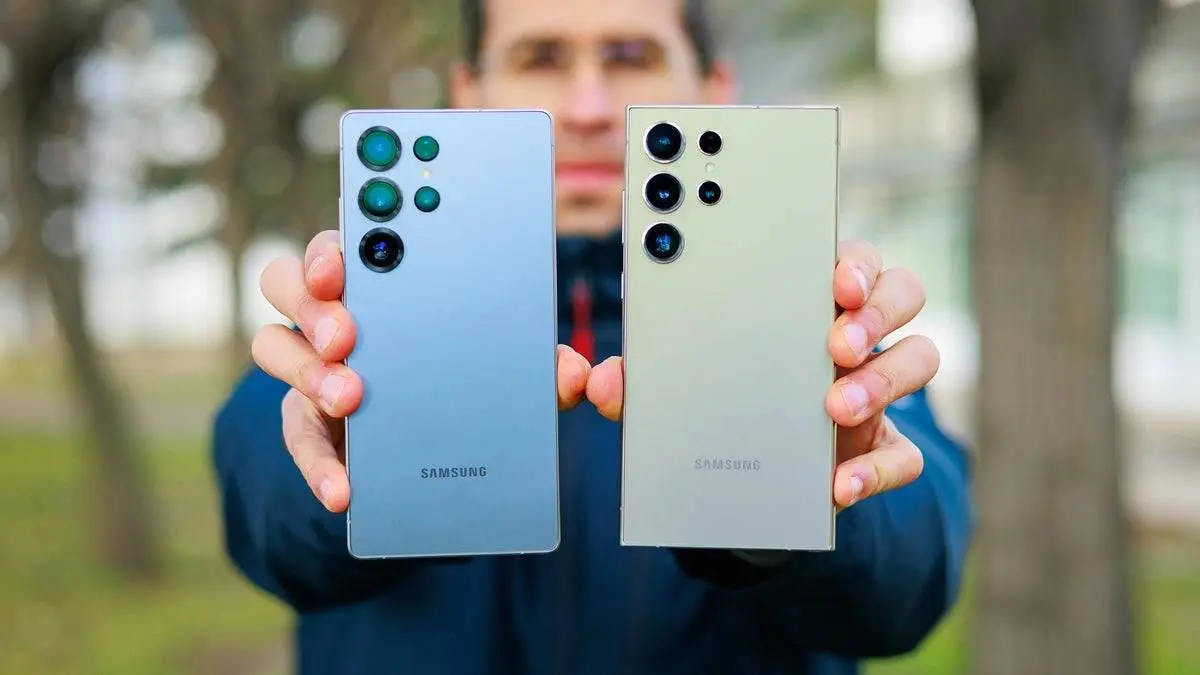
Samsung Galaxy S25 Ultra and S24 Ultra owners are reporting fresh trouble after installing the latest update. Many users notice that their phone battery drains fast. The device also gets warm while sitting idle. A phone that used to last a full day now loses power in just a few hours.

Summary
- The latest update causes fast battery drain on Galaxy S25 Ultra and S24 Ultra phones.
- Devices run much warmer than usual, even when they sit idle on a desk.
- Charging speeds are also slower for some affected users.
- Background app loops may be the main source of the heavy power loss.
- Temporarily stopping heavy background tasks can help lower the battery drop.

Battery consumption before the July update
Fast battery loss and heat
Reports on public tech forums show a sudden change in daily performance. Owners say their phones drop from high charge levels down to zero very quickly. One user noted a massive battery loss within just a few hours. The phone was barely used during that time.
Along with fast battery drain, many people report high heat. The phone feels warm even when sitting idle on a desk. Some users also state that charging speeds have slowed down. This combination makes daily use hard for people who count on their devices every day.

Battery consumption after the July update
Why the update causes issues
Software updates aim to improve security and fix known bugs. But new code can bring unexpected problems. In this case, background tasks seem to get stuck in loops. When a task loops, the main processor stays active without resting. That constant work draws high power and creates excess heat.
Similar issues happened with earlier software patches. In those cases, system tools or cloud backups kept working without stopping. When an app tries to finish a task and fails, it repeats the process non-stop. That endless loop strains the hardware and drains the battery fast.
How users can lower the drain
Samsung has not released an official fix yet. However, users can try simple steps to help lower the battery drain. First, check which apps use the most power in your settings menu. Look for any app that shows high background use.
If a specific app is stuck, try closing it or clearing its cache. Some users report success by turning off automatic cloud backups until a fix arrives. Restarting the phone can also clear out temporary code glitches. These simple steps can help keep your phone cool and lasting longer until a patch arrives.
Popular News


Latest News
Loading