productivity tools
Microsoft 365 Copilot: Free vs. Paid – Which One Suits You Best?
Discover how Microsoft 365 Copilot boosts productivity by automating tasks, managing emails, and meetings. Free vs. paid comparison.
7 Game-Changing One UI Features Enhanced by Samsung's Galaxy AI
Discover the top 7 AI-powered features in Samsung's One UI that make upgrading to a Galaxy device a smart choice.
Master Microsoft Word: 8 Features You Didn't Know Existed
Discover eight hidden Microsoft Word features, including random text generators, hidden text, vertical text selection, and more.
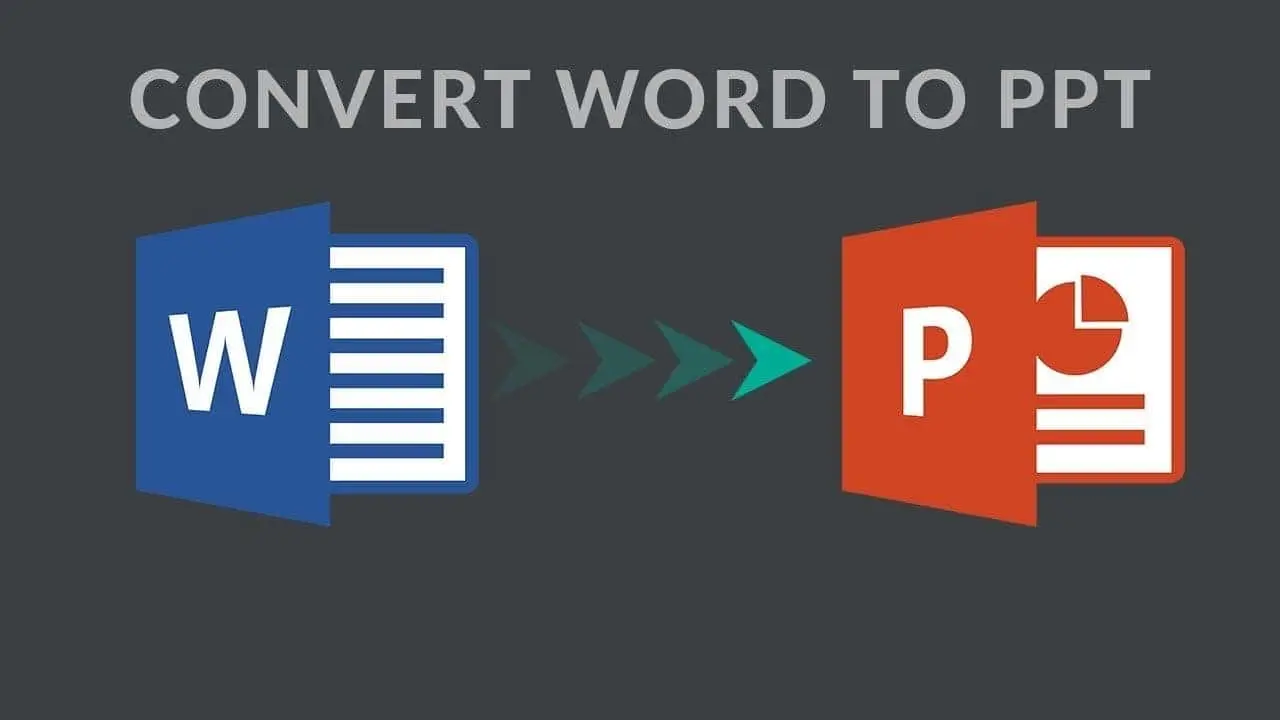
Unlock New Potential: Convert Word to PowerPoint with Copilot AI
Learn how to use Microsoft Copilot AI to effortlessly convert Word documents into PowerPoint presentations.
How to Access Microsoft Office Without Breaking the Bank: Free Options Explained
Unlock Microsoft Office features without spending a dime. From free web apps to trials and free alternatives, we've got you covered.
5 Advanced Things You Can Do With Google Gemini
Explore Gemini Advanced: Google's AI is designed for complex tasks like coding and creative collaboration, all integrated into Google apps.
Copilot Pro: A Comprehensive Guide For Microsoft's AI Companion
Unlock productivity with Microsoft Copilot Pro! Discover tips, features, and how to make the most of this powerful AI tool.
Why Windows 10 Is Still Great for Many
Discover why Windows 10 remains a top choice despite the release of Windows 11. Learn about its design, gaming features, and more.
Google's AI Assistant, Gemini, Lands in Gmail, Docs, and More
Supercharge your productivity with Google AI Assistant Gemini! Available for paid users of Gmail, Docs, Drive, Sheets, and Slides.
Gmail Simplifies Your Workflow with New Toolbar Options
Explore Gmail's new simplified toolbar design aimed at faster email management with reduced clutter. How this update simplifies Gmail.