How to install Google Play on your new Xiaomi Mi 4
How to's | GuidesSaturday, 16 August 2014 at 09:00
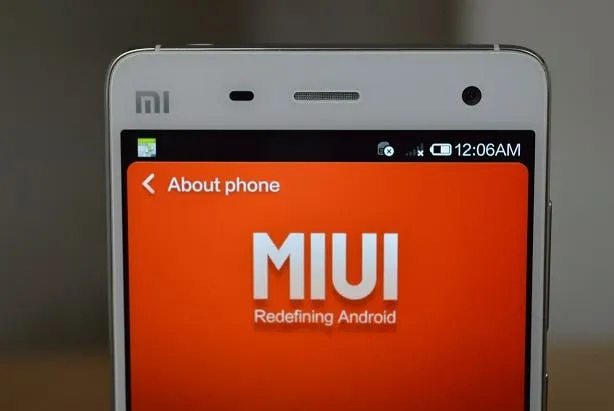
If you're one of the few who've somehow managed to get your hands on the latest Xiaomi flagship, you might've been surprised to find that the device does not come with Google Play pre-installed.
Like all other Xiaomi devices sold in China, the Mi 4 is no exception. Instead of the Google Play Store (and other Google services) Xiaomi devices sold in China come with Xiaomi's own ecosystem including an app store. But if you want to install the Google Play Store on your Mi 4 without having to root the device, follow the guide below.
How to install Google Play on Xiaomi Mi 4
[youtube ]
As seen in the video, the process is extremely simple and takes only a couple of minutes to finish. After completion, you can use the Xiaomi Mi 4 like any other Android phone - install apps from the Play Store, add multiple Google accounts, etc.
Let us know if you find any difficulty while following the guide. We would like to thank iBuyGou.com for the Xiaomi Mi 4 sample!
Popular News
Latest News
Loading