Unlocking the Power of Your Smartphone: Tips and Tricks for Old Users
Phones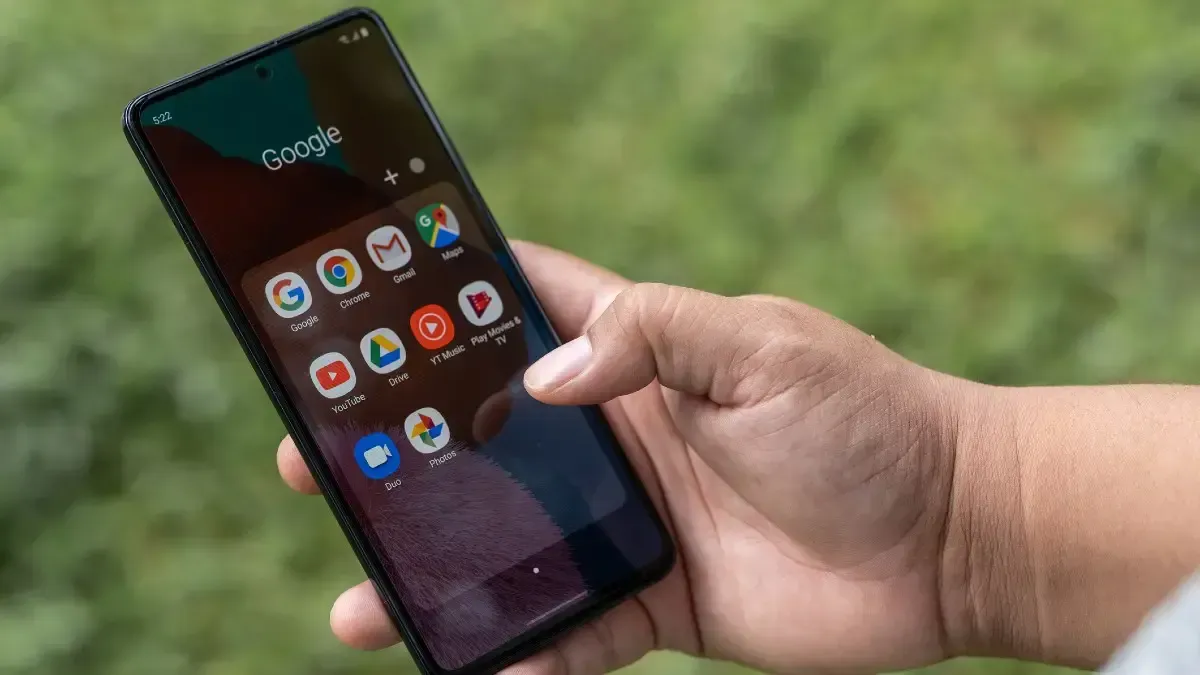
Mastering Your Mobile: Smartphone Tips and Tricks for old users

Seeing Clearly: Making Text Easier on Your Eyes
Font Size Matters: Most smartphones allow you to adjust the font size system-wide. Look for the "Display" or "Accessibility" settings on your phone. There, you'll find an option to increase the font size, making everything from emails to webpages easier to read.
Zooming In for a Closer Look: Need to focus on a specific detail? Simply double-tap on most text or images to zoom in for a closer look. You can also pinch the screen with two fingers to zoom in and out.
High Contrast for Better Readability: Many phones offer a "High Contrast" mode that increases the color difference between text and background. This can significantly improve readability for those with visual impairments.
Harnessing the Power of Your Voice: Voice Assistants for old users
Ask Questions and Get Answers: Curious about the weather, movie showtimes, or the nearest pharmacy? Ask your voice assistant! Simply press the designated button on your phone (usually located on the home button or side) and speak your question naturally.
Making Calls and Sending Messages Hands-Free: No more fumbling with contacts or the keyboard! Use voice commands to initiate calls or send text messages. Say something like "Call [Name]" or "Text [Name], how are you?"
Set Reminders and Alarms: Never miss an appointment or medication again. Use voice commands to set reminders and alarms. Simply say things like "Set an alarm for 7 am" or "Remind me to take my medication at noon."
Play Music and Podcasts: Enjoy your favorite tunes or listen to informative podcasts. Use voice commands to play, pause, adjust volume, or skip tracks.
Staying Safe and Secure: Emergency Features Your Phone Offers
Emergency SOS: Most smartphones have a built-in emergency SOS feature. In an emergency situation, quickly pressing a specific button sequence (consult your phone's manual) will initiate a call to emergency services and may even send your location.
Emergency Contacts: Create a list of emergency contacts in your phone. These contacts can be easily accessed even if your phone is locked. This allows first responders to quickly reach out to your designated loved ones.
Medical ID: Store crucial medical information on your phone's Medical ID. This information can be accessed by emergency personnel even if your phone is locked. Include details like allergies, medications, and emergency contact information.

Beyond the Basics: Exploring Apps that Can Enhance Your Life
Magnifying Glass Apps: These apps turn your phone's camera into a magnifying glass, making it easier to read small print on labels, medication bottles, or receipts.
Magnifying Reader Apps: These apps display text on your phone's screen in a magnified format, making reading books, articles, or news much easier.
Health and Wellness Apps: Track your health, set fitness goals, and receive medication reminders with a variety of health and wellness apps available.
Video Calling Apps: Stay connected with loved ones who live far away with video calling apps like FaceTime or Skype. See their faces and share precious moments virtually.
Finance Management Apps: Keep track of your budget, monitor expenses, and manage bills with user-friendly finance management apps.
Taking Control: Customizing Your Smartphone for Everyday Use
Home Screen Hero: The home screen is your phone's main launchpad. Most launchers allow you to rearrange app icons, create folders to organize apps, and add widgets for quick access to frequently used functions like weather, calendar, or news. Play around with the layout to find a configuration that works best for you.
Ring Loud and Clear: Never miss a call again! Adjust your ringtone and notification sounds to a volume and sound profile that suits your needs. You can even set specific ringtones for different contacts, allowing you to identify who's calling without even looking at the phone.
Silence the Unwanted: Tired of notifications buzzing throughout the day? Take control! Your phone allows you to manage notifications on an app-by-app basis. Silence notifications from apps you don't use frequently or choose notification styles like banners or pop-ups that are less disruptive.
Taking Pictures Made Easy: Smartphones are powerful cameras that can capture precious memories. Most phone cameras offer a simple point-and-shoot mode, but they can also be surprisingly versatile. Explore the camera app's features and experiment with different modes like portrait, panorama, or close-up. Don't be afraid to get creative!
Embrace the Night: Dim lighting can make using your phone difficult. Enable "Night Light" mode on your phone. This reduces blue light emissions, making the screen easier on your eyes, especially at night.
Finding Additional Support:
Manufacturer Websites: Most smartphone manufacturers offer extensive user guides and tutorials on their websites. These resources can be a valuable source of information on how to use specific features on your phone.
old users Tech Classes: Many community centers or libraries offer old users-focused technology classes. These classes can provide a friendly and supportive environment to learn new skills and ask questions.
Tech-Savvy Grandkids: Grandchildren can be amazing tech teachers! Don't hesitate to ask them to show you the ropes. They'll likely be delighted to help you navigate the latest apps and features.
Loading