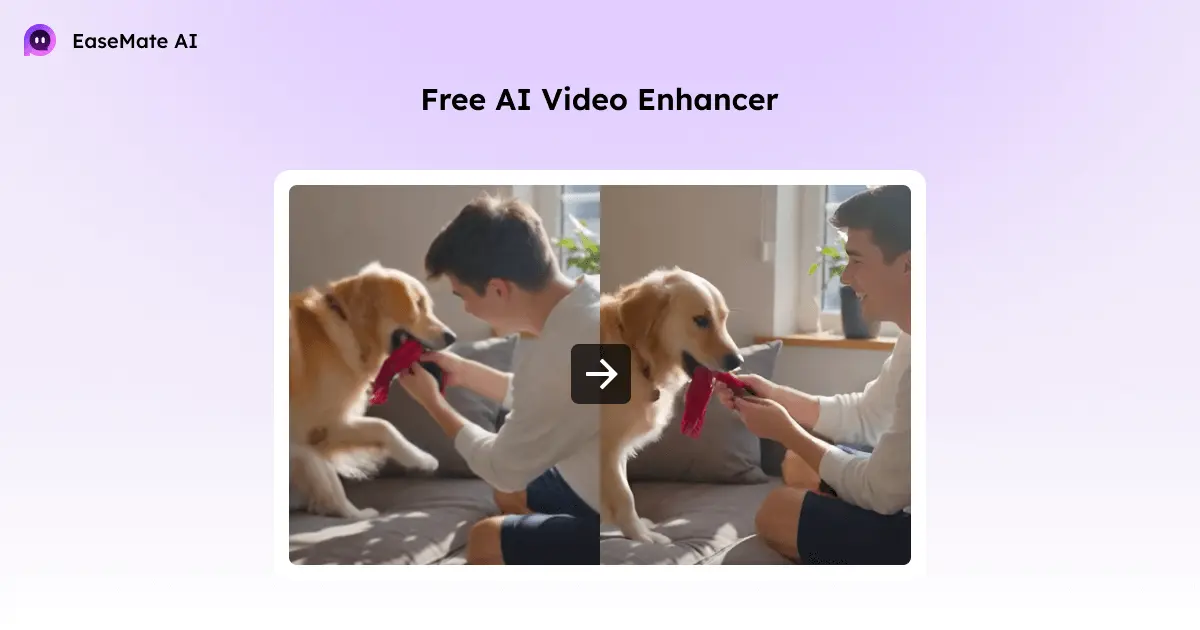
Have you ever watched a video and wished it looked a little sharper or more vibrant? Maybe it was old footage, a download from the internet, or just something you shot on a phone that didn’t come out right. EaseMate AI Video Enhancer makes fixing that surprisingly easy. You don’t need to know anything about editing. You just upload your video, and the AI does the rest.
What a Video Enhancer Actually Does
A video enhancer is more than just making a video bigger. A simple upscaler can stretch a 480p video to fill a bigger screen, but it doesn’t improve the actual quality. EaseMate AI does more. It can:
- Make blurry areas sharper
- Fix colors and brightness
- Remove grain, noise, and unwanted artifacts
- Smooth frames and improve motion
It uses advanced AI trained on tons of videos to figure out what each scene should look like. The result is a clearer, more natural video that keeps the small details in place.
How EaseMate AI Works
When you upload a video, the AI looks at each frame and spots the parts that are blurry, pixelated, or noisy. It fixes colors, sharpens edges, and reduces unwanted noise. Even problems like shaky footage or low-light grain are handled automatically.

No matter if your video is 360p, 480p, or 720p, EaseMate AI can restore it and even upscale it to 4K. Tiny details like hair, textures, and backgrounds are brought back with more clarity, making your video look like it was shot with better equipment.
Using EaseMate AI
Using it is simple. Upload your video in MP4, MOV, M4V, or another common format. Pick the resolution you want, click generate, and the AI enhances your video automatically. In a few seconds, you can preview it and download the finished result without a watermark.

The best part? You can try it for free, and if you want to enhance longer or multiple videos, signing up, checking in, or referring friends gives you more credits.

Why It Feels Different
The best thing about EaseMate AI is that it feels effortless. You don’t need software, tutorials, or hours of fiddling with settings. The AI quietly fixes your video, frame by frame, so the result is something you would normally expect a professional editor to create. Now, you can save time and money by optimizing your favorite videos with an excellent and optimized tool.
Read also


It works for old home videos, online clips, social media content, or even footage for work projects. If you want your videos to look better without spending hours learning editing, this is one of the simplest ways to do it. For more interesting tools made and powered with AI, you can refer to EaseMate AI. You wil certainly find other interesting tools like Image and Text Generation.
Popular News



Latest News
Loading