The Best 5 Android Photo Recovery Software Free Download [2024]
androidTuesday, 09 July 2024 at 02:56
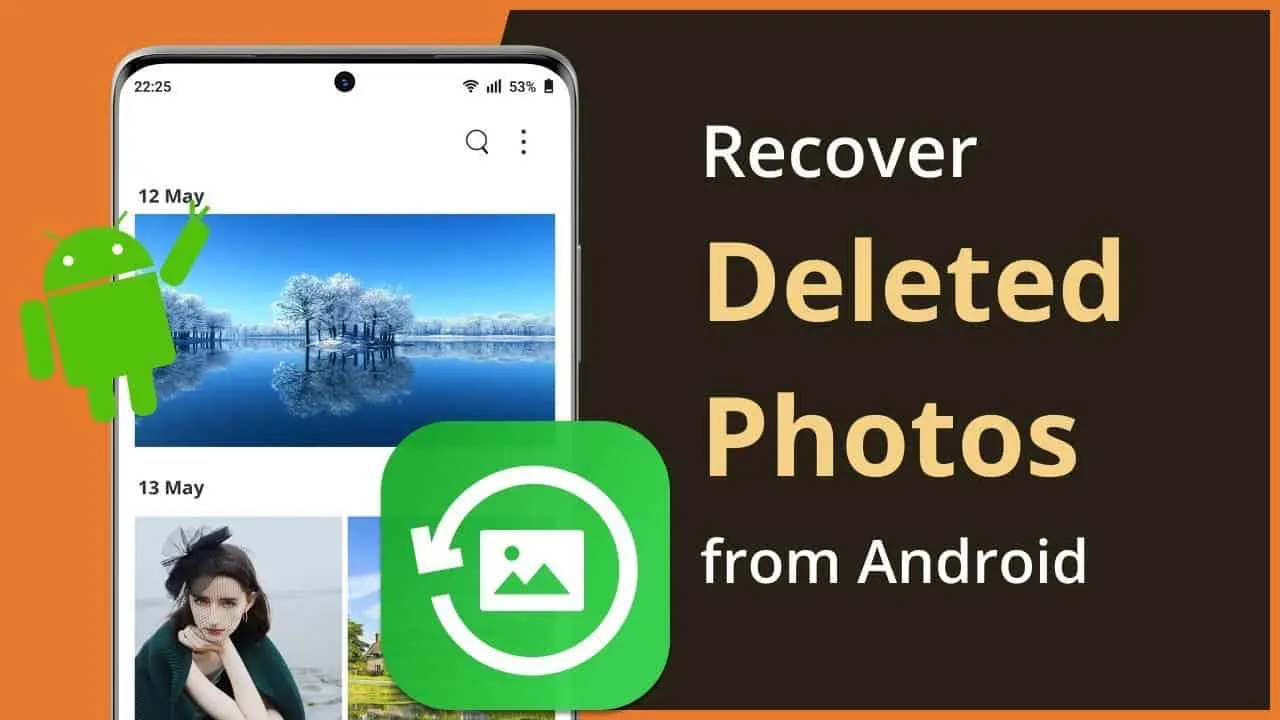
Digital photos capture life's most cherished moments – birthdays, vacations, family gatherings. But what happens when those precious memories accidentally disappear from your Android phone? A misplaced tap, a formatting error, or even a mischievous toddler can lead to data loss. Fear not! The world of Android photo recovery software offers a powerful solution for retrieving lost photos and videos.
This article will guide you through this technology, exploring the best free options available. We'll discuss how these programs work, the factors to consider when choosing one, and ultimately, help you get those irreplaceable photos back.
Best Photo Recovery Apps for Android Phones
Not every delete photo recovery app works as advertised. We've also used some that aren't free to download. So, which free software should you consider? Let's walk you through:
Best Photo Recovery without Root - DroidKit Android Data Recovery
When it comes to Android photo recovery software, DroidKit stands out as a comprehensive and user-friendly solution. This software boasts a wide range of features designed to help you retrieve lost photos.
Wondering what makes DroidKit special? Unlike some recovery software, DroidKit allows you to preview the recovered photos before committing to the restoration process. This ensures you're only retrieving the photos you truly need. While excelling in photo recovery, DroidKit goes beyond. It can recover up to 13 data types, including messages, contacts, and even app data.
Moreover, DroidKit prioritizes data security. The recovery process won't overwrite existing data on your device, minimizing the risk of further data loss. Another big advantage of DroidKit is that it doesn't require you to root your Android device. Rooting can be a complex process and can potentially void your phone's warranty. DroidKit offers a safe and effective alternative.
Here's how to use DroidKit to recover deleted photos:
- Download and install iMobie DroidKit on your computer.

- Select the "Quick Recovery from Device" option.

- Choose photos from the Data Recovery scan options and press the "Start" button.

- Connect your Android phone with a USB cable.

- Let DroidKit scan through your device.

- Preview the scanned data.

- Recover the photos.
Disk Drill
Disk Drill presents itself as a compelling option as an Android photo recovery software. Here's a breakdown of how Disk Drill streamlines the photo recovery process:
- Download and install Disk Drill.

- Connect the phone.

- Choose a recovery method.

- Scan for deleted photos.

- Preview the scanned files.

- Recover the deleted photos.
One of the downsides of this Android photo recovery software is that you can only restore 500 MB of files in the free version.
DiskDigger Photo Recovery
Can't use a computer to recover photos from your Android phone? You can check out DiskDrigger to recover deleted photos. Here's how:
- Download and install DiskDigger on your phone.

- Start the app and initiate the scan.

- Let the app scan for the deleted files and filter them according to your preference.

- Recover the deleted files.
Worth noting that DiskDigger is free to download, but the free version has limited set of features. You may not be able to recover all your deleted photos with the free version.
iMobie PhoneRescue for Android
This is another effective Android photo recovery software that you should try out. It's easy to use, and can recover your photos and other important files. You don’t even need to worry about voiding the warranty of your phone by using this tool. Check out the steps:
- Download and install PhoneRescue for Android on your computer.

- Connect your phone with a USB cable.

- Scan for the deleted photos on your Android.

- Preview the scanned files.

- Select files and restore.
Dr. Fone Android Data Recovery
Dr. Fone is another good Android photo recovery software that we found to be useful. Here are the steps you need to follow to use it:
- Download and install Dr.Fone Data Recovery on your PC.

- Connect your Android phone to the computer.

- Scan for the deleted photos.

- Preview the files and press recover.
Frequently Asked Questions
What is the best delete photo recovery app?
From our experience, DroidKit from iMobie is the best delete photo recovery app. It is extremely effective in finding the deleted files, and it makes recovering the deleted photos a breeze. Phonerescue is also another effective recovery app that you should try out.
Can I retrieve pictures from dead Android Phone?
You can retrieve pictures from dead Android phone, but for that, you need to have advanced repair skills. The process basically involves you taking the UFS or storage chip out of the phone and soldering it on a working phone.
Final Words
Basically, with the best Android photo recovery software, recovering deleted photos becomes a breeze. If you're looking for suggestions, we recommend DroidKit Android Data Recovery and PhoneRescue. Both are very versatile and are very effective at recovering deleted photos.
Popular News
Latest News
Loading