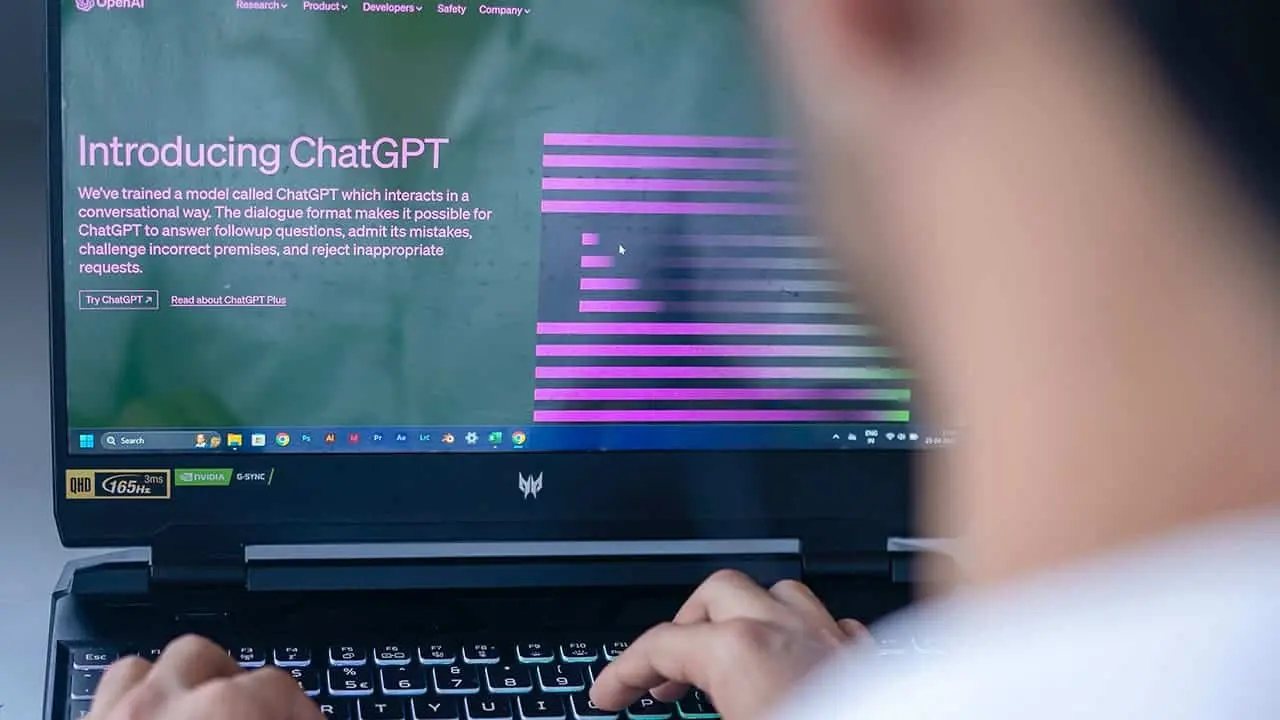
While we’ve had LLM-powered AI tools before ChatGPT, it goes without saying that OpenAI’s offering has boomed in popularity in a very short amount of time. As of now, ChatGPT has more than 180.5 million users. While the performance has been quite stable, oftentimes, users encounter a problem with ChatGPT not working correctly.
In such cases, you may find yourself wondering, “Why is ChatGPT not working?” Well, there can be a good number of reasons why ChatGPT might not work on your end. In this guide, you can explore all the possible causes and learn the fixes for each of them.
What To Do When ChatGPT Is Not Working?
So, when you face issues with ChatGPT not working, you can do a couple of things. They are:
Check Whether ChatGPT Is Down
Before anything else, you need to check if ChatGPT is down. While the AI is now backed by powerful and more reliable servers, these servers still need to handle a lot of requests. So, it’s possible that ChatGPT is not working for you because the servers are down.

To check whether ChatGPT is down, you can visit the official status page of OpenAI. If the service is down, you will see something like “Elevated error rates on all models.” That indicates that there’s a service-side problem. In simpler words, if you see that message, the service is down for everyone.
But if you can’t load the official ChatGPT status page, you can use a third-party service. In this case, I would recommend Down Detector as it is reasonably reliable in offering accurate information.
Allow ChatGPT to Recover
Sometimes, ChatGPT may load up, but you may notice that it isn’t responding to your requests. In such cases, the service may be temporarily down. Generally, you should see an internal server error message when this happens. But sometimes, the load can be so high that no error message may come up.

In this case, the best thing you can do is wait for a few hours. Let ChatGPT recover and become functional again. If you don’t want to wait, you can opt for ChatGPT Plus. With this plan, you always get priority access to the chatbot, even when the service notices high loads.
See If ChatGPT Is Not Working Because of Your Internet
Another possible cause for ChatGPT not working or giving you a “Network Error” alert is that your internet isn’t stable. See if you can load other popular websites to check if your internet is working correctly. You can also assess the stability of the network through Fast.com.
If other websites aren’t working, just like ChatGPT, then it’s your internet connection that’s to blame. In this case, you can try and switch to a different internet connection. If you’re using the chatbot on your phone, you can switch from WiFi to mobile data.

Additionally, if you’re connected to a VPN and face a problem with ChatGPT not working, you should disconnect the VPN. The service may block common IP addresses of VPNs to prevent abuse.
Log Out and Log Back into Your Account
Did you leave ChatGPT running in the background for too long? Found ChatGPT not working after you got back? In that case, your session may have expired. In this case, you should log out and log back into your account.

Wondering how to log out of your ChatGPT account? Locate the “Log Out” button that’s on the bottom left corner. Tap on it, and you should be logged out. After this, you will find a login screen where you need to enter your credentials.
Try to Run ChatGPT in Incognito Mode
There can be a problem with your browser’s settings, which may be causing ChatGPT to not work. In such cases, incognito mode comes to the rescue. If you’re using Chrome on your smartphone, tap the three dots on the top and tap on the “New Incognito Tab.”

On the desktop, you can press Cntrl+Shift+N to open an incognito tab. Alternatively, when you find ChatGPT not working, you can use a different browser.
Clear the Browser’s Cache and Settings
As mentioned earlier, a browser setting problem can stop ChatGPT from running properly. If you don’t want to use incognito mode when you find ChatGPT not working, you can clear the cache and restore its settings. Do note that this will remove the logged-in sessions and delete the browser data.

Use the ChatGPT Mobile App
The ChatGPT app is now available for both Android and iOS. Through this, OpenAI offers one more way to access the chatbot. So, when you find ChatGPT not working, you can use the mobile app. In most cases, you will have a better experience on the app than on the web version.

Opt For an Alternative When ChatGPT Is Not Working
If ChatGPT is still not working for you, you can accomplish the same task with an alternative. I would personally recommend Bing Chat, as it offers GPT4 for free. You can also use Perplexity.ai, which is my go-to chatbot for researching stuff. Likewise, Anthropic has Claude, which you can use when ChatGPT is down.
Popular News





Latest News
Loading