Top 6 WhatsApp settings to turn on to keep your account safe and how to activate them
How to's | GuidesThursday, 12 February 2026 at 15:49
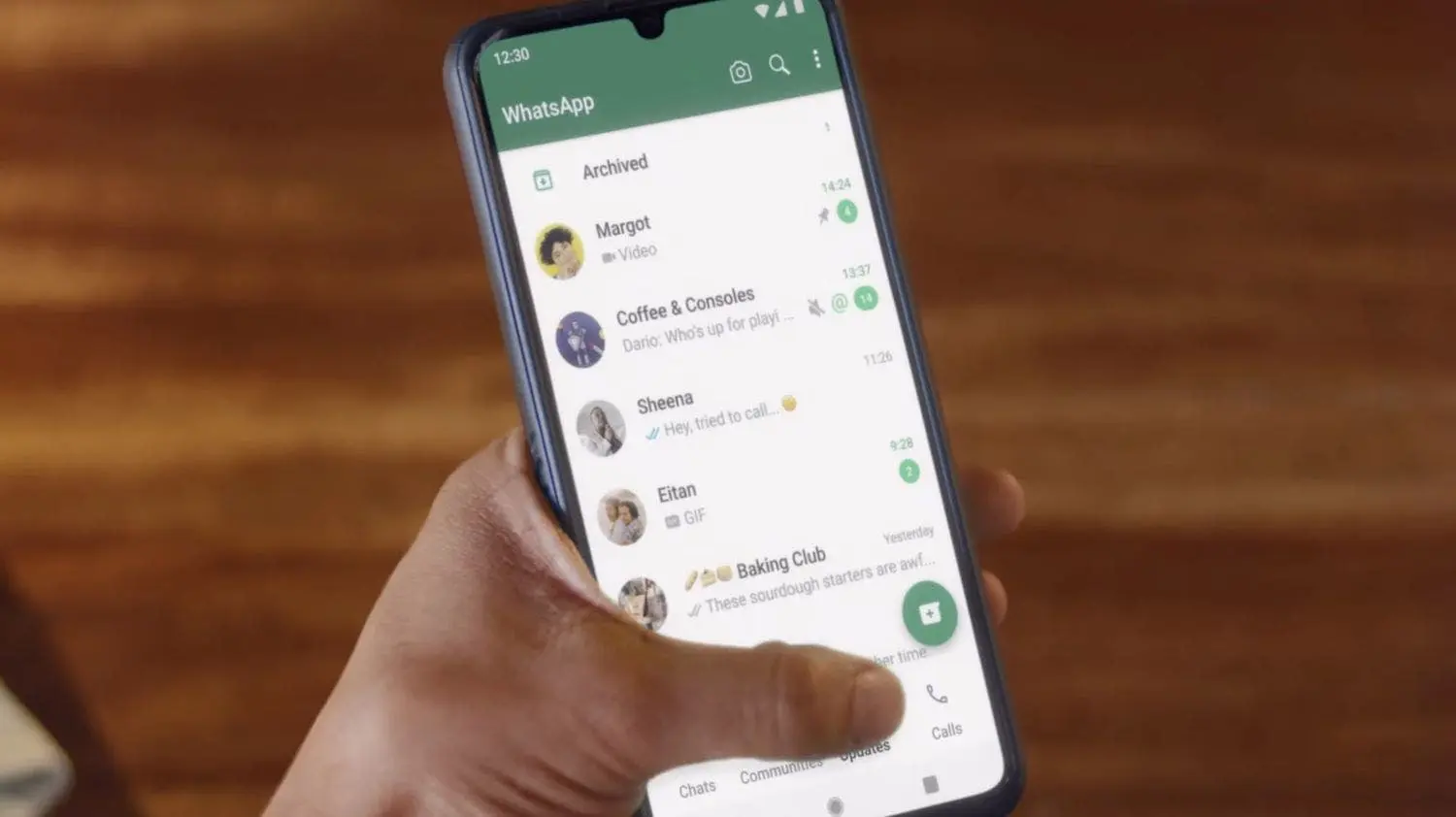
WhatsApp is where most of our daily talks happen. Chats with friends, work
updates, photos, and even bank alerts all go through it. This makes it a key
target for fraud or spying. Keeping it safe is not hard , but it does need
care. A few built-in tools can block most risks if turned on and used well.
Here are six key WhatsApp settings that help protect your account, with steps
to activate each one.

Two-step verification
Two-step verification slaps on a secret PIN you
need whenever your number pops up on a new device. Even if some rando grabs
your SMS code, they can't touch your account without that PIN. It's totally
separate from your phone unlock and layers on protection that's tough to crack.

Source: tripwire
To activate this feature , open WhatsApp and click on Settings. Then tap on
Account, and then tap Two-step verification. Make sure you click on Enable, and
then enter a solid and hard-to-guess six-digit PIN, and you're locked in. This
will make your account air tight to intruders
You can also add an email to reset the pin if forgotten. Once on, your
account has a strong extra lock, and you will receive reminders to enter your
pin occasionally, keeping it fresh in your memory.
Screen lock
With
this feature, you can lock your WhatsApp with your phone's face ID or
fingerprint lock and even if somebody snags your phone, they ain't getting into
your chats. Perfect for spots like the office or crib where peeps might grab
your device for a sec.

To
flip it on, jump into Settings, hit Privacy, then Screen lock. Switch it on and
pick how quick it locks after you bounce from the app—like right away, after a
minute, or 30 mins. Boom, now only your print or face unlocks it, so you chill
knowing your msgs stay locked down tight, even if the phone's open.
Last seen & online
Hiding your Last seen and Online
status keeps strangers from knowing when you are active. This stops them from
tracking your habits or using them in scams . It also gives you the freedom to
check messages or reply at your own pace without feeling watched.

Go to Settings,
tap Privacy, then Last seen & online. Pick My contacts to show only friends or Nobody to hide from all. This way,
strangers cannot see your activity, but friends can still chat with you. You
can also still see others’ last seen and online status if you choose, which
keeps your experience balanced and private.
Groups
Groups are a common source of spam. Some
unknown people add you to fake prize or ad groups. WhatsApp allows you to
control who can add you, giving you power over what appears in your chat list.

Open Settings,
tap Privacy, then Groups . Choose My contacts to allow only friends to add you, or My contacts except… to block certain
people. This simple step keeps spam and scams out of your chats . You will get
a request if someone not allowed tries to add you, so you can approve or ignore
it yourself.
Linked devices
WhatsApp Web and other linked tools are handy,
but old or shared devices may still have access to your account. Checking Linked devices helps you stay in
control. This is important if you ever logged in on a public computer or shared
tablet.

Go to Settings,
then Linked devices. Review all
signed-in devices and log out of any you do not know or no longer use. You can
also turn on alerts for new device links. This keeps your account secure and
not left open somewhere, preventing someone else from reading or sending
messages in your name.
Security notifications
Security notifications
ping you when a contact's security code switches up. Happens if they swap
phones or reinstall WhatsApp. Keeps you in the loop so you know your chats are
still fully encrypted, no doubts about your msgs staying private.
To turn it on, dip into
Settings, tap Security, and flip on Show security notifications. Once it's
live, WhatsApp hits you with alerts whenever a contact's encryption code
changes—gives you that extra control and heads-up on chat safety. Super easy
way to catch weird stuff fast and handle it.
Keep habits safe
Settings help, but your actions matter too.
Never share your SMS code or pin. WhatsApp will not ask for them. Avoid links
from unknown chats, and keep your app updated. Updates often fix bugs that
could be used by hackers.
With these six settings, your account is much
safer. Each takes just a few taps but blocks real threats . Turn them on today,
and keep your chats private , your data secure, and your mind at ease. Small
actions now can save you from big problems later.





Loading