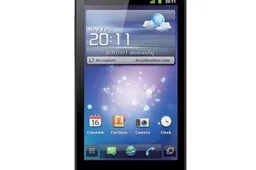
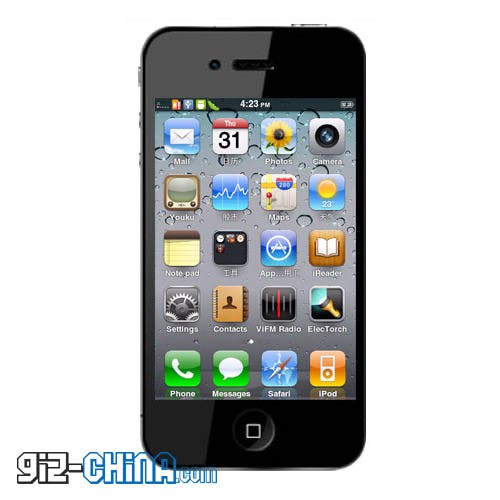
Like many excellent Android devices out there, the GooApple 3G is a fantastic phone, and great looking iPhone 4 knock-off, yet it does have a few bugs that need working out!
Follow these simple steps to update your GooApple 3G to the latest Android ROM, which includes bug fixes and has all the old Chinese only applications completely removed!
Strangely, although the new ROM is in English the updating process is still in Chinese, luckily it a simple process:
- First thing you will want to do is download the latest English only GooApple ROM, which you can do here.
- Power off your Gooapple 3G phone
- Keeping Press the "-" volume key, then press "power" key at same time for about 10 seconds, the screen will display Gooapple logo, and stop at there.
- Connect your Gooapple 3G phone with computer by USB cable.
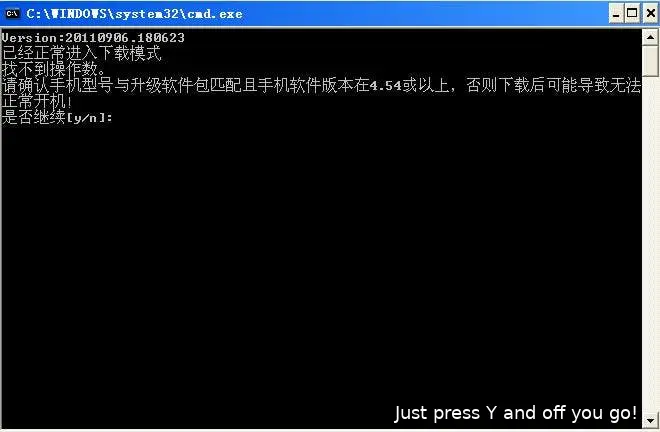
- Open the ApUpdate folder, and start update. Then the screen will display following window, and input "y". The phone will update in about 1-2 minutes. Don't unconnect the cable when it is updating.
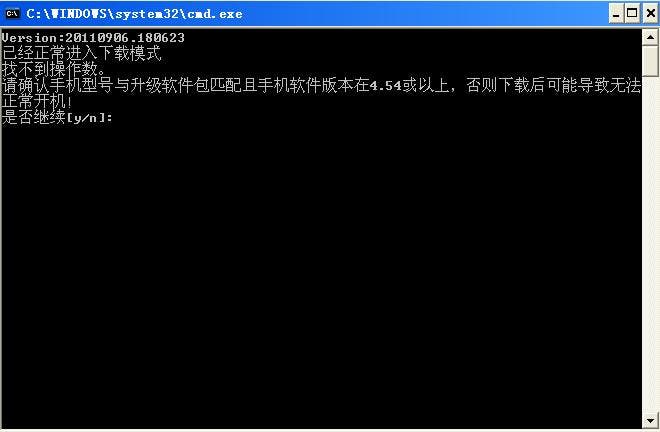
Now, enjoy your GooApple factory fresh in English without all the annoying bloatware!
Via: Android-sale
loading
Popular News
Latest News
Loading