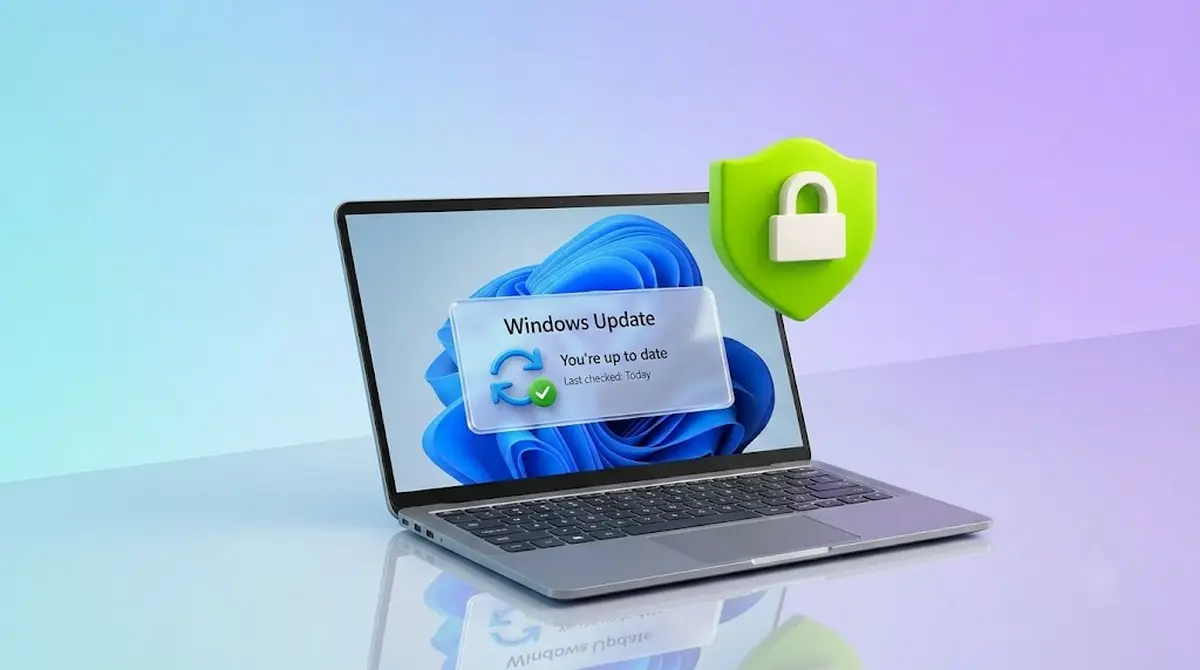
Microsoft is rewriting its security playbook. The company issued an urgent warning to IT admins and everyday users: do not delay critical Windows security updates for more than three days.
For decades, delaying updates was a smart way to avoid buggy software. However, Microsoft warns that hackers are now using advanced artificial intelligence. These AI tools can read security notes and build working attacks in just a few hours. Because of this, waiting weeks to patch your PC is no longer safe.
Why AI Makes Delayed Updates Dangerous in Windows
Historically, tech teams had weeks to test Windows updates before installing them. That safety window is gone. Now, when Microsoft discloses a software bug, bad actors feed those details into AI models. The AI quickly locates the weak point and writes code to exploit it. To protect users, Microsoft has drastically shortened its official update guidelines. They now recommend installing quality updates within three days, setting deadlines to a single day, and capping restart grace periods at two days.
Buggy Updates vs. Security Risks
This strict rule puts users in a tough spot. Windows updates are often unstable. For example, the June 2026 KB5094126 update caused several major issues:
- Office App Crashes: Word and Excel crashed when users tried to open them through third-party apps.
- Recycle Bin Glitches: The Recycle Bin displayed messy system codes (like $R4ABC12.docx) instead of normal file names.
- System Boot Failures: Some business laptops suffered Black Screen of Death (BSOD) errors and got stuck in BitLocker recovery loops.
Read also
Despite these irritating bugs, Microsoft insists that the danger of an unpatched computer is much greater than the annoyance of a buggy update. To keep up with this rapid threat cycle, Microsoft is using its own defensive AI, called the Multi-Model Agentic Scanning Harness (MDASH), to scan for bugs and write patches faster. Still, those patches only work if users actually install them.

For a visual breakdown of how recent buggy updates like KB5094126 can impact your system and how to roll them back if they break your PC, check out this helpful Windows 11 KB5094126 Update Bug Analysis video. This clip covers the major issues of the patch—including the Office crashes and BitLocker loops—and details what to do if you run into them.
Popular News


Latest News
Loading