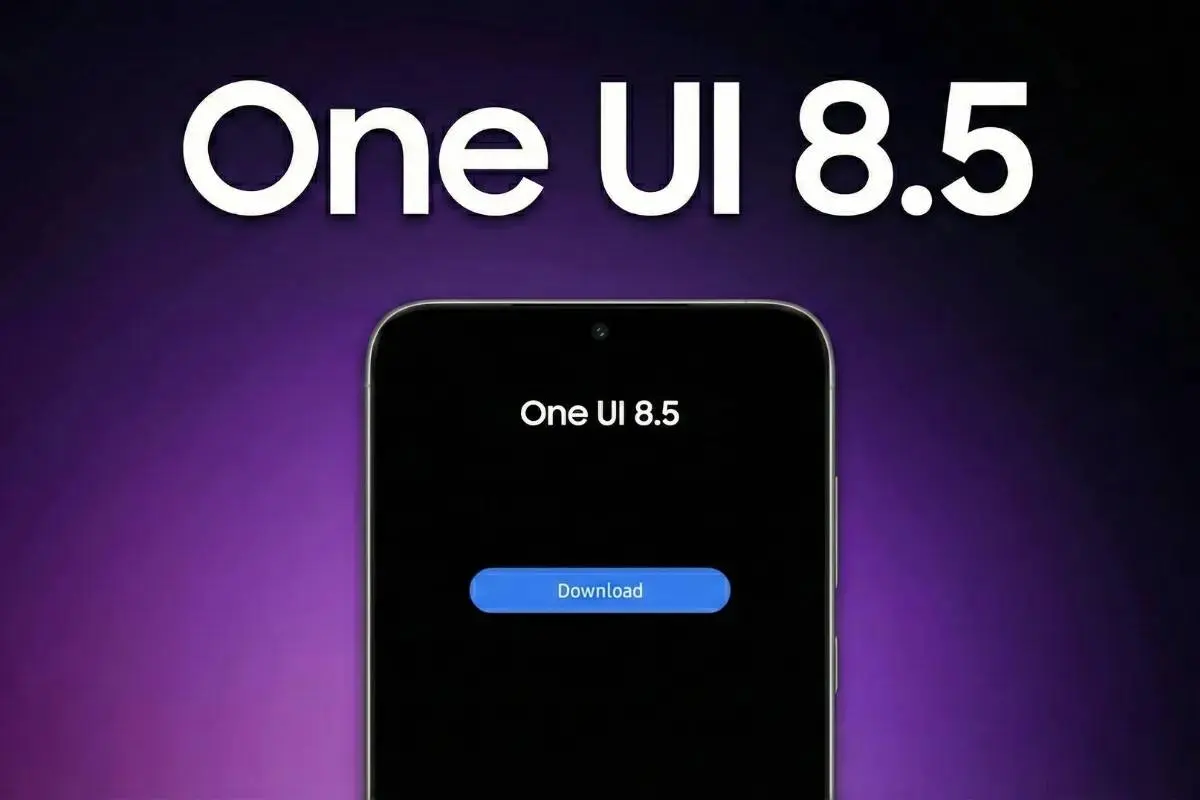
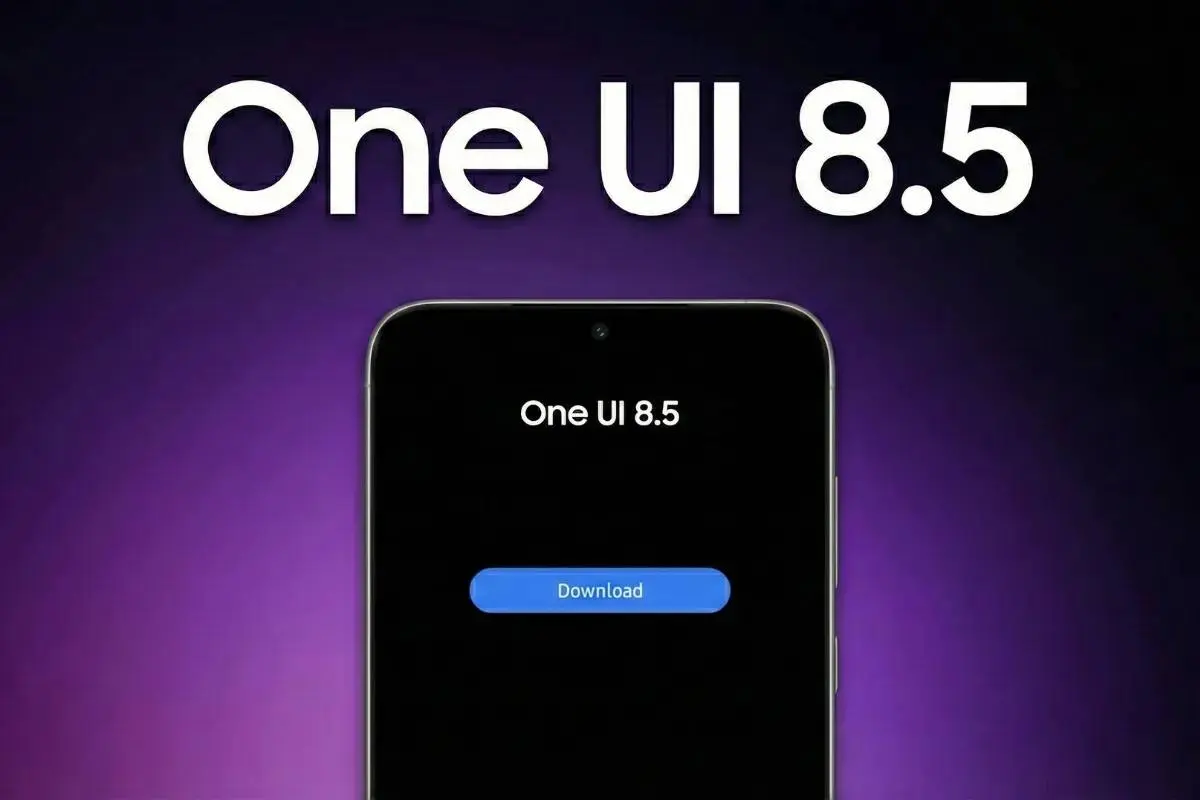
One UI 8.5 is almost here, and it's not the incremental update the version number might suggest. Dozens of Galaxy devices are in line for the upgrade, and the feature list is genuinely substantial. Here are the five changes that stand out most.

Key Points
- One UI 8.5 introduces Liquid Glass design language — transparent surfaces, floating navigation bars, and soft depth effects across Samsung's core apps
- Quick Panel gets its biggest customization update yet — resize tiles, change orientation, reposition sliders, or strip it back to near-empty
- AI calling features let the phone answer unknown calls automatically, transcribe voicemails in real time, and filter spam before you pick up
- Creative Studio is a new built-in hub for generative AI content — wallpapers, stickers, greeting cards, and profile cards from sketches, photos, or text
- Cross-platform file sharing now works directly with Apple devices via AirDrop, and Galaxy-to-Galaxy storage browsing arrives through the My Files app
Liquid Glass — Samsung's Answer to Apple's Design Shift
Yes, the inspiration is obvious. Apple's iOS 26 introduced Liquid Glass, and Samsung is following with its own take in One UI 8.5. Floating navigation bars, semi-transparent panels, blur layering, and soft shadow depth effects replace the flat rectangular interface One UI has used for years.

The implementation touches Settings, Dialer, Gallery, Calculator, and the system UI broadly. Notifications, widgets, and the control center also get a subtle glass treatment. It's a visual overhaul that makes One UI feel more cohesive and modern — borrowed or not, it's an improvement.
Quick Panel That Finally Bends to You
Samsung's Quick Settings Panel has always been functional but rigid. One UI 8.5 breaks that open entirely. Tiles can be moved, resized, and reoriented freely. Brightness and volume sliders toggle between horizontal and portrait layouts. You can remove everything for a nearly blank panel or build something dense with controls. A one-tap reset to default stops customization from becoming chaos.

This is the level of control Android power users have wanted from Samsung for years.
AI Calls That Work Without You
The auto-answer AI feature is the most practically useful addition in this list. When an unknown or suspected spam call comes in, One UI 8.5 can intercept it — the AI asks the caller's purpose, generates a live transcript on screen, and lets you decide whether to answer or mark it as spam. No more interrupting what you're doing to decline robocalls manually.

The same system handles voicemail directly on the device rather than through a carrier server. You watch the transcript appear in real time as the message records. During live calls, real-time captions help in loud environments. The Now Bar also adds a missed call counter that's visible without unlocking the phone.
Creative Studio Centralizes AI Image Generation
Instead of scattering generative AI tools across different apps, Samsung built Creative Studio as a single destination. Wallpapers, stickers, invitations, greeting cards, and profile cards are all generated here — from text prompts, existing photos, or hand-drawn sketches. Multiple aspect ratios and art styles including Childhood Sketch, Marker Drawing, and Oil Painting are supported.

It's a cleaner approach than the fragmented Galaxy AI features that arrived piecemeal over the past two years.
AirDrop Compatibility Is the Cross-Platform Win
Samsung adding a "Share with Apple devices" option directly in the Quick Settings menu is a quiet but significant move. High-speed AirDrop transfers to iPhones, iPads, and Macs without third-party apps removes one of the most persistent friction points for mixed-ecosystem households.

The Galaxy-to-Galaxy storage sharing through My Files is equally useful. Browse your tablet's photos and documents directly from your phone — no cables, no cloud sync required — as long as both devices share a Samsung account.
Popular News
Latest News
Loading