Xiaomi Releases Android 17 Beta With HyperOS 3.3 — Four Devices Eligible Right Now
Xiaomi NewsSaturday, 02 May 2026 at 11:28
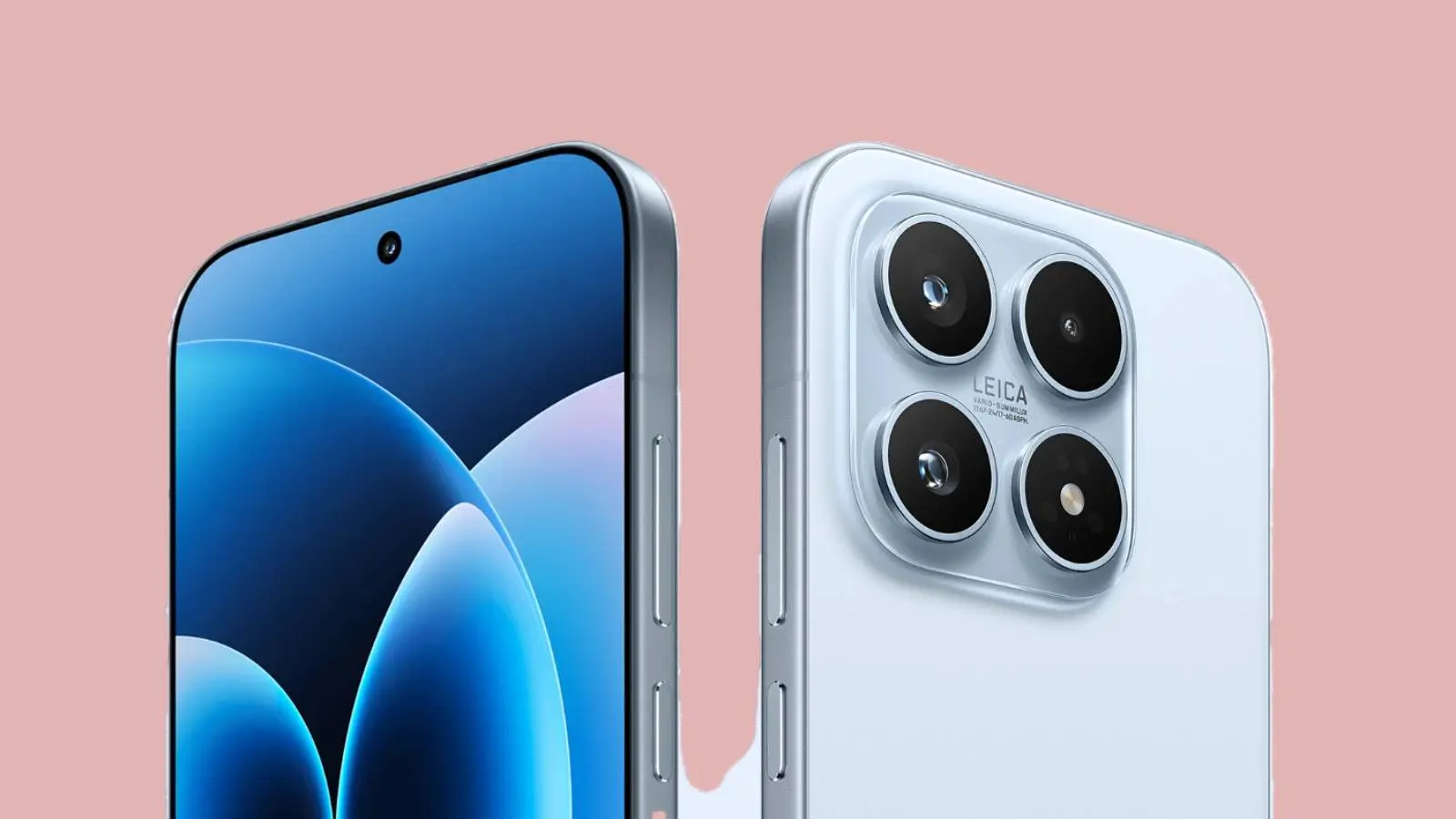
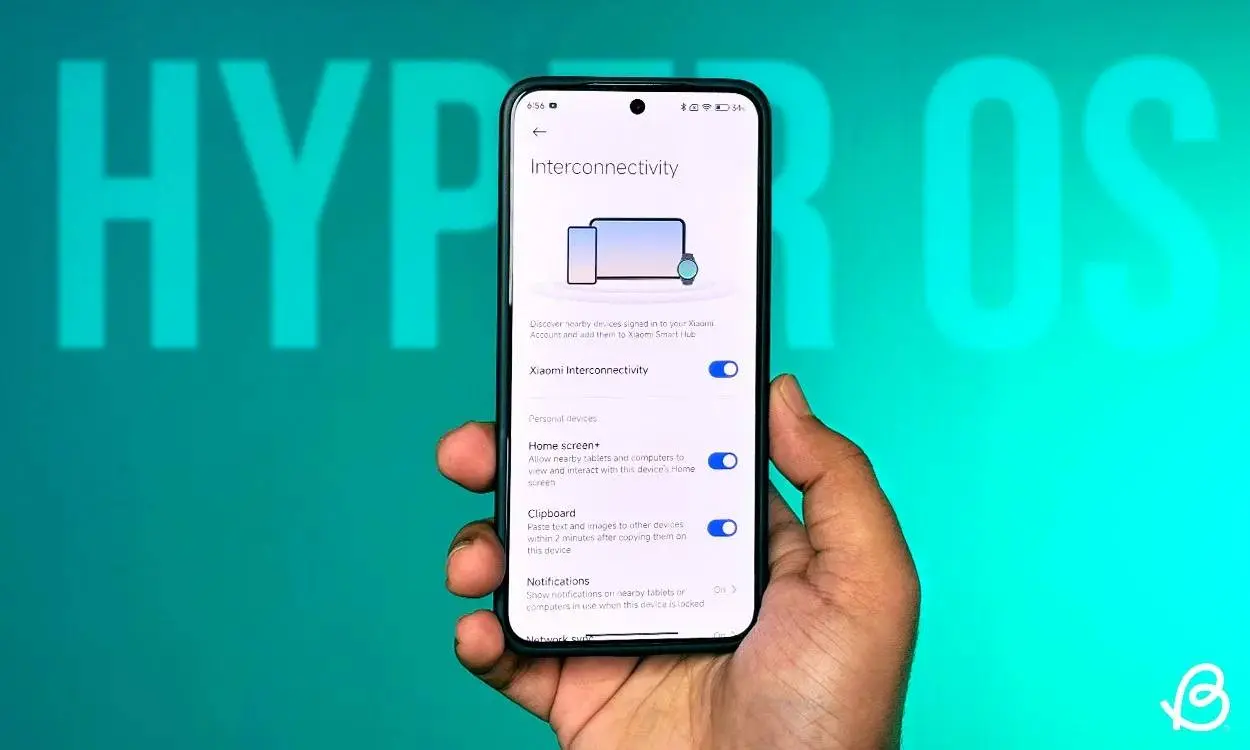
Xiaomi just opened its Android 17 Developer Preview program, and it comes with a surprise: the build ships with HyperOS 3.3, skipping HyperOS 3.2 entirely. That version jump suggests Xiaomi is sticking with the HyperOS 3 generation for Android 17 rather than jumping to HyperOS 4.

Four devices are eligible right now. If you're on anything else, broader rollout is coming later.
Key Points
- Android 17 Developer Preview is live for Xiaomi 17, Xiaomi 17 Ultra, Leica Leitzphone powered by Xiaomi, and Xiaomi 15T Pro — global variants only
- The build ships with HyperOS 3.3, skipping HyperOS 3.2 — Xiaomi appears to be pairing Android 17 with HyperOS 3.3 rather than jumping to HyperOS 4
- Developer Preview builds contain bugs and unfinished features — install on a secondary device if possible and back up data before proceeding
- Each device requires a specific minimum firmware version before the beta can be installed — check your current build before downloading
- Fallback firmware files are available for all four devices if you need to roll back — rollback will result in data loss, so back up first
What HyperOS 3.3 Skipping 3.2 Actually Means
Xiaomi's version numbering rarely skips increments without reason. HyperOS 3.2 was expected as the logical next step — going straight to 3.3 alongside Android 17 suggests a more substantial update than a typical point release. Whether 3.2 surfaces later as a minor stable patch or gets absorbed into 3.3 entirely isn't clear yet. What's confirmed is that Android 17 on Xiaomi devices will carry the HyperOS 3.3 label when it eventually reaches stable release.

Required Firmware Before Installing
Each device needs to be on a specific stable build before the beta will install correctly. Check Settings > About Phone before downloading anything.
- Xiaomi 17 requires OS3.0.301.0.WPCMIXM.
- Xiaomi 17 Ultra requires OS3.0.9.0.WPAMIXM.
- Leica Leitzphone powered by Xiaomi requires OS3.0.9.0.WPAMIXM.
- Xiaomi 15T Pro requires OS3.0.11.0.WOSMIXM.
If your device is on an older build, update to stable first via Settings > Software Update before proceeding.
How to Install the Android 17 Beta
Make sure your battery is at least 40% charged and you have at least 10GB of free internal storage before starting. The installation takes longer than a standard OTA update.
- Step 1: Download the correct beta ZIP file for your device from Xiaomi's CDN servers. Each device has its own package — do not mix them up.
- Step 2: Copy the downloaded ZIP file to your phone's internal storage root if it didn't download there directly.
- Step 3: Go to Settings, then About Phone, then tap the Xiaomi HyperOS logo at the top of the page.
- Step 4: Tap "Xiaomi HyperOS" at the top ten times in quick succession. A hidden menu appears.
- Step 5: Tap the three-dot icon in the top-right corner and select "Choose update package."
- Step 6: Navigate to and select the ZIP file you downloaded. Confirm and let the installation complete — this will take several minutes.
Rolling Back If Something Goes Wrong
Fallback firmware files are available for all four devices. The rollback process uses the same steps above but with the stable ZIP instead of the beta. Be warned — rolling back will wipe data. Back up everything to cloud storage or another device before installing the beta in the first place.
Fallback firmware files:
- Xiaomi 17 (OS3.0.301.0.WPCMIXM): Download link
- Xiaomi 17 Ultra (OS3.0.9.0.WPAMIXM): Download link
- Leica Leitzphone powered by Xiaomi (OS3.0.9.0.WPAMIXM): Download link
- Xiaomi 15T Pro (OS3.0.11.0.WOSMIXM): Download link
This is a Developer Preview. Bugs, app compatibility issues, and unfinished features are expected. Don't install this as your daily driver unless you're comfortable troubleshooting.
Popular News


Latest News
Loading