Windows tips

Building a Senior-Friendly Computer: Simple Customizations for Better Usability
Make Windows more accessible to seniors by adjusting text size, screen resolution, and navigation features! Create a Senior-Friendly Computer.
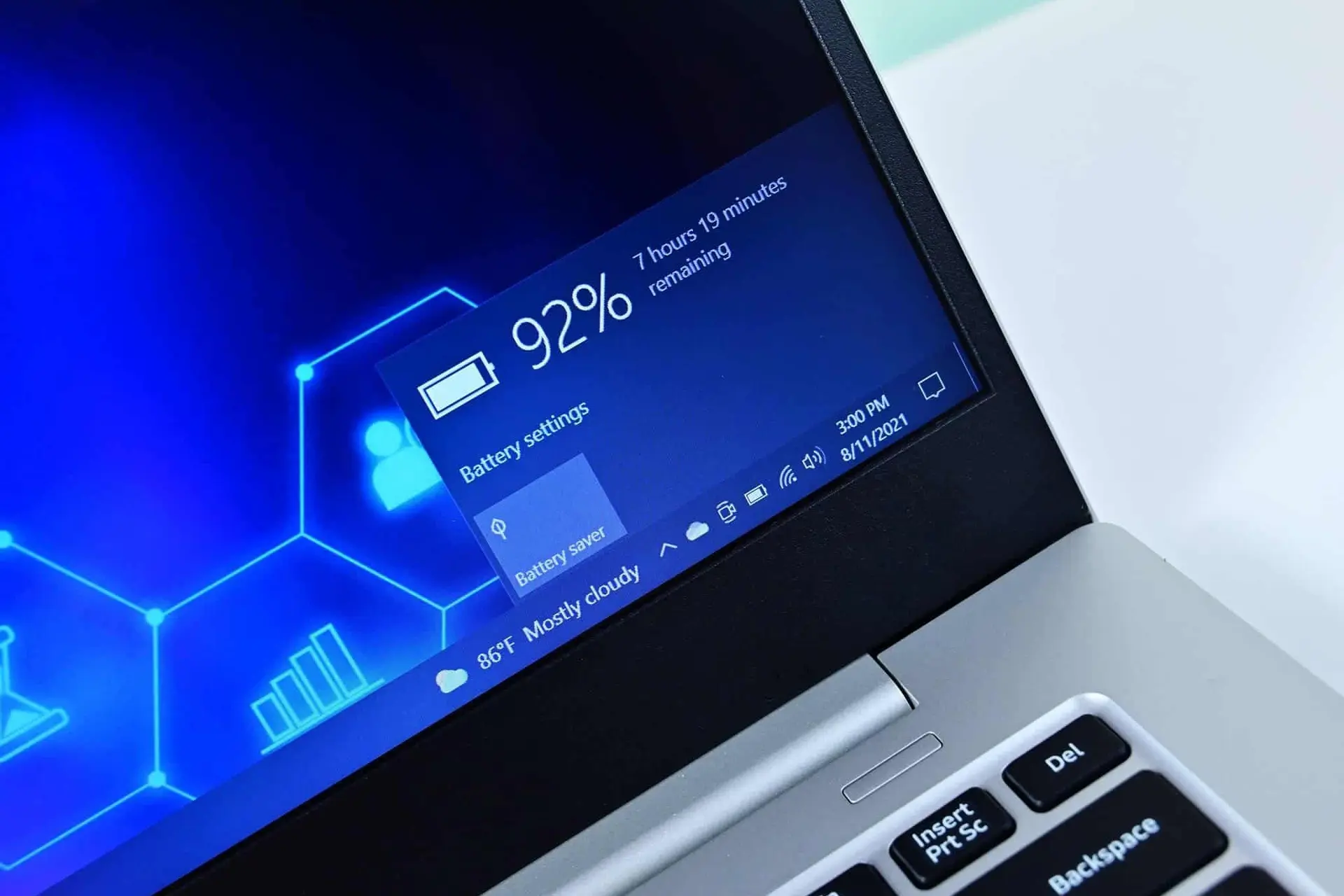
Best settings on a Windows PC for improved battery life
Essential settings to change on your Windows PC to maximize battery life. Learn how to generate battery reports, adjust power settings etc.
Essential Windows Run Commands for Power Users
Tired of navigating through Windows' complex maze to find essential tools? Windows Run commands offer a swift escape. Imagine instantly accessing settings, troubleshooting tools, or system information...

Handy Windows Shortcuts for Gaming on PC
From fullscreen freedom to seamless window management, these Windows shortcuts are must-knows for every gamer. Level up your gaming now!
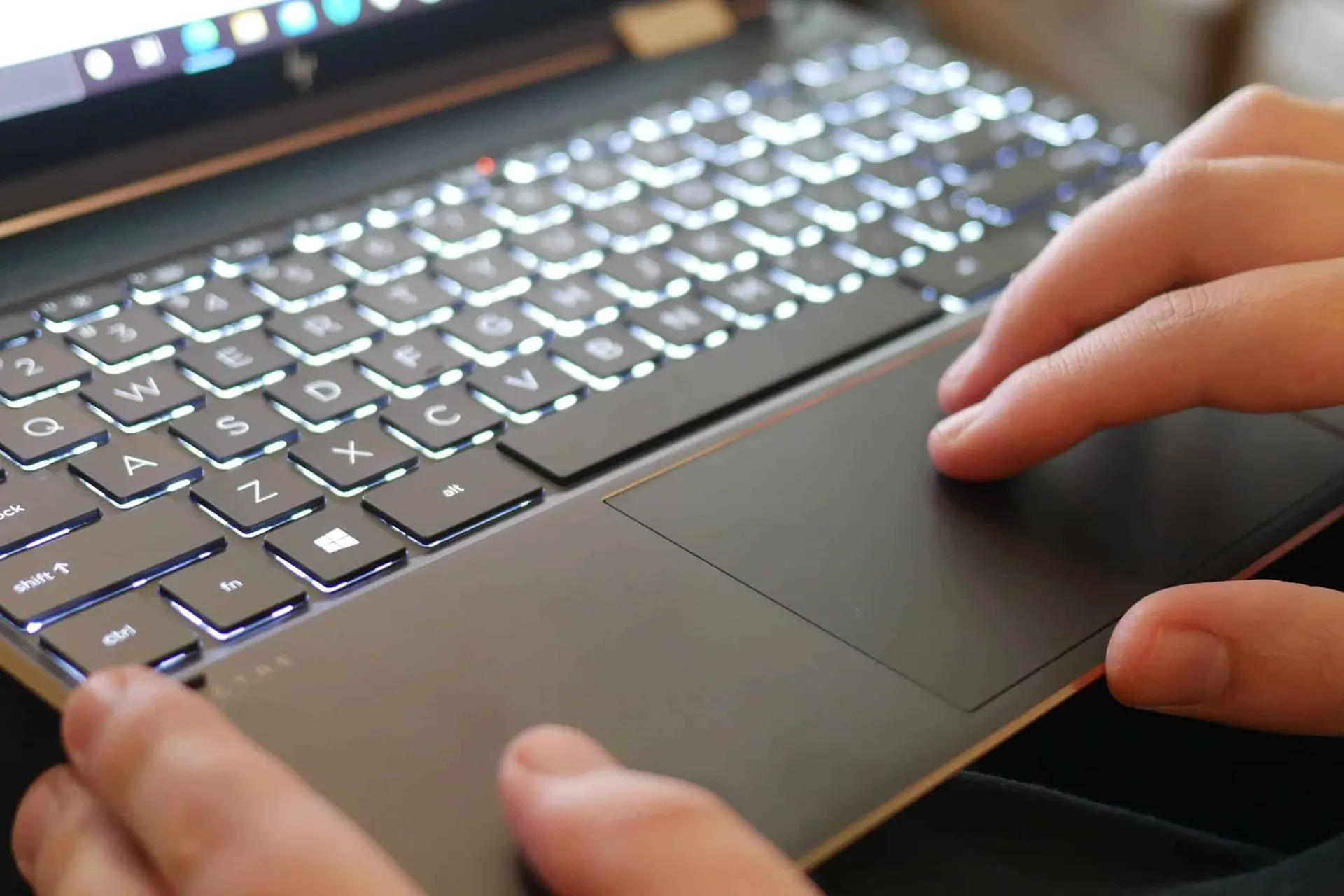
Boost Your Productivity: Master These 9 Windows Touchpad Tricks
Learn how to master the Precision Touchpad gesture on Windows 11 laptops with these 9 techniques. From switching between tasks and desktops

The Ultimate Guide to Cleaning and Speeding Up Your Windows PC
Effective tips to clean up and speed up your Windows PC. From restarting your PC to managing startup programs, enhance performance...

How To Recover Data That You Deleted From Windows Recycle Bin
Discover effective methods to recover deleted files from Windows Recycle Bin after emptying them. Take control of your lost data