Microsoft Tests New Feature to Resume Android Apps on Windows 11
windowsTuesday, 21 October 2025 at 09:48
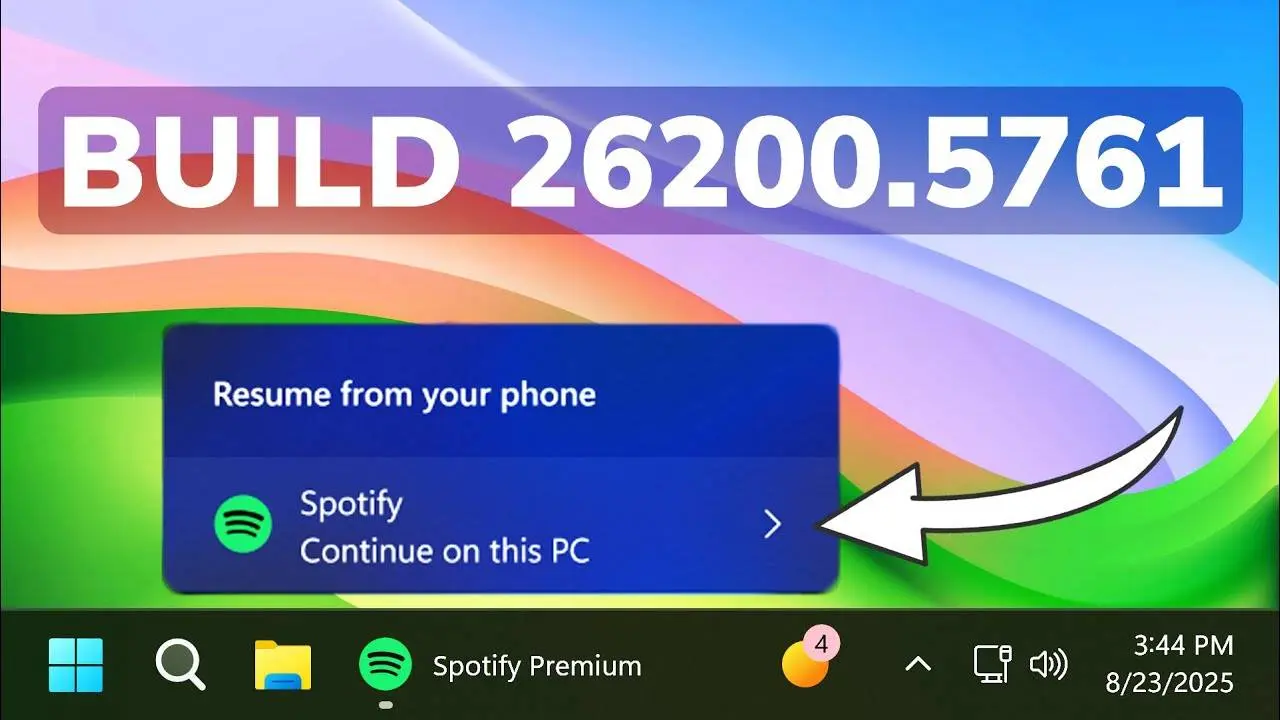
Microsoft is working on a new Windows 11 feature that lets you pick up your Android apps right from your PC. This new feature will enhance seamless continuation of work on either device. The update is rolling out slowly to Windows Insiders in the Dev and Beta Channels. For now, it only works with the Spotify app.
How to Try Resumption of Android Apps on Windows

To try it, you need to link your Android phone to your Windows 11 PC. After that, open a song on Spotify from your phone. You’ll then see a “Resume from your phone” notification on Windows, showing the Spotify icon and a “Continue on this PC” option.
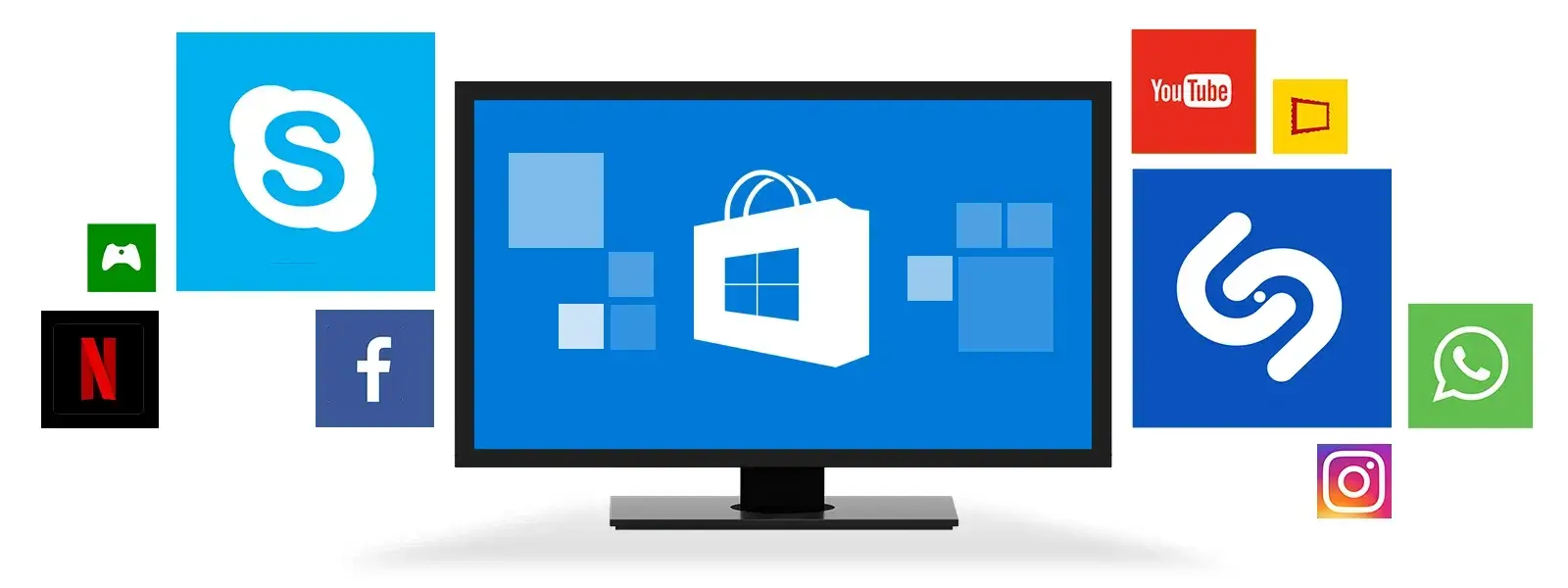
When you tap the notification, your PC will open Spotify’s desktop app. If you don’t have it installed, Windows will ask you to download it. The song you started on your phone will continue playing on your computer without interruption.
Resuming Android Apps on Windows: Inspired by Apple?
Microsoft first showed off this feature in a Build 2025 demo, though the video was later removed. The feature looks a lot like Apple’s Handoff, which lets you switch tasks between a Mac, iPhone, iPad, or Apple Watch.
Conclusion

Microsoft is determined to make Windows as efficient as possible by deeply integrating with the Android operating system. This will help the company stay ahead of competitors like Apple, a company that makes everything from smartphones, computers, to operating systems. As far as numbers are concerned, Microsoft still has the edge, and this feature has the potential to give Microsoft an extra grip on the market.
It’s not clear yet how Microsoft will expand this feature. But it could be useful for more than music. Imagine starting an article or an email on your phone and then finishing it on your PC with one click.
Popular News

Latest News
Loading