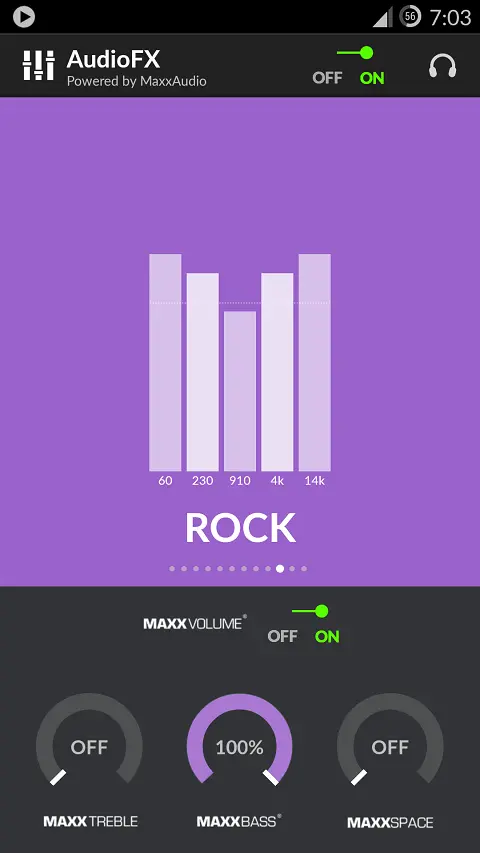
The chaps at over on the XDA forums have managed to remove the Maxx Audio application and libraries from the OPO meaning you can try it on your Android phone.
Obviously Oppo and OnePlus don’t really want other Android phones to get the benefit of Maxx Audio, but with some clever hacking XDA forum user Soralz has managed to extract the components you need to try it out on your phone.
So far Maxx Audio partially works with phones running CM11 and CM12, but there is a chance that it will also work on other Android device too.
To install you will need to have rooted your phone first then it’s a simple process of moving the libraries to the relevant folders in the ROOT of your phone and installing the .apk.
I’m certainly planning to test this one out how about you? If you do try Maxx Audio on your phone let us know how it worked for you (list the make/model of your phone with install details if you did something different).
[ XDA via GizChina.it ]
Popular News

Latest News
Loading