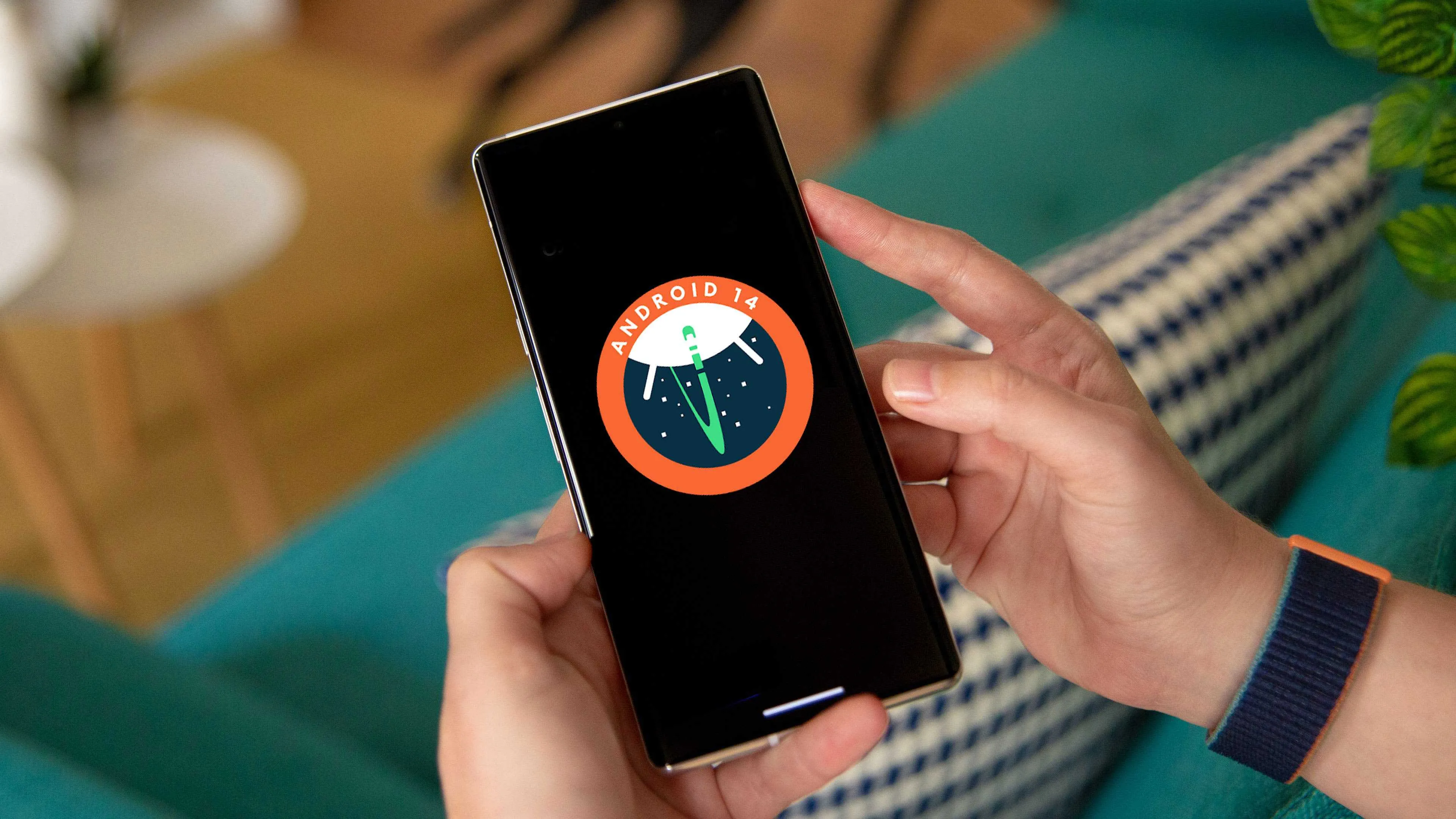
Unveiling the Upcoming Features of Android 14

Changing the Aspect Ratio for Specific Apps
Introducing the Webcam Feature in Android 14

Exploring Battery Insights

Fresh Clock Option for Lock Screen
Diverse Live Wallpapers for Individual Sections
'App Pair': Android 14's Resemblance to Windows
Weather at Your Fingertips: Clock App's New Feature

The best current features of Android 14

Enhanced customization
Lockscreen customization: Android 14 elevates your lockscreen experience with a variety of personalization options. Choose from a selection of captivating clock styles, add convenient app shortcuts for quick access, and apply a monochromatic theme for a sleek and sophisticated look. You can even create parallax effect wallpapers using your own photos, design cartoon-style wallpapers with your favorite emojis, or unleash your creativity with generative AI wallpapers based on text prompts.
Larger fonts and smarter scaling: For users who prefer larger text for improved readability, Android 14 introduces the ability to scale text up to 200%, surpassing the previous limit of 130%. To prevent text from becoming excessively large, Android 14 employs a non-linear font scaling curve, ensuring that text sizes remain proportional and aesthetically pleasing.
App Pair saves: Android 14 introduces the ability to save frequently used app combinations, known as App Pairs, for quick and convenient access. Once you've paired two apps that you often use together, you can easily launch them side-by-side in split-screen mode with a single tap.
Regional Preferences: Catering to a global audience, Android 14 allows users to set regional preferences that tailor the device experience to their specific location. This includes options for customizing the date and time format, currency display, and language settings.
Predictive Back Gestures: Android 14 enhances navigation with predictive back gestures, anticipating your intention to return to the previous screen. As you swipe from the edge of the screen, Android 14 intelligently predicts which app you want to go back to, making navigation more intuitive and seamless.
Improved privacy and security
Photo Picker: Apps now seek your permission before accessing specific photos or videos, replacing the previous practice of requesting access to your entire media library. This granular approach enhances privacy by granting apps only the necessary access to specific media files, safeguarding your personal photos and videos.
Protected PIN: Security takes a leap forward with the introduction of Protected PIN, a separate PIN specifically for apps. This feature adds an extra layer of protection to sensitive apps, such as banking or messaging apps, by requiring a distinct PIN to access them.
Data Protection: Android 14 empowers users with more control over app data permissions, allowing you to restrict access to sensitive information such as location, contacts, and call history. This granular control ensures that apps only access the data they need to function, minimizing the potential for data misuse.
App Update Ownership: To streamline app updates and enhance security, Android 14 introduces the concept of App Update Ownership. This feature allows app developers to designate a specific app store, such as Google Play, as the sole source of automatic updates for their app. This ensures that users receive only authorized updates from trusted sources, minimizing the risk of security vulnerabilities.
Advanced Memory Protection: For devices with Armv9 silicon, Android 14 introduces advanced memory protection mechanisms to safeguard against potential exploits. These protections help prevent unauthorized access to sensitive data and memory areas, further strengthening the overall security posture of the device.
Enhanced accessibility
Notification Flashes: Android 14 caters to users with hearing impairments by introducing Notification Flashes. A feature that complements audible notifications with visual alerts. When a notification arrives, your phone's LED light will flash, providing an additional way to stay informed without relying solely on sound.
Better Hearing Aid Support: Android 14 demonstrates a commitment to accessibility by introducing new settings specifically designed to optimize the audio experience for hearing aid users. These settings allow for fine-tuning of audio parameters, ensuring that hearing aid users can enjoy clear and well-balanced sound.
Non-linear Font Scaling: To ensure optimal readability for users with vision impairments, Android 14 employs a non-linear font scaling curve. This curve ensures that text sizes remain proportional and aesthetically pleasing across the entire scaling range. Preventing text from becoming overly large or disproportionately sized.
Better Support for Large Screens: Android 14 optimizes the user experience for devices with larger screens. Adapting the layout and interface elements to ensure comfortable viewing and interaction. This includes adjustments to touch targets, text sizes, and overall layout to accommodate larger displays.
General quality-of-life improvements
Camera and Battery Life Improvements: Android 14 prioritizes user experience by introducing optimizations for both camera performance and battery life. Camera enhancements include improved image processing and reduced post-processing time, resulting in faster capture speeds and higher quality images. Battery life optimizations include refined power management techniques and intelligent background activity management. Ensuring that your phone stays powered throughout the day.
Magic Compose: Communication takes an innovative turn with Magic Compose. It's a feature that enables users to compose text messages using voice commands. Simply speak your message, and Android 14 will automatically transcribe it into text. Allowing you to send messages hands-free or while on the go.
Health Connect: Health enthusiasts rejoice! Health Connect streamlines the process of tracking and managing your health data by centralizing it from various sources, including wearable devices, fitness apps, and medical records. With Health Connect, you can easily access and analyze your health data to gain valuable insights into your overall well-being.
Improved Share Options: Sharing content becomes more versatile with Android 14's enhanced share options. You can now share specific text excerpts from apps, allowing for more precise and context-aware sharing of information. Additionally, sharing to nearby devices becomes more seamless with improved device detection and connectivity.
Restricting Photo and Video Access: Android 14 empowers users to restrict access to specific photos and videos. Preventing apps from accessing unauthorized media content. This feature provides granular control over data access. Ensuring that apps only have access to the media files they need to function.
Developer Enhancements: Android 14 introduces a range of developer enhancements, including new APIs, tools, and libraries, to streamline app development and optimize performance. These enhancements empower developers to create more innovative and engaging apps for the Android platform.


Loading