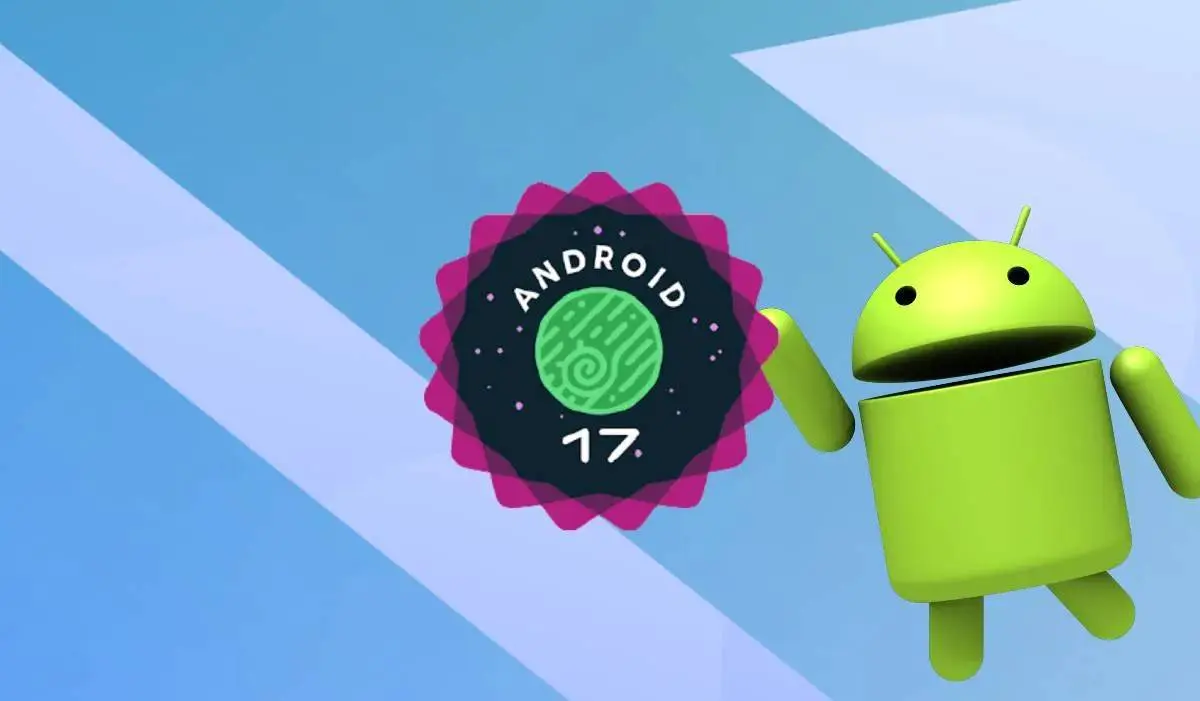
Google has officially released the stable build of Android 17, and it's rolling out right now to Pixel devices going all the way back to the Pixel 6. The June 2026 Pixel Drop is bundled into the same package, so this is a big update — months of beta work landing on your phone at once. Four major beta builds, one bug-fix drop, and now the real thing. Go to Settings > System > System Update to grab it manually if you don't want to wait.

Summary
- Android 17 stable is rolling out to 21 Pixel devices, from the Pixel 6 through the Pixel 10 Pro Fold and 10a, all at once.
- Bubbles is the headline multitasking feature, turning nearly any app into a floating window accessible system-wide.
- Gemini Intelligence is confirmed for Android 17 but is not included in today's rollout — it arrives later this summer on "select advanced devices" only.
- The Pixel 6 and Pixel 6 Pro are receiving Android 17, but this is their final major update — Google's extended support window closes in October 2026.
- New AI features include Lyria 3 for AI music generation, Gemini Omni for text-to-video (Pro subscription required), and Screen Reactions for instant reaction videos.
The One Catch: Gemini Intelligence Isn't Here Yet
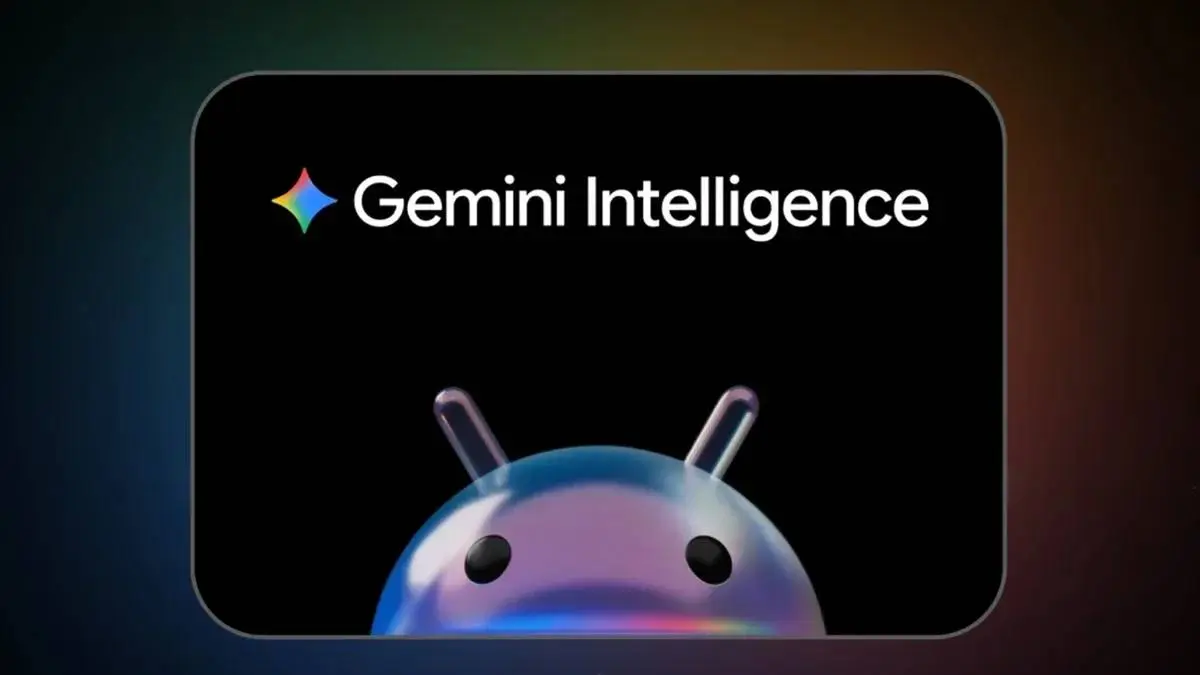
Before getting into what Android 17 actually delivers, let's address what it doesn't. Gemini Intelligence — the agentic AI layer that was heavily promoted at Google I/O 2026 — is not part of today's stable release. Google confirmed it will reach qualifying devices later this summer, and the "qualifying" part matters. It requires Gemini Nano v3 hardware, which excludes most existing Pixel flagships. If you were holding out for that feature specifically, you'll be waiting a bit longer and may need newer hardware anyway.
Everything else, though, is live now.
Bubbles: The Feature Android Should Have Had Years Ago
The most practically useful addition in Android 17 is Bubbles — and frankly, it's overdue. Previously limited to messaging apps, it now works with almost any application. Long-press an app icon, select Bubble, and it floats as a compact overlay you can access while using something else entirely. Maps, notes, a browser tab, a score tracker — anything. On tablets and foldables there's a dedicated Bubble Bar in the bottom-right corner that keeps everything organized and accessible without cluttering the screen.
"Bubbles in Android 17 is what split-screen always tried to be — lightweight, fast, and actually usable with one hand while your other app stays in focus."
AI Features: Music, Video, and Your Own Face on Screen
The AI bundle in this update is genuinely interesting. Lyria 3 generates original music from a text or image prompt, with controls for vocals, style, and tempo. Gemini Omni lets Gemini Pro subscribers turn a text prompt into a custom video clip. Screen Reactions is the one I suspect most people will actually use — it records your screen and your selfie camera simultaneously, cuts out the background without a green screen, and overlays your face directly on the recording. Useful for reviews, tutorials, reaction content. No third-party app needed.
Voice Translate is now available on the Pixel 10a. Conversational editing in Google Photos is expanding, letting you describe what you want changed and Gemini handles it. Magic Cue arrives on more apps. Call Screen expands to India. It's a solid cluster of additions.

Security Gets Serious
Android 17 introduces temporary location permissions — apps get access to your precise location for a session, then it expires. The same logic applies to contacts: apps can see specific contacts you choose, with no visibility into subsequent changes. Find Hub gains a "Mark as Lost" feature that locks a missing phone behind biometrics, so a thief who knows your PIN still can't get in. Live Threat Detection for blocking scams and suspicious apps is strengthened across the board.
Continue On, Foldable Gaming, and Everything Else
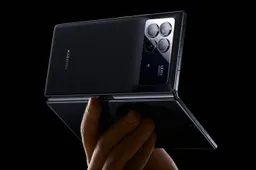
The Continue On feature — which lets you pick up an app exactly where you left it on a different device — made it into the final stable build. Foldable gaming mode splits the screen 50/50 with the game on top and a dynamic gamepad below; it's enabled now but device support rolls out over the coming months. Native controller remapping for external controllers is also in. Under the hood, Android 17 introduces per-app memory limits to stop RAM-hungry apps from degrading battery life and overall performance.
For other Android OEMs, the source code is being pushed to AOSP simultaneously — so expect manufacturer-specific rollouts to begin in the months ahead.
Popular News

Latest News
Loading