Wear OS 7 Is Officially Rolling Out to Pixel Watch 2, 3, and 4
WearablesWednesday, 17 June 2026 at 09:21
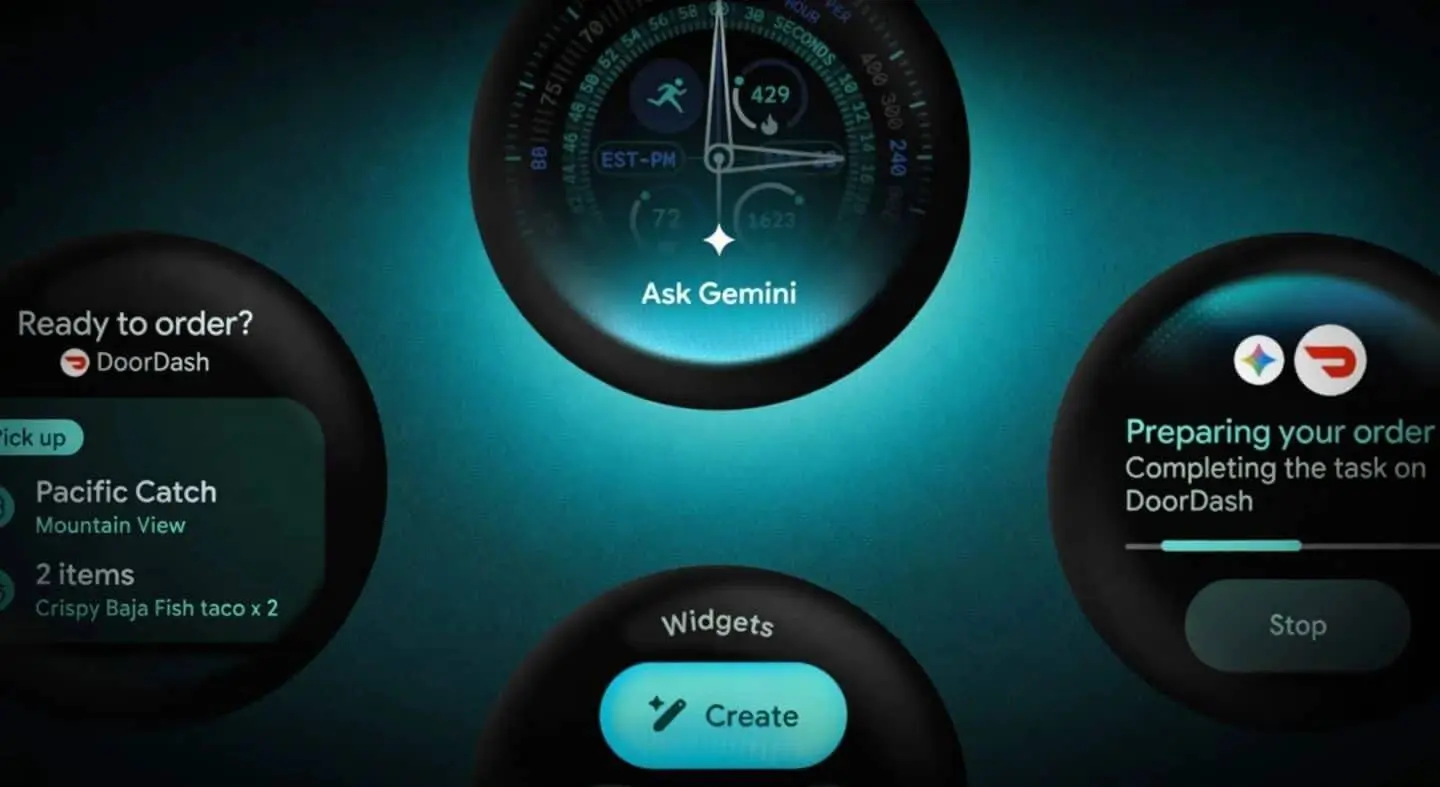
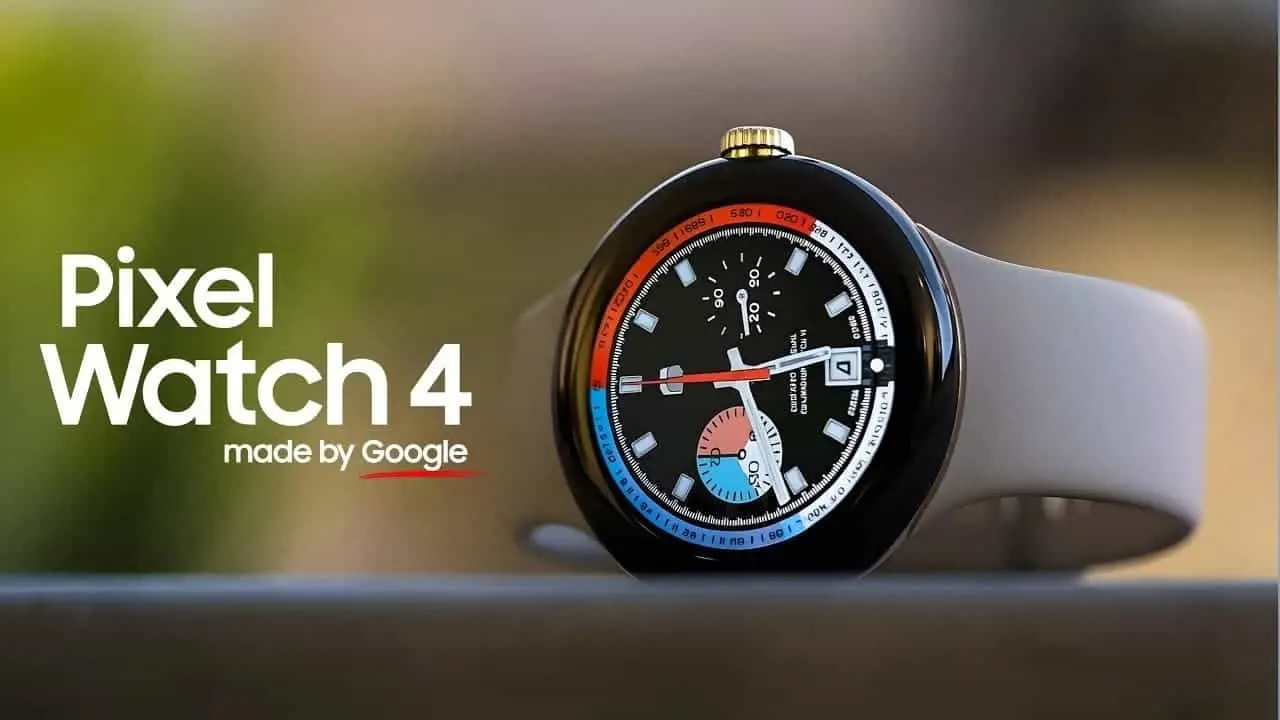
Google has officially kicked off the Wear OS 7 rollout for the Pixel Watch 2, Pixel Watch 3, and Pixel Watch 4. The update — build CP2A.260603.001, based on Android 17 — started going out on June 16 and covers both the Wi-Fi/Bluetooth and LTE variants of all three models. If you're still rocking the original Pixel Watch, though, you're out of luck. It's reached end of life and won't be getting this update.

Summary
- Wear OS 7 (build CP2A.260603.001, Android 17) is now rolling out to Pixel Watch 2, 3, and 4 — original Pixel Watch is excluded.
- Battery life improves by up to 10% over Wear OS 6 through software-level power optimizations alone, no new hardware needed.
- Wear Tiles are being sunset; Wear Widgets replace them with a more flexible, two-size dynamic system.
- Live Updates bring real-time data — scores, food delivery, ride status — directly to the watch face and complications.
- Gemini Intelligence is confirmed for the platform but arrives later this year, not with this initial rollout.
A Big Update With One Big Caveat
The headline number is the 10% battery life improvement, and to Google's credit, that figure applies to average users upgrading from Wear OS 6 to Wear OS 7 — achieved entirely through software optimization, not new hardware. That's meaningful on a platform where battery life has always been a pressure point. But here's the catch: if you're a heavy user — top 10% by wear time — your mileage will vary. Google's own data was collected across the broader user base, not power users running always-on displays and continuous GPS.

The other headline feature is Live Updates. You can now track live updates like game scores or food orders right on your wrist — surfaced directly on the watch face and complications from supported apps. It's a practical addition, the kind of thing that actually changes how often you reach for your wrist instead of your phone.
Read also
Tiles Are Dead. Widgets Are In.
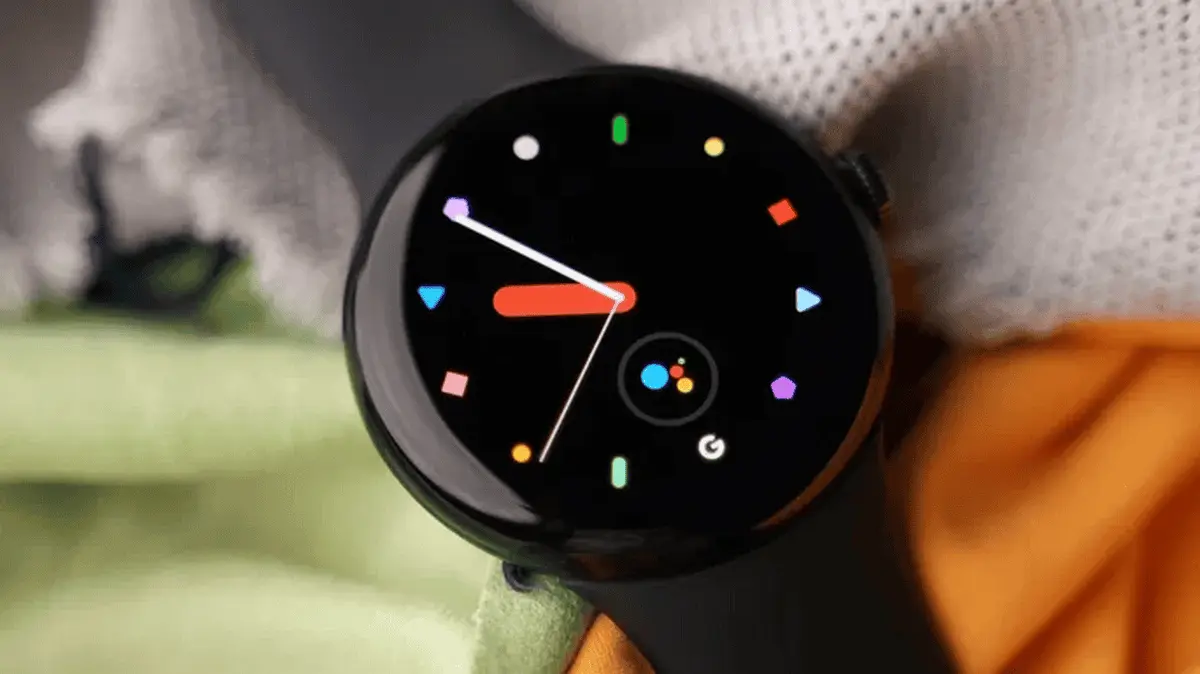
Wear OS 7 includes a new UI design, Gemini Intelligence, Live Updates, longer battery life, custom widgets, and the sunsetting of Tiles. That last part is worth pausing on. Tiles have been a core part of Wear OS since the beginning — swipeable panels of glanceable info. Widgets replace them with a more dynamic, two-size system that's reportedly more flexible for developers. Whether users warm to the change remains to be seen, but Google is clearly committed to the shift.
"The original Pixel Watch has reached its end of life and won't receive Wear OS 7 — a fact Google hasn't exactly advertised loudly alongside the rollout announcement."
Remote Media Routing lets users manage audio and video output devices from their paired Android phone using their Wear OS watch, allowing quick switching between outputs such as Google Cast devices, Bluetooth headphones, and other smart displays and speakers directly from the wrist. Per-app media auto-launch controls round out the audio improvements. It's a genuinely useful cluster of features for anyone who bounces between speakers and headphones throughout the day.

Gemini Intelligence: Not Yet, But Coming
I suppose the disappointment here for early adopters is Gemini. It's confirmed for Wear OS 7 — announced at I/O 2026 — but AI features will be added to the platform later this year, not with this initial rollout. So the AI-on-your-wrist pitch is still partly theoretical. Google is clearly staging the release deliberately, which is probably smart, but it does dampen the "AI-first" messaging from I/O.
How to Get It Faster
The rollout is phased, so not everyone will see it on day one. To speed up the process, open Connectivity preferences and disable Bluetooth to force the watch onto Wi-Fi. A manual check under Settings > System > System Updates and tapping repeatedly on the status screen has also been reported to trigger the download.
Popular News
Latest News
Loading