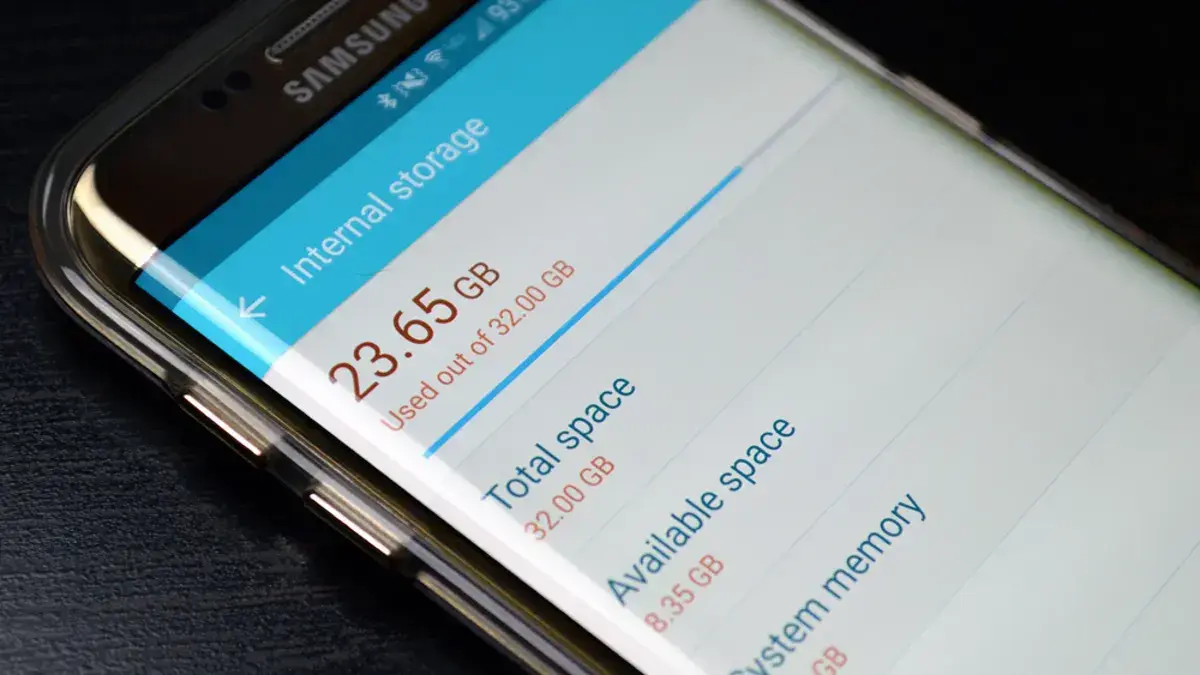
Many users focus on chip speed or RAM size when a
system feels slow. Yet disk care plays a deep role in how smooth daily tasks
feel. Files, apps, and the core system all rely on fast read and write flow.
When disk space is messy or near full, even strong gear can feel weak. This
link is often missed, yet it shapes start time, app load, and task flow each
day.

1. Low free space and slow tasks
Most systems need
free space to work well. Temp files, cache data, and swap space all live on
disk. When free space drops too low, the system has less room to move data with
ease. Apps may pause as the disk tries to juggle files. Simple tasks like file
copy or app start can take far more time than they should. Over time, this drag
builds into a daily strain.
2. File sprawl and seek time
Poor storage care
often leads to file sprawl. Old docs, duplicate files, and unused apps sit across the
disk. This makes the file map more complex. On hard disk drives, this raises
seek time as the read head jumps across many spots. Even solid state drives can
slow when the file map grows too dense. The result is a system that feels less
sharp in normal use.

3. Cache bloat and waste
Apps store cache to
load data fast. Yet when cache grows with no clear out, it eats space and adds
load. Browsers are a key case. Tabs, media, and site data pile up fast. Over
time, the cache may slow app start or cause sync lag. The system must scan and
sort more data each time, which adds a delay that users feel as lag.
4. Swap use and disk strain
When RAM fills up,
the system turns to swap space on disk. This is a normal act, yet it works best
with clean and fast storage. With poor disk care, swap use can slow the whole
system. Apps may freeze for short gaps as data moves in and out of disk. This
is most clear on systems with low RAM, where swap use is more common.
5. Update issues and disk health
System updates need
space to unpack and apply files. With low free space, updates may fail or
stall. This can leave the system in a half done state that harms speed or
trust. In some cases, logs and temp files grow as updates retry, which makes
the space issue worse. Good storage care helps updates run clean and keeps the
system in a stable state.

6. App load and boot time
A cluttered disk
can raise boot time. The system must scan more files at start, load more
agents, and check more paths. Apps may also take longer to load if their files
are spread out or if the disk is under strain. What should be a quick task can
turn into a wait, even on gear that once felt fast.
7. Long term wear risks
On solid state
drives, poor space care can add wear. These drives need free blocks to spread
write load. When space runs low, write tasks hit the same blocks more often.
Over years, this can reduce drive life and steady speed. While modern drives
handle this well, good space care still helps keep speed more even over time.
8. Better habits for daily use
Good storage care
does not need complex tools. Simple habits help a lot. Clear old files you no
longer need. Remove apps you do not use. Keep a fair share of free space at all
times. Check large folders now and then to spot waste. These small acts keep the
disk free to work as it should.
The real feel of speed
System speed is not
just about raw power. It is about how well all parts work as one. Storage sits
at the heart of this link. When disk space is clean and well kept, the system
can move data with ease. Apps feel smooth, tasks flow well, and daily work feels
less tense. Poor storage care does the reverse, slowly draining speed in ways
many users fail to trace.
In daily use, storage care shapes how a system feels far
more than many expect. By giving disk space the care it needs, users can keep
their systems smooth and fit for daily work, even as they age.
Popular News



Latest News
Loading