Pixel Buds Pro 2 Firmware Boosts Sound Clarity and Protects Your Ears
GoogleSunday, 28 September 2025 at 20:33

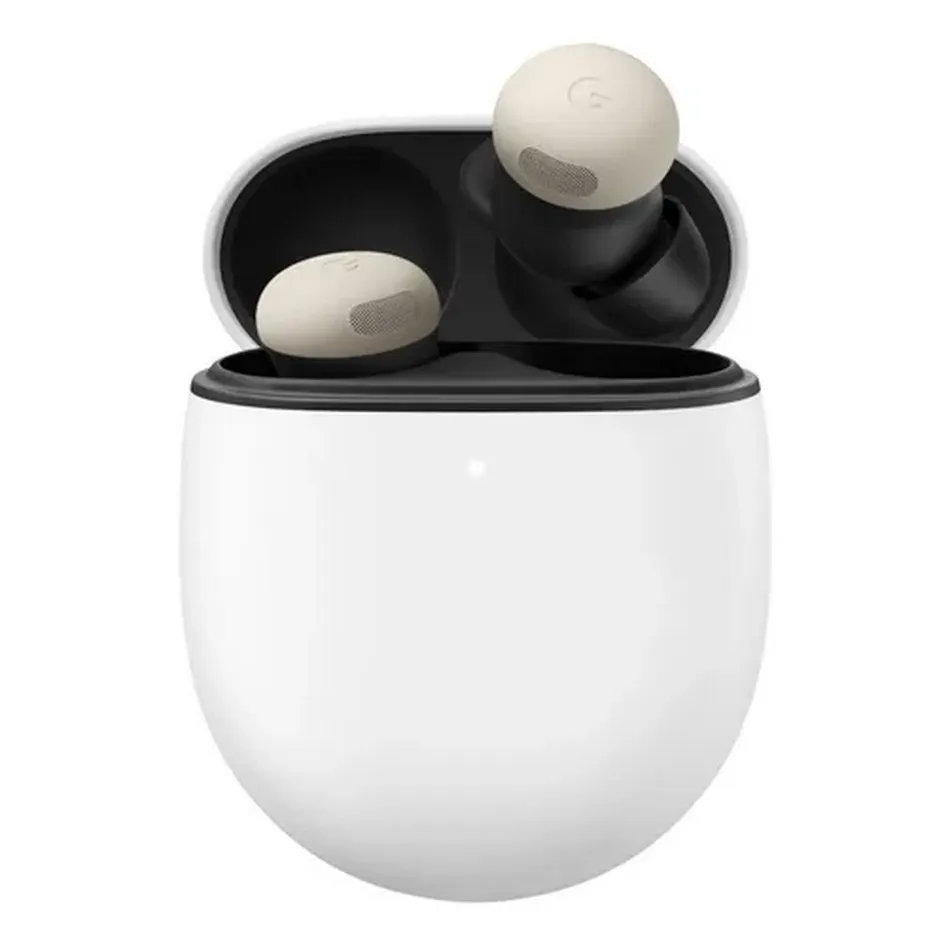
Google has rolled out a new software update for the Pixel Buds Pro 2 wireless earbuds. This update is firmware version 4.467. It adds new features to make the sound clearer, protect your ears, and make the earbuds easier to use.
Pixel Buds Pro 2 Get Adaptive Audio and Loud Noise Protection
The biggest change is Adaptive Audio. It changes the sound based on what is happening around you. If you are walking, cycling, or at the gym, it lowers unwanted noise but keeps important sounds. This way, you can enjoy music, podcasts, or audiobooks while staying aware of your surroundings.
The update also brings Loud Noise Protection. Sudden loud sounds, like sirens or alarms, are made quieter automatically. This helps protect your ears. You can listen safely without loud surprises.
Read also

Head Gestures for Calls and Texts
Pixel Buds Pro 2 now lets you use head movements to control calls and messages. Nod your head to answer a call or reply to a text. Shake your head to reject a call. This makes using the earbuds hands-free and easy, even when you are busy.
Clearer Gemini Live Conversations
The update for Pixel Buds Pro 2 also improves Gemini Live. Your voice comes through clearly, even in noisy places. Background sounds are lowered so your calls and voice chats stay crisp and easy to hear.
How to Get the Update
The update will arrive automatically for all Pixel Buds Pro 2 users. Your earbuds must be connected to a Pixel or any Android device running Android 6.0 or higher. The download takes about 10 minutes. The update installs the next time you put the earbuds in their charging case.
If automatic updates are off, you can update manually. Put the earbuds in the charging case. Open the Pixel Buds app. Go to More Settings and tap Firmware Update. Then select Manual Update Available. The update usually takes around 15 minutes. You can also look for the update at mypixelbuds.google.com.
Popular News


Latest News
Loading