Hidden Xiaomi Setting That Quietly Improves Battery Life
How to's | GuidesMonday, 13 October 2025 at 10:19
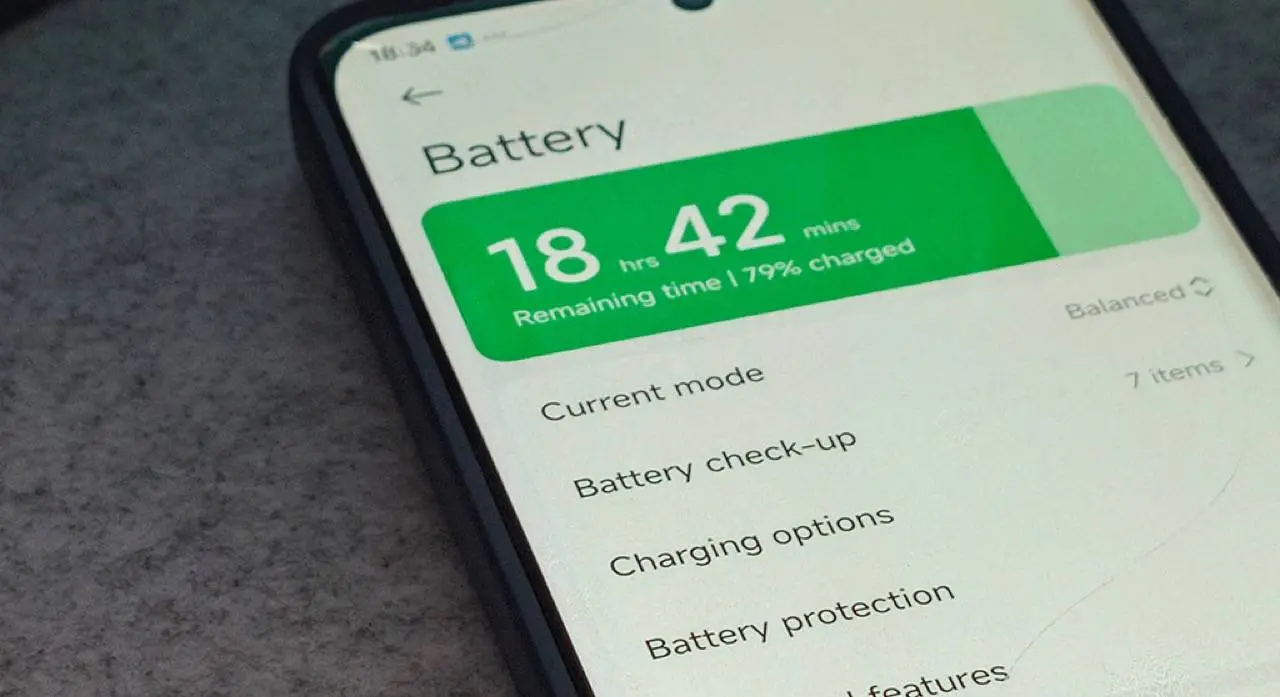
Xiaomi’s HyperOS gives users plenty of freedom to customize their phones, from visuals to background controls. Yet, within all these options, one small switch may quietly waste battery life without you even noticing. In user forums and on Reddit, owners have recently reported unexpected power drain, even when their phones sit idle on a desk.
A Subtle Cause Behind Power Loss
One feature that often comes up is “App Autostart.” It was originally designed to help older MIUI systems deliver notifications faster. But in HyperOS, Xiaomi has already improved how notifications are handled, making this option far less necessary.
When enabled, Autostart lets apps run automatically in the background. Even if you’re not touching your device, those apps stay active, using memory and power. Many users say that disabling unneeded autostart permissions can make their phones last much longer—sometimes up to ten times more in standby mode.

How to Fix It in a Few Steps
You don’t need to be a tech expert to save battery life. Here’s the simple way to manage it:
- Open Settings on your Xiaomi phone.
- Tap Apps, then Permissions.
- Select Background Autostart.
- Check which apps are allowed to start automatically.
- Turn off Autostart for any that aren’t essential.
It’s smart to keep this option active only for key messaging tools like WhatsApp or Telegram. Games, shopping apps, or tools you rarely use can safely stay off.

Other Easy Ways to Get More Battery Life
Turning off Autostart is a big help, but you can stretch your power even further by combining a few other habits:
- Limit or disable Always-On Display to cut screen power use.
- Use Dark Mode, especially on AMOLED screens.
- Review notification permissions and mute apps that alert too often.
- Shorten screen timeout so the display turns off faster.
- Activate Battery Saver mode for less important apps.
A HyperOS developer recently explained on Xiaomi’s forum that small tweaks like these often have the biggest effect: “You don’t need deep settings knowledge—just consistency. Tiny adjustments add up to big savings.”
Key Points
- “App Autostart” can drain battery silently in HyperOS.
- Turning it off saves power and improves standby time.
- Only key messaging apps should keep it active.
- Combine small changes for longer daily use.
- Xiaomi keeps battery controls simple but powerful.
In the end, that’s what Xiaomi aims for: practical flexibility. You get deep control when you want it, but everyday settings remain easy enough for anyone to use. A few thoughtful changes can turn a fast-draining phone into one that easily lasts from morning to night.
Popular News



Latest News
Loading