HyperOS 3.1 Should Bring Full Control Center Customization
Xiaomi NewsSunday, 05 October 2025 at 20:35
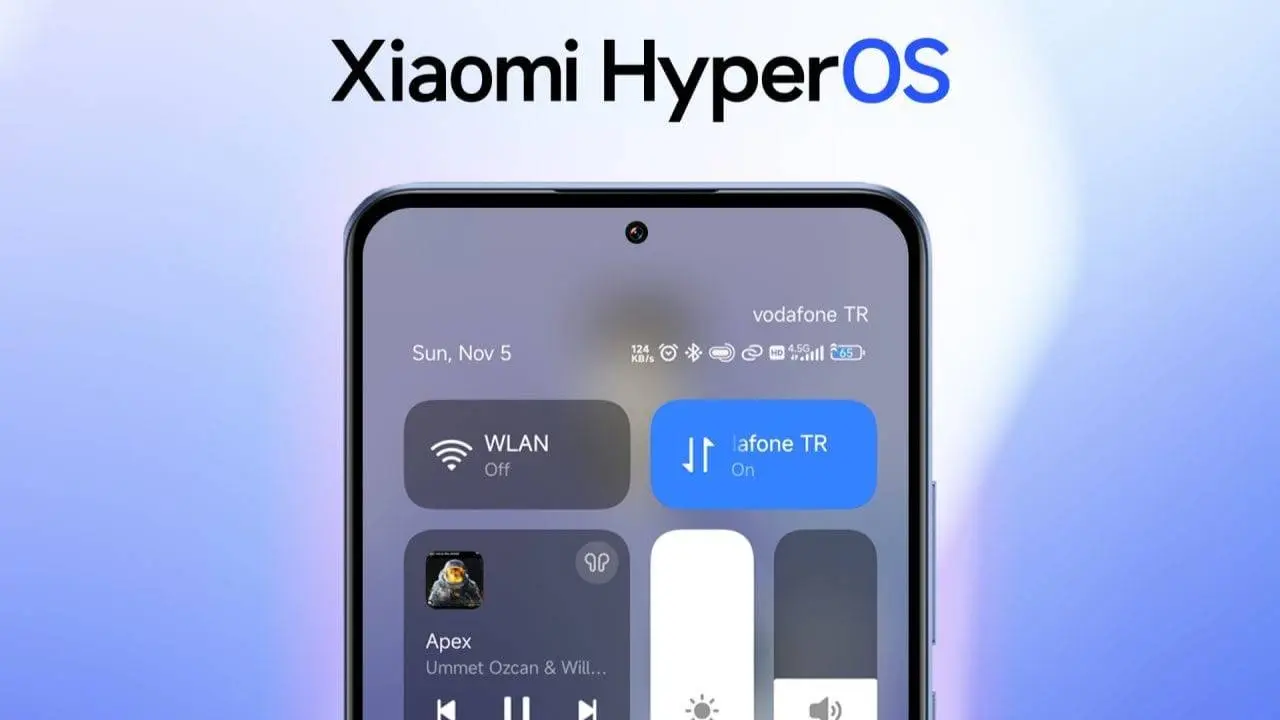
Smartphones are becoming more personal than ever, and operating systems must evolve to match that level of user expectation. One of the most frequently used interfaces—the Quick Settings or Control Center—remains ripe for improvement on Xiaomi’s HyperOS. Right now, HyperOS users can rearrange some toggles, but core elements like Wi-Fi or Mobile Data often remain fixed in size and position. In hyper-personalization’s next chapter, HyperOS 3.1 should support fully editable Quick Settings icons—size, layout, and placement—for a more powerful, accessible interface.
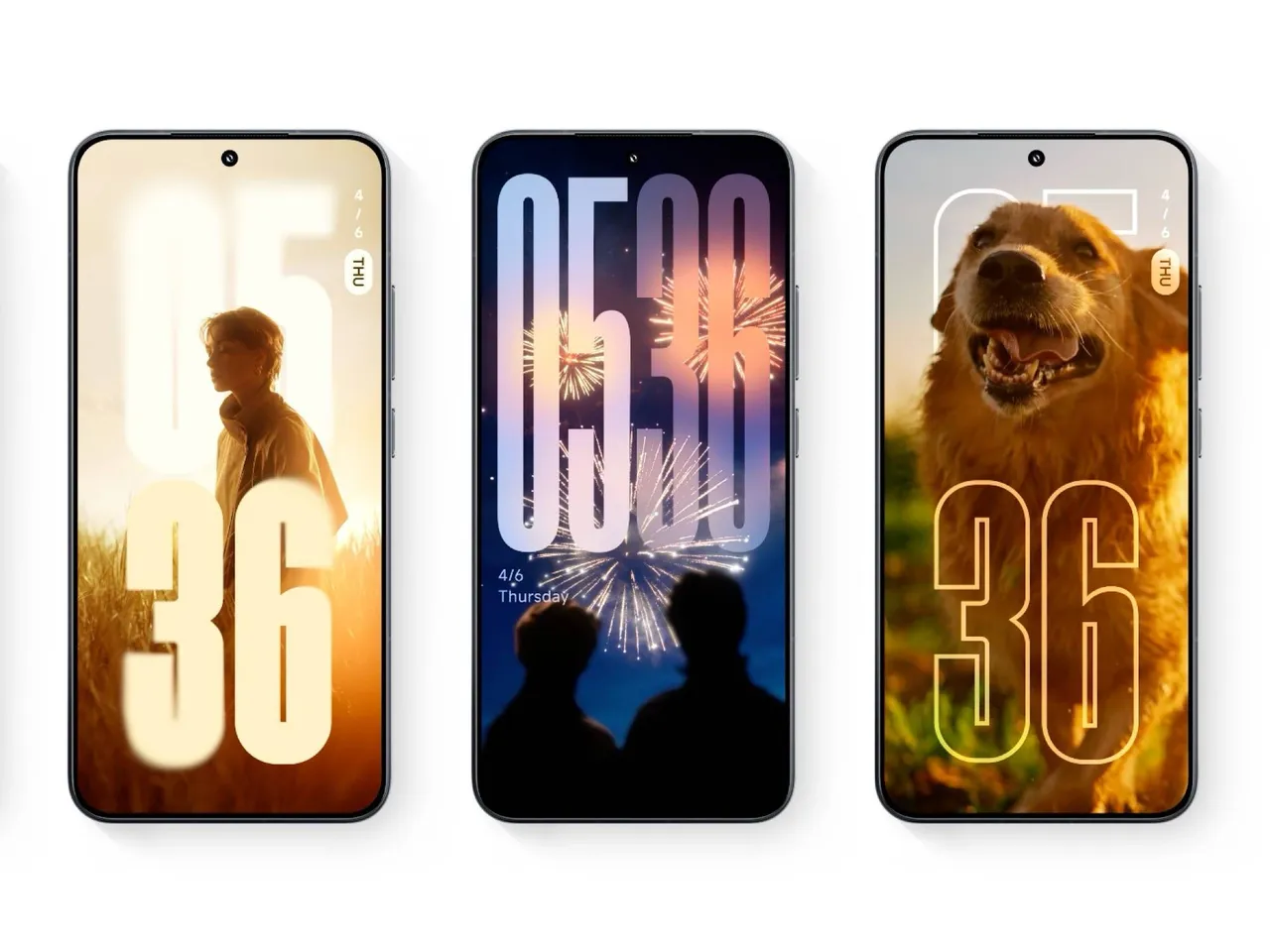
Why full Quick Settings control matters
Smartphone users increasingly expect the OS to adapt to their habits and needs rather than the other way around. With iOS 26 and Android 16 introducing tile resizing and rearrangement, the standard for what constitutes a flexible control center has shifted. HyperOS currently offers limited toggle reordering, but doesn’t allow resizing or fully free placement of core functions. That limitation undercuts both usability and accessibility.
For instance:
- Users with visual impairments would benefit from making key toggles larger.
- Power users might prefer to compress tiles and show more in one view.
- Core toggles should be movable, not locked to a default layout.
These capabilities might seem small, but they can transform the sense of control a user feels over their device.
What HyperOS 3.1 should include
When Xiaomi engineers HyperOS 3.1, here are critical customization features to consider:
- Resizable tiles — Allow toggles to expand (e.g. 2×2), compress (1×1), or intermediate sizes (2×1, 1×2).
- Total layout freedom — Enable all toggles, including system ones, to move anywhere on the Quick Settings grid.
- Persistent, synced layouts — Save and sync the custom layout across devices in the Xiaomi HyperConnect ecosystem.
- Multiple layout profiles — Let users switch between layouts (home, work, night mode) on the fly.
- Enhanced editing mode — Offer intuitive drag-and-drop editing, with previews as users adjust the layout.
Implementing these features will require careful UI/UX work, backward compatibility, and possibly user testing for varied needs (e.g. accessibility, hardware limits). But the payoff is a more flexible, user-first OS experience that enhances daily interaction.
What the community and Android trends suggest
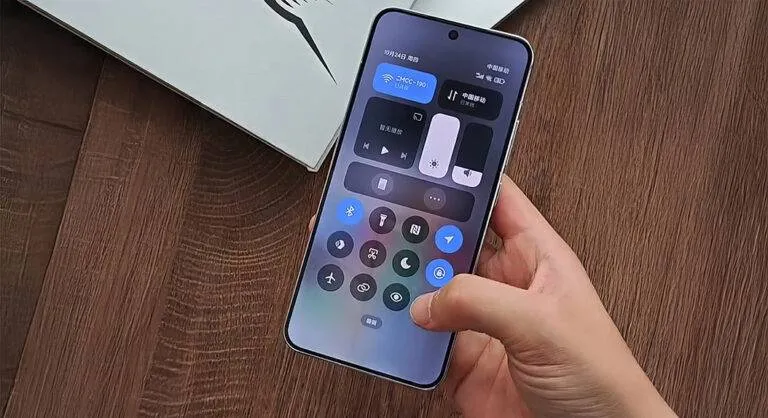
There is already reason to believe such enhancements might arrive. Reports indicate that HyperOS 3.1 may adopt the Quick Settings customization first seen in Android 16 QPR1, enabling resizing and full control panel flexibility. Meanwhile, HyperOS 2 introduced new interactive styles and a “Control Center Style” toggle in settings, showing that Xiaomi is open to evolving this interface.
Xiaomi users have also expressed frustration that settings like Wi-Fi or Mobile Data are not freely movable, and that the control center behavior (which side to swipe from) remains rigid under current versions. A more flexible control center would answer many of these complaints.
In short: HyperOS 3.1’s next step should be giving users full authority over their Quick Settings panel—how it looks, how it is arranged, and how it adapts to each individual’s needs.
Key Points:
- HyperOS currently limits resizing and placement of core toggles in Quick Settings.
- Trends in iOS 26 and Android 16 show resizing and full layout control become standard.
- HyperOS 3.1 should offer tile resizing, free placement, saved layouts, and multiple profiles.
- These changes improve accessibility, efficiency, and personalization.
- Community feedback and leaks already hint Xiaomi may adopt these features soon.
Popular News

Latest News
Loading