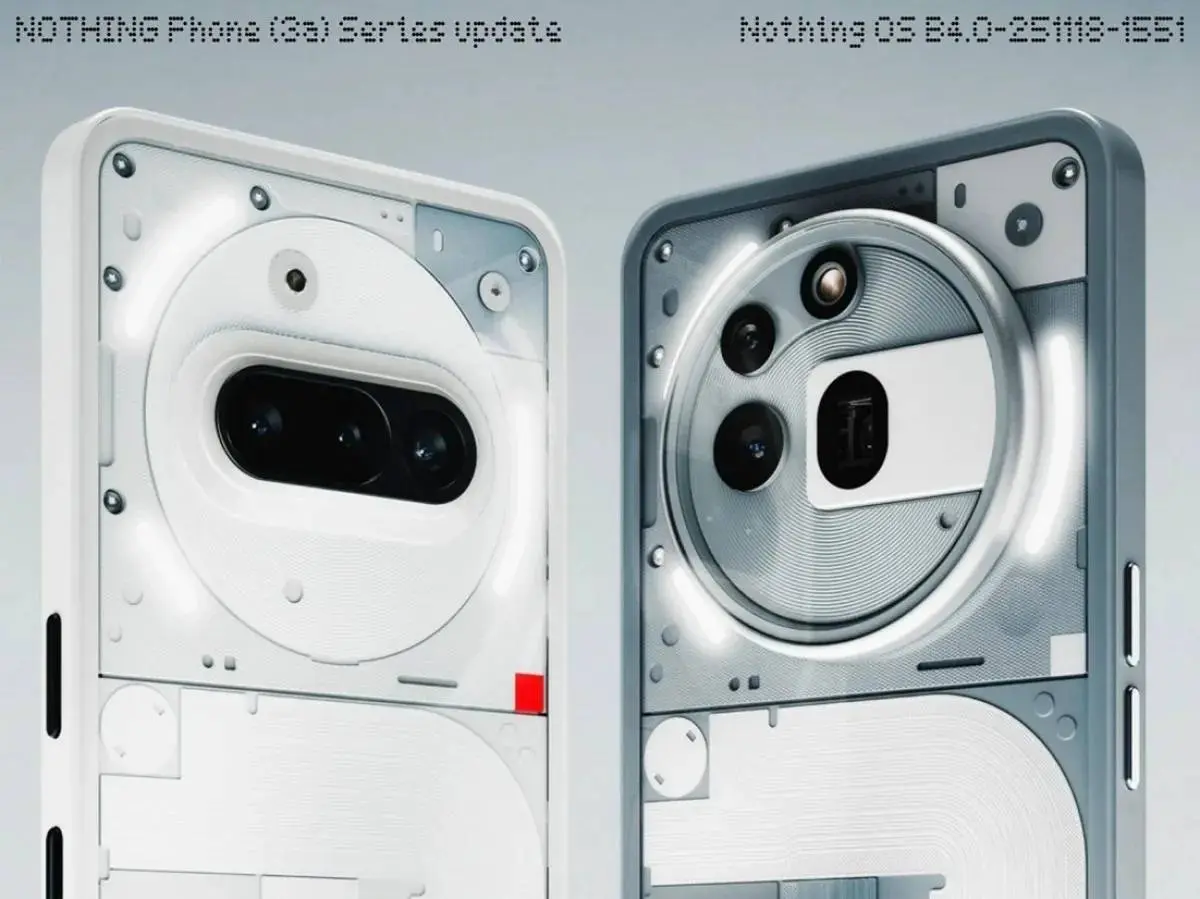
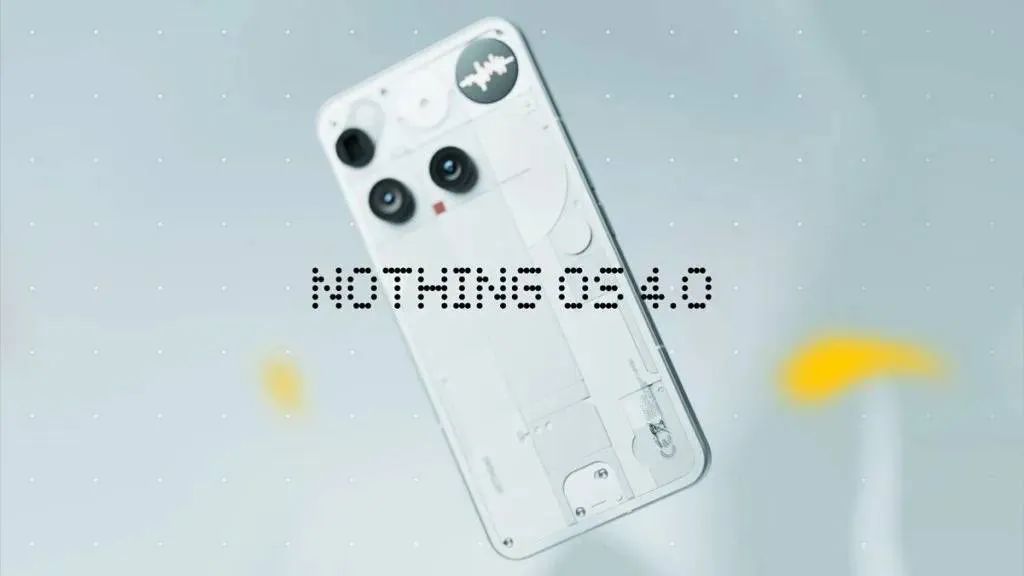
Get ready to download, Nothing fans! Following the rollout to the Phone (3) last week, Nothing is now pushing the massive, stable Nothing OS 4.0 update—powered by Android 16—to the Nothing Phone (3a) and the Phone (3a) Pro!
This isn't a small patch; this is a huge system overhaul packed with AI, visual flair, and big camera upgrades.
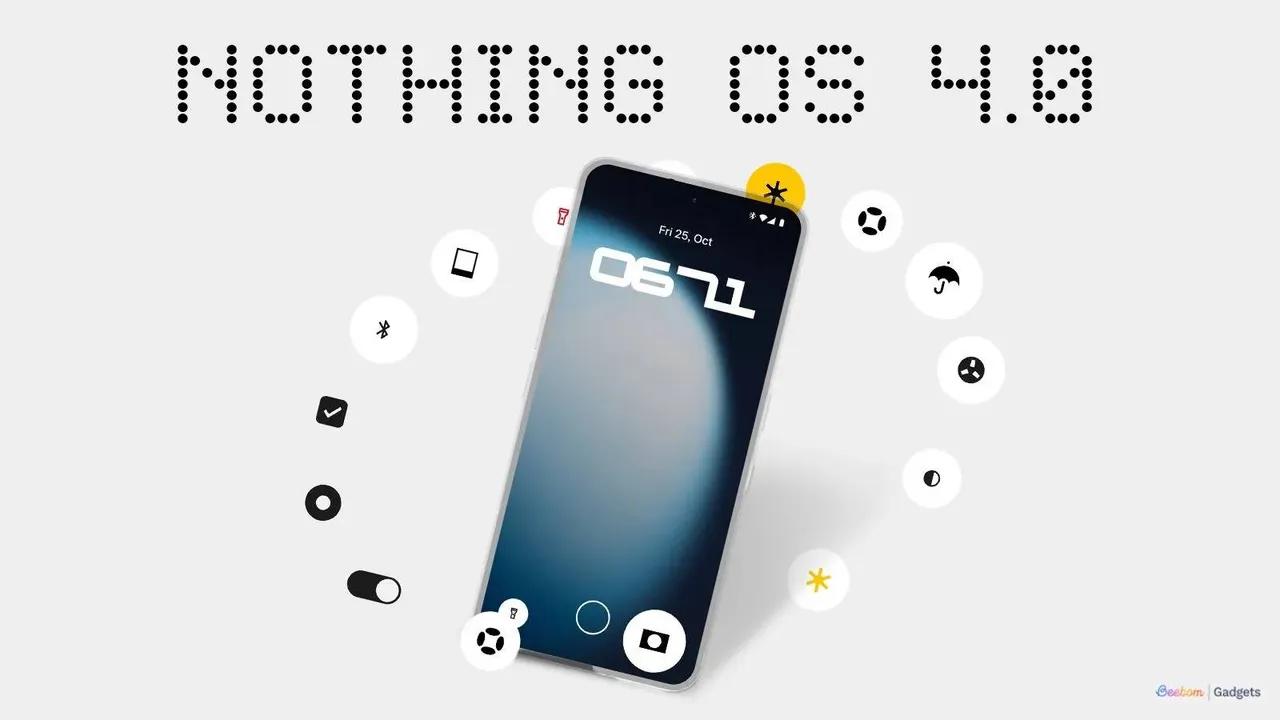
The Top 5 Features You NEED to Check Out
Forget the long changelog for a minute. These are the game-changing additions:
- AI Usage Dashboard (Privacy First!): Nothing is getting hyper-transparent with AI. In Essential Space, you now get a dashboard that tracks your AI large model usage. It shows you exactly how much processing is happening behind the scenes for enhanced privacy. (Path: Settings > Intelligence toolkit > AI usage)
- Playground (Alpha) and Essential Apps: This is huge for the community. Playground is a new hub where you can access unique, community-made creations, including AI-powered Essential Apps, Camera Presets, and EQ Profiles. You can download and try these AI-crafted mini-apps right now!
- Extra Dark Mode: For all the minimalists, Nothing has added a deeper, more intense Extra dark mode. It’s the immersive, true black style you’ve been waiting for. (Path: Settings > Display > Dark theme)
- Glyph Progress 2.0: The Glyph Interface is finally integrating with Android 16's Live Update notifications. This means way better compatibility with third-party apps for things like ride-shares, deliveries, and timers. Your lights just got much smarter!
- Camera Overhaul: The camera gets a major lift with new preset styles, 'Stretch' style filters (with intensity adjustment!), longer Motion Photos with audio capture, and new Nothing brand watermarks and artistic frames. The UI is cleaner, too!
More Essential Updates
Nothing didn't stop there. They polished nearly every corner of the OS:
- Multitasking: Pop-up view now supports two floating icons, making app switching during multitasking unbelievably easy.
- Home Screen Cleanup: You can now hide apps directly from the home screen and App drawer. Finally!
- Widgets: You get more size options for core widgets (Weather, Pedometer, Screen Time), and Quick Settings tiles now support the handy 2x2 size.
- Visuals: Nothing’s app icons have a redesigned, fresh look, and they’ve added two new cool lock screen clock faces.
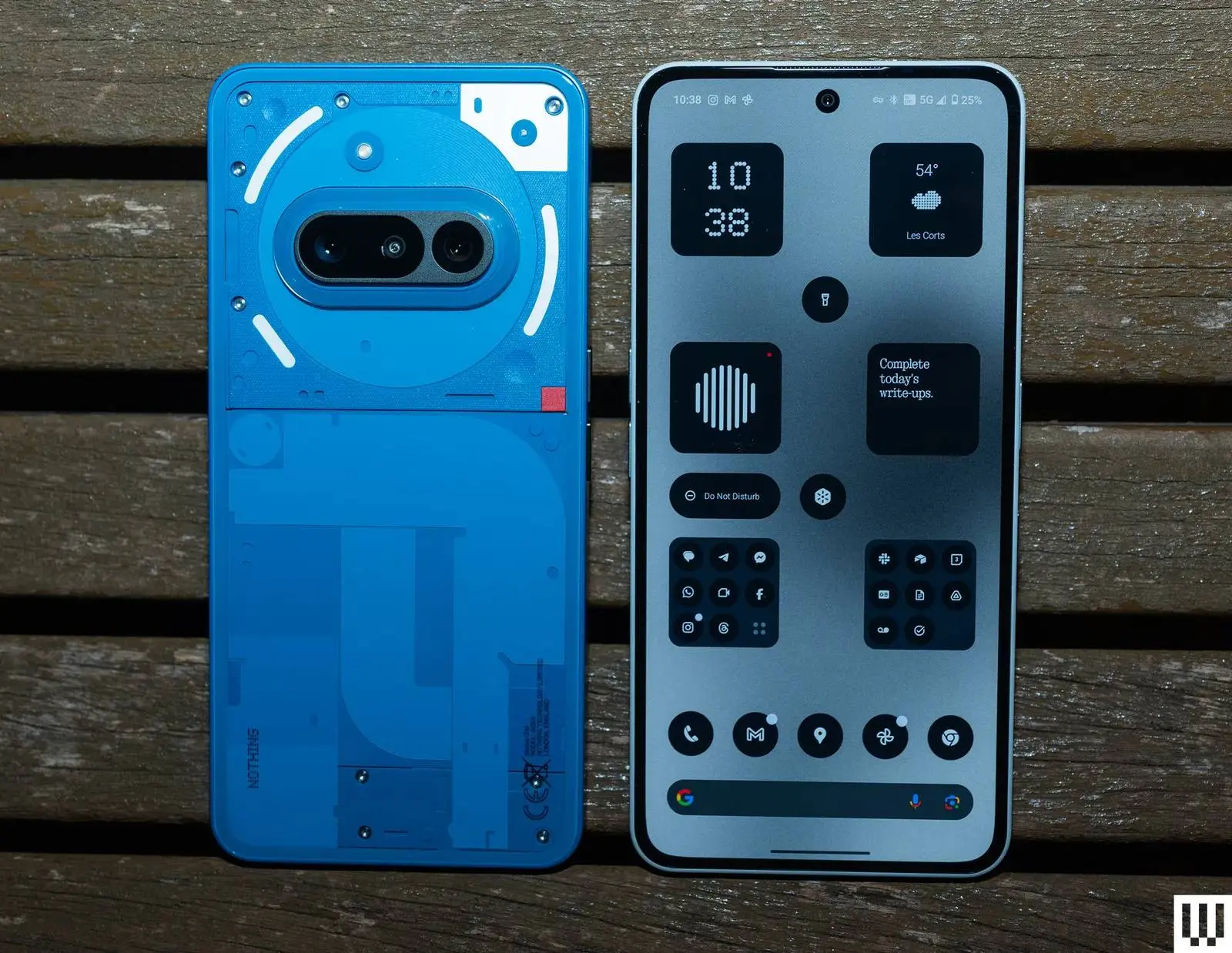
The rollout is starting with a limited number of users to ensure everything is stable, so keep checking your settings! If the initial batch goes smoothly, the wider release will commence rapidly.
Pro-Tip: Make sure you update Essential Space to the latest version to get the improved Flip to Record feature! And as always—back up your data before hitting that install button!
Popular News
Latest News
Loading