Nothing OS 4.0 Rolls Out With a Smoother, Faster Experience — Starting With Phone (3)
NothingSaturday, 22 November 2025 at 00:08
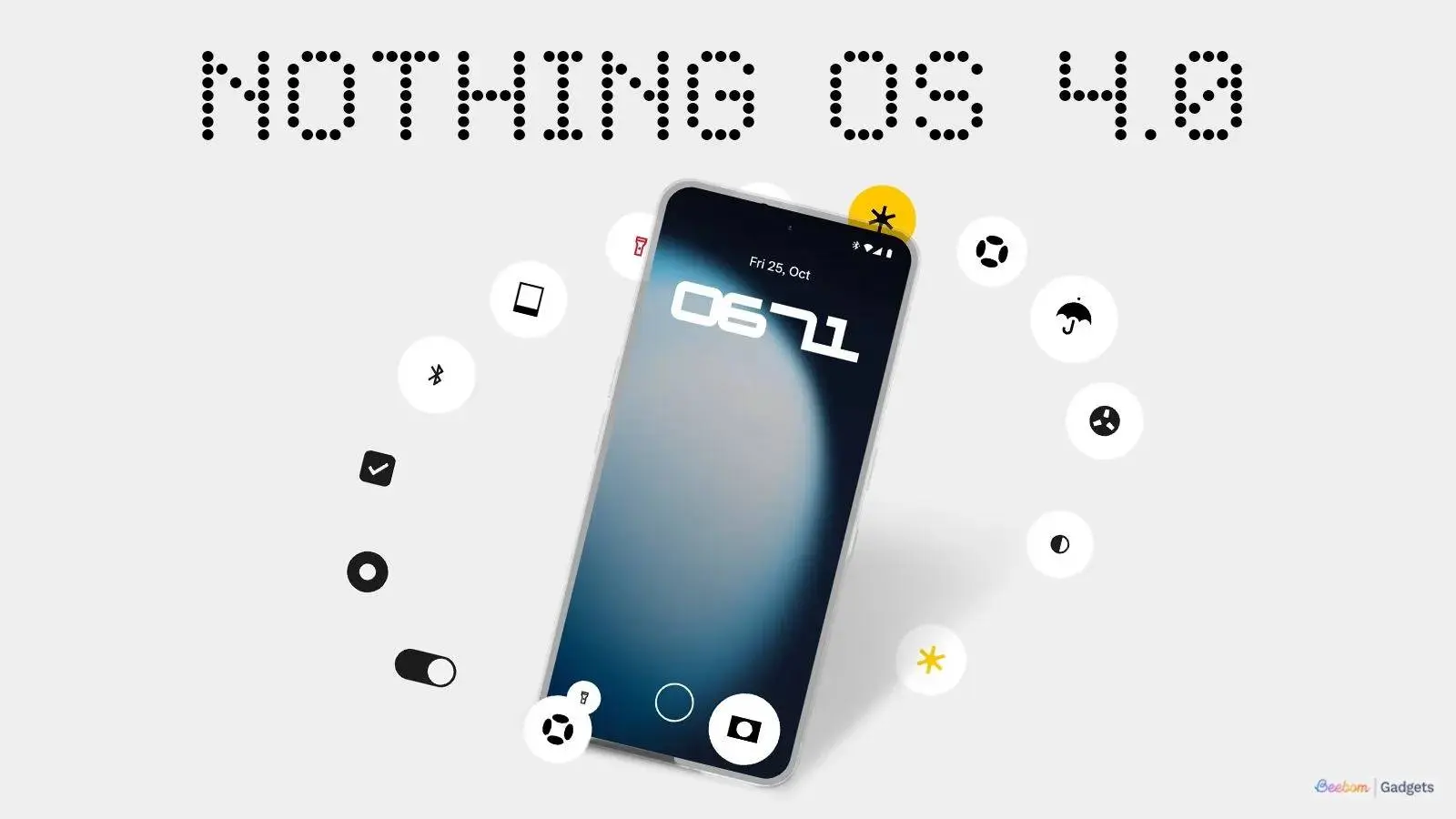
Nothing is pushing a major update to its devices with the release of Nothing OS 4.0, the company’s first stable software built on Android 16. The rollout begins today for the Phone (3) series, bringing a refreshed interface, tighter animations, and several quality-of-life upgrades shaped directly by user feedback. It’s a deliberately understated update, but in a good way — one that focuses on getting the basics right rather than chasing flashy features.

A Cleaner, More Cohesive Interface
Nothing describes OS 4.0 as “experience-led,” and that feels accurate from the early breakdown. The system shifts toward a more unified visual language: simplified icons, more consistent layouts, and smoother transitions across the UI. It’s subtle, but subtle upgrades often have the biggest everyday impact. Android 16’s design cues show up in the refined status bar icons and updated first-party app designs, which now look more uniform on the home screen.

What stands out is how Nothing is positioning this release — not as a reinvention, but as a refinement. It reminds me of what Google used to do with its Nexus-era updates: polish, optimize, repeat.
User Feedback Drives Practical Improvements
Nothing took a very narrow approach with its Open Beta Test, focusing on isolated features rather than broad experimental changes. As a result, OS 4.0 includes several updates that feel directly rooted in how people actually use their phones.
Smarter Multitasking and The New Pop-up View
A reworked Pop-up View supports two floating windows and easier gesture-based switching. For a brand with such a minimalist philosophy, it’s interesting to see them lean further into productivity tools. It’s a small thing, but 2×2 Quick Settings tiles also make the shade feel less cluttered.

You also get more widget sizes, the ability to hide apps in the App Drawer, and an improved lock screen password interface — all small touches, but they add up.
Glanceable Info Takes Center Stage
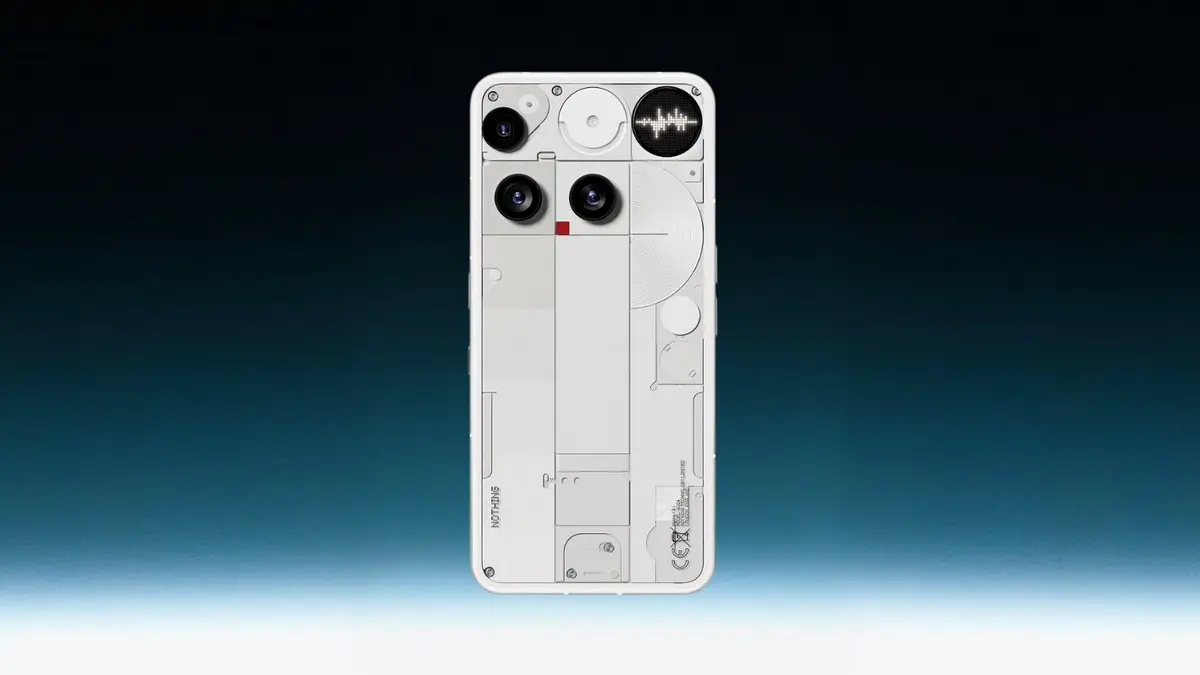
Live Updates now appear on both the lock screen and the Glyph Interface, showing rides, deliveries, and timer progress. It’s a smart way to use the Glyph system beyond aesthetics, and honestly, the feature should have existed earlier. Nothing is clearly pushing toward a more “ambient computing” philosophy here.
Visual Smoothness and Interaction Refinements
Animations across the system have been retuned with more realistic motion physics, especially in the Notification Shade and multitasking gestures. It’s one of those things you don’t think about until you feel it. Haptic feedback now kicks in at volume limits, a tiny tweak that genuinely improves muscle memory over time.
Two new lock screen clock styles also bring a cleaner aesthetic — a trend we’ve seen from multiple Android 16 implementations so far.

Tools for Focus, Efficiency, and Creation
Nothing OS 4.0 also introduces features that go beyond UI polish:
- Extra Dark Mode now covers more surfaces, improving readability and power efficiency on OLED screens.
- Hidden Icons let you remove apps from the drawer without making them “private.”
- System and Apps Dashboard shows background activity and gives one-tap performance boosts.
- Universal Search Settings let you tailor search results.
On the creative side, the new Playground uses AI to help users build personalized widgets, while the Widget Drawer groups community and personal creations for easier access. And an upcoming feature, Essential Memory, promises an AI layer that can retrieve saved content through natural-language queries — a sign that Nothing is gradually warming up to practical AI features rather than heavy generative models.

Phone (3) Exclusive Upgrades
Nothing always reserves a few extras for its newest device, and OS 4.0 continues that pattern.
- Glyph Mirror Selfie lets users capture mirror shots using the Glyph lights as guidance.
- Smarter Flip to Glyph automatically toggles silent or vibrate modes when the phone is placed face down.
- Pocket Mode disables the Glyph Matrix to avoid accidental triggers.
- New Glyph Toys like Hourglass and Lunar Cycle add a playful, almost analogue charm to the interface.
As a quick personal note: these whimsical extras are part of what keeps Nothing interesting. Not every feature needs to be utilitarian; sometimes personality is a feature on its own.

Transparency Around On-Device AI
A new AI Status Hints & Usage Dashboard shows when an LLM is active and logs its activity. It’s a welcome addition in an era where many phone makers introduce AI features with little explanation of how or when they run.
Read also
Rollout Timeline
Nothing OS 4.0 is available now for the Phone (3) series.
The update will extend to the rest of the Nothing lineup in the coming weeks, including CMF smartphones before the end of the year. The Phone (3a) Lite is planned to receive the update early next year.
Key Takeaways
- Nothing OS 4.0 launches with Android 16 and starts rolling out to Phone (3).
- The update focuses on smoother visuals, cleaner UI, and faster interactions.
- User feedback led to improved multitasking, widgets, Live Updates, and app-hiding options.
- Creative tools like Playground and Essential Memory highlight Nothing’s softer AI approach.
- Phone (3) gets exclusive Glyph features and smarter hardware-linked behaviors.
Popular News

Latest News
Loading