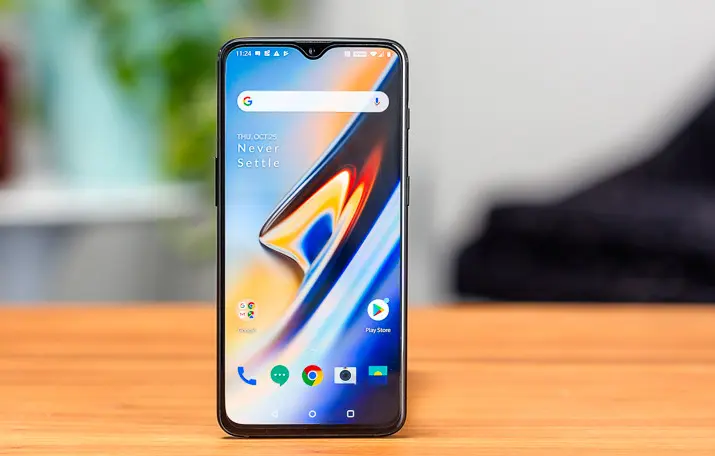
After the official arrival of the Android 10 system, it became imperative for OEMs to release this update for their flagships. Thus update is currently rolling out to a couple of smartphones from different manufacturers. According to recent reports, OnePlus 6T official beta is now available for users.

Update log
System
- Update to Android 10 version
- New UI design, light and smooth operation experience, more details, etc.
- Adds location management permissions request only when using the app
- New personalized settings experience, support for icon shape changes
Fullscreen gesture
- Adds a bottom bar to support left and right slides
Game space
- This is a new game space that automatically brings together your favorite games.
Information display
- Supports displaying weather, schedule, music and other information
SMS
- Add SMS keyword blocking to help you avoid SMS interruptions
Known issues
Tripartite application
- Third-party apps may not be compatible with the system, view the download attachment package
[Update method]
Full package download method:
OnePlus 6T download point I MD5: 09d7f09e4057c2af3555218d1af641f0
- Download OnePlus 6T Android 10.0 beta ROM upgrade compression package from the address
- Copy the ROM upgrade package to the root directory of the phone.
- Settings -> System Upgrade -> Top right icon -> Local upgrade -> Click the corresponding installation package -> Upgrade now -> System upgrade is complete
- Select Restart (or press the power button to restart)
Tips: Please confirm whether your mobile phone is running on the latest stable version or public beta. If not, please be sure to update to the latest stable version (OnePlus 6T), or the latest public beta version (OnePlus 6T). To avoid data loss, be sure to back up before upgrading
Popular News
Latest News
Loading