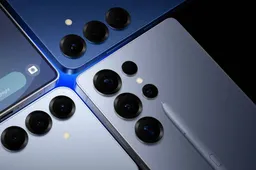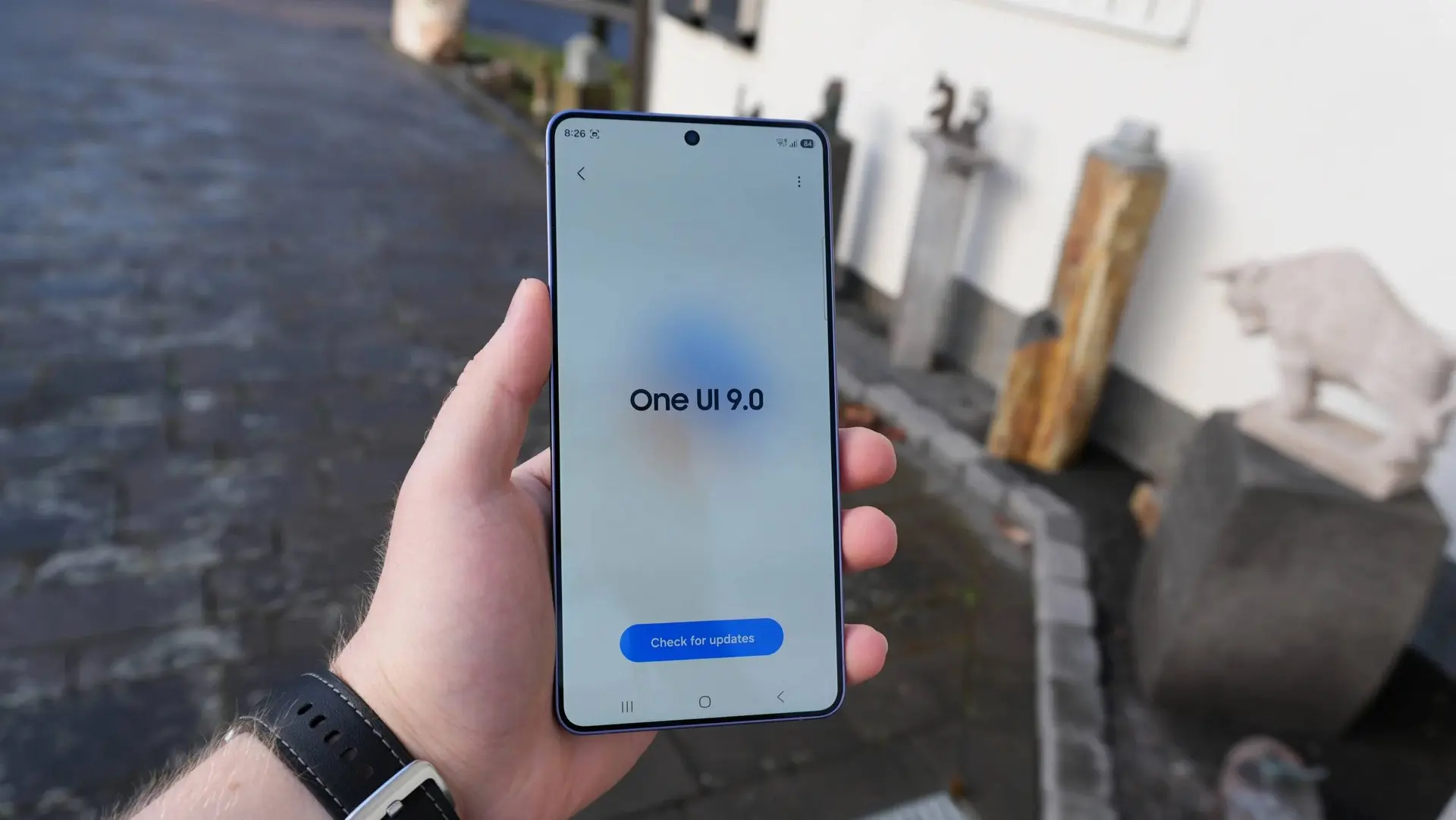
Galaxy S26 users on the One UI 9 Beta are reporting that certain APK files can't be installed after updating. What's being described as a bug is actually a deliberate new feature. Samsung's official One UI 9 changelog states clearly that the update introduces enhanced app protection — detecting high-risk apps, blocking their execution and installation, and recommending deletion.

This isn't broken. It's working as designed. The question is whether users agree with that design.
Key Points
- One UI 9 Beta on Galaxy S26 series blocks installation of APKs flagged as high-risk — Samsung's official changelog confirms this is an intentional security feature, not a bug
- The feature actively warns users, blocks execution and installation of suspicious apps, and recommends deletion through automatic security policy updates
- Beta 2 rolled out today — May 26 — fixing GPUWatch popups, Routine app issues, status bar errors, and lock screen problems across S26, S26+, and S26 Ultra
- Beta 2 is now live in Germany, UK, US, and South Korea, with India and Poland joining today as the program expands to six markets total
- Stable One UI 9 is expected around September 2026 — Galaxy Z Fold 8 and foldables will ship with it out of the box in July
Intentional Feature, Not a Bug
The confusion is understandable. Users installing APKs outside the Play Store are hitting a wall — and that feels like something breaking. But Samsung's own release notes for One UI 9 Beta describe exactly this behavior as a new security capability.
The system now scans incoming APK files against security policy databases. Apps flagged as high-risk — based on permission requests, origin, code signatures, or known threat patterns — get blocked before installation completes. The user receives a warning and a recommendation to delete the file.

For users sideloading legitimate apps that happen to trigger the security scanner — emulators, modified APKs, apps from outside official stores — this is the friction point. The feature doesn't distinguish between malicious sideloads and legitimate ones cleanly yet, which is a real problem for power users. Whether Samsung provides a whitelist or granular override option in future betas remains to be seen.
Beta 2 Arrives Today — What It Fixes
Samsung pushed Beta 2 today alongside the expansion to India and Poland. The 1.68GB update fixes several issues that Beta 1 users reported — GPUWatch interruption popups appearing during gaming, Routine app malfunctions, status bar display errors, and lock screen clock inconsistencies. Bulk message deletion bugs are also addressed.

Users in India and Poland receiving Beta 2 directly rather than Beta 1 means they skip to a more stable build — a better entry point for the newer markets joining the program today.
What to Do If You're Affected
If a legitimate app is being blocked, the current workaround is limited. Disabling the security scanning feature entirely may be possible through Developer Options depending on the build, though Samsung hasn't officially confirmed this for One UI 9 Beta. Reporting the false positive through Samsung Members gives the security team data to refine the detection model before stable release.
The stable rollout is months away. Expect the feature to be refined — and potentially made more configurable — before it reaches all Galaxy devices in September.
Popular News


Latest News
Loading