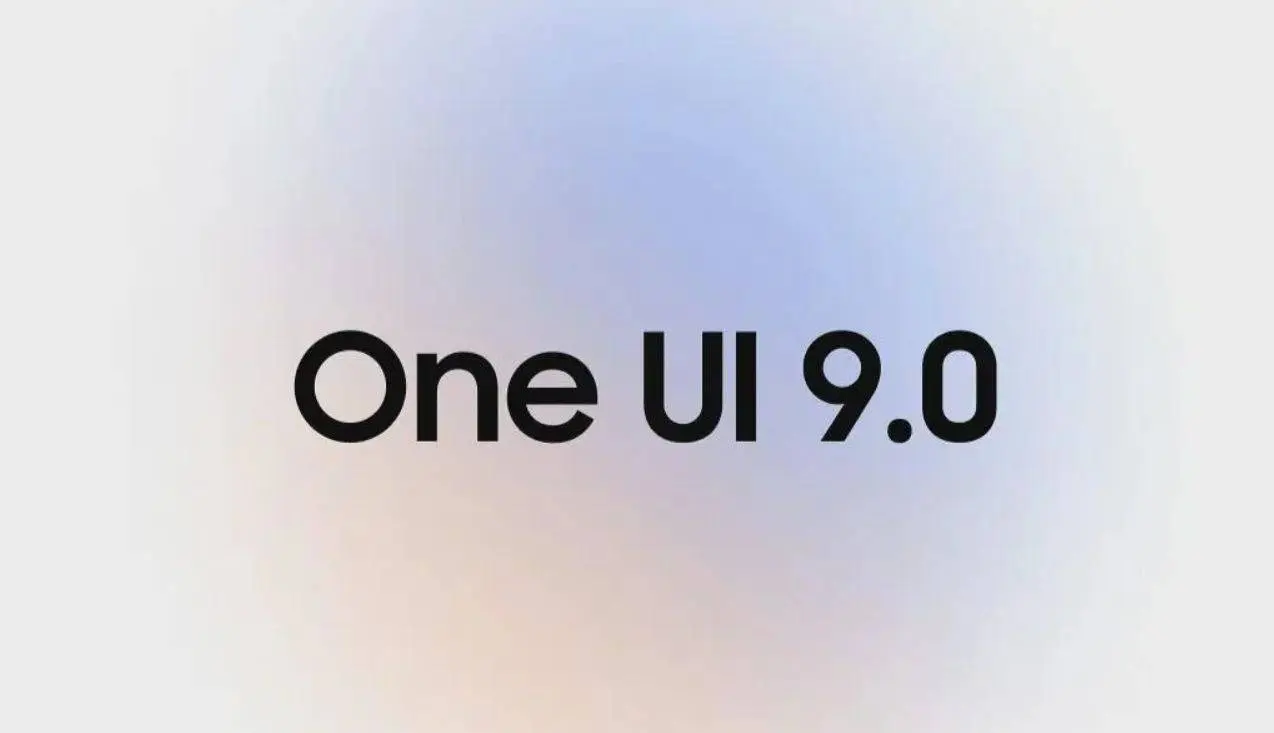
Samsung didn't wait for Google. One UI 9 beta opened for Galaxy S26 series users today — the same day Google is previewing Android 17 at its I/O event. Six markets are in from the start: Germany, India, Korea, Poland, the UK, and the US.
Sign-up is through the Samsung Members app.
Key Points
- One UI 9 beta based on Android 17 is now open for Galaxy S26, S26+, and S26 Ultra — available in Germany, India, Korea, Poland, UK, and US via Samsung Members app
- Creative Studio AI art tool comes to Samsung Contacts — custom profile cards generated directly inside the contacts app using AI
- Quick Panel redesigned with independent toggles for screen brightness, sound, and media player — cleaner separation of controls that previously shared space
- Combined TalkBack voice guidance merges Google's and Samsung's previously separate packages — Text Spotlight now works in floating windows, Mouse Key speed is adjustable
- Automatic suspicious app flagging — detects high-risk apps, blocks file execution and installation, and recommends security measures proactively

Jumping the Gun on Google's Own Show
Samsung releasing an Android 17-based beta on the same day Google previews Android 17 at I/O is a deliberate move. It signals that Samsung's development track is running in tight parallel with Google's — and that the Galaxy S26 will be among the first devices to ship stable Android 17 when One UI 9 reaches general release.
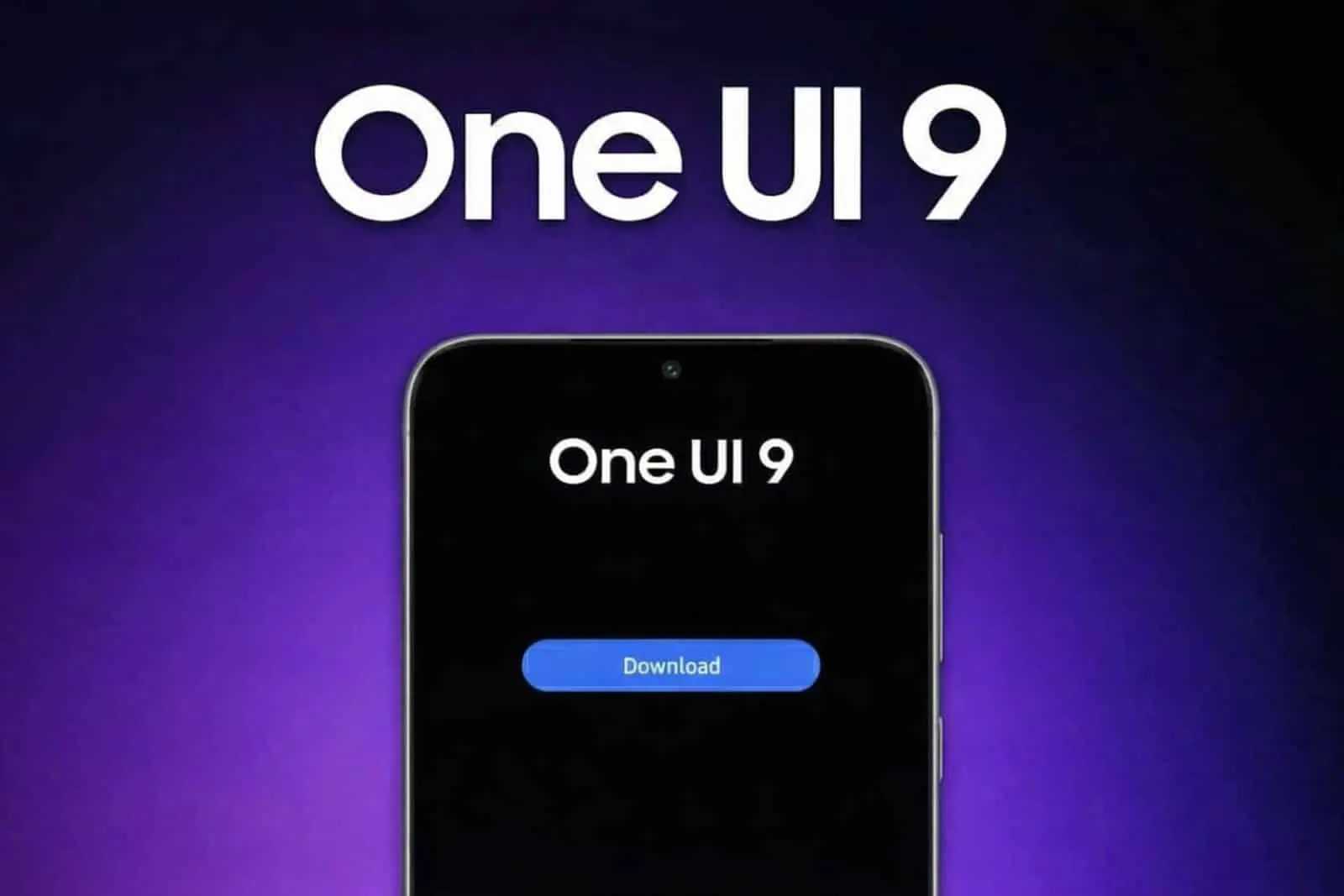
The timing also reinforces Samsung's message that its AI and software features don't wait for Google's roadmap. Creative Studio, the combined TalkBack package, and the security flagging system are all Samsung-developed additions on top of the Android 17 base.
Creative Studio Comes to Contacts
Creative Studio debuted as a standalone app in One UI 8.5 for generating wallpapers, stickers, and greeting cards. Bringing it into Samsung Contacts for custom profile card generation is a natural extension — AI-generated avatars and stylised contact images without leaving the app you're already in. For users who actually customise their contacts, it's a useful integration.

Quick Panel Gets More Granular
The current Quick Panel bundles brightness, sound, and media controls in ways that make individual adjustments require extra taps. One UI 9 separates them into independent toggles — you adjust screen brightness without the sound slider appearing, and vice versa. It's a small change that reduces friction in daily use.
Security Gets Proactive
The automatic high-risk app detection is the most practically significant new feature for average users. Rather than waiting for a user to notice unusual behaviour, One UI 9 flags suspicious activity as it happens — blocking installation and execution of flagged files and surfacing recommended actions immediately. The feature targets sideloaded APKs and apps from unverified sources more aggressively than previous One UI security implementations.
Beta builds contain bugs. Back up data before installing, and avoid using the beta as a primary driver for anything critical.
Popular News

Latest News
Loading