Pokémon GO
fans are always looking for ways to get more out of the game. Whether it’s
catching rare Pokémon, joining raids on the other side of the world, or taking
part in events that are not available nearby, players want more freedom.
However, it’s hard for some players to move everywhere in look for Pokémons.
Also, some have even limitations in their mobility but still want to play the
game.
One of the
easiest ways to do this is with Pokémon go
spoofer,, a trick that lets you explore new areas without leaving home.
For iPhone
users, MocPOGO has quickly become the most trusted iPhone location spoofer app in 2025. It works with the
latest iOS version, keeps your phone safe, and doesn’t need jailbreaking. That
means you can try it with peace of mind while keeping your device secure.
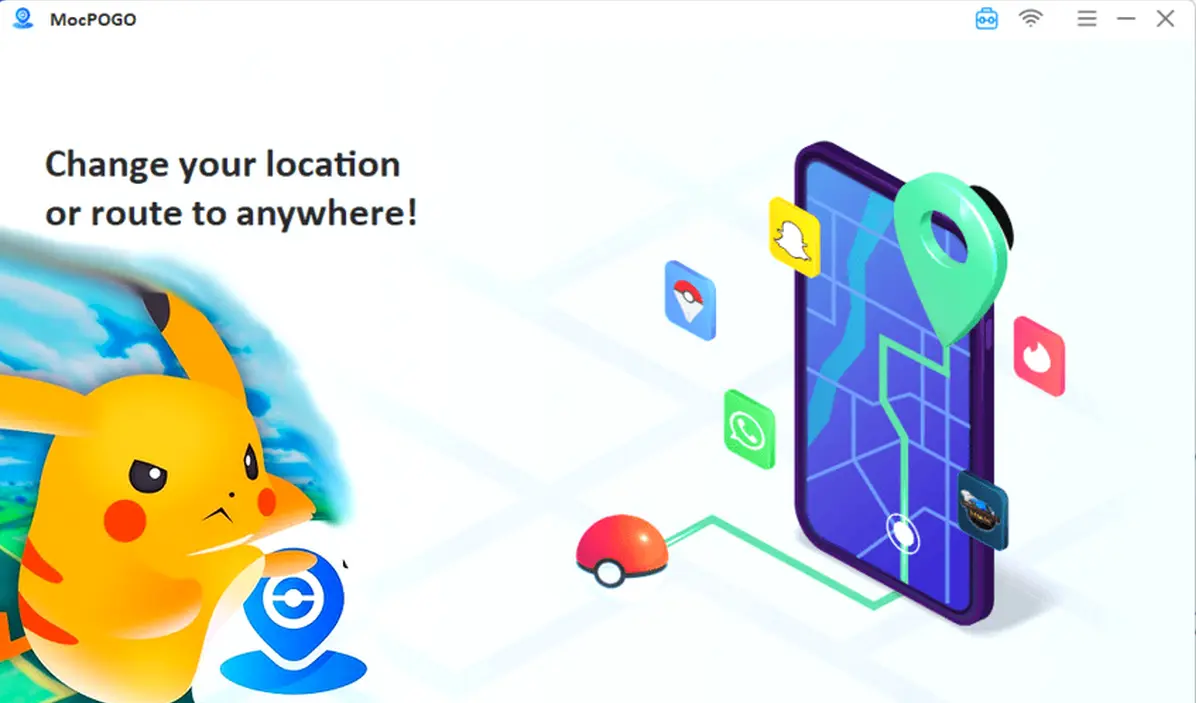
What MocPOGO Does
MocPOGO lets
you pick any place on the map and set it as your new GPS location. You can
explore cities around the world, find rare Pokémon nests, or join faraway raids
in seconds. It also helps you hatch eggs faster since you can simulate walking
routes without actually moving.

MocPOGO
This is a
game-changer for players who don’t have time to walk long distances or travel
to popular Pokémon spots. It keeps you in the game and helps you enjoy events
no matter where you are.
Read also


Main Features You’ll Get
MocPOGO has a
lot packed into it, but it stays simple to use:
·
Fixes Error 12:
No more location failed messages stopping your game.
·
Works with More Than Just Pokémon GO – You can use it with Monster Hunter Now,
Life360, WhatsApp, Snapchat, and more.
·
Joystick Control: Move your trainer around the map in real time and control speed and
direction.
·
Different Location Modes: Teleport anywhere, set two spots, plan multi-stop routes, or use jump
and joystick modes.
·
Cooldown Protection: Keeps you from changing locations too quickly, which lowers the risk
of game bans.
·
Supports Many Devices: Spoof on up to 15 iOS or Android devices at once, perfect for
multi-account players.
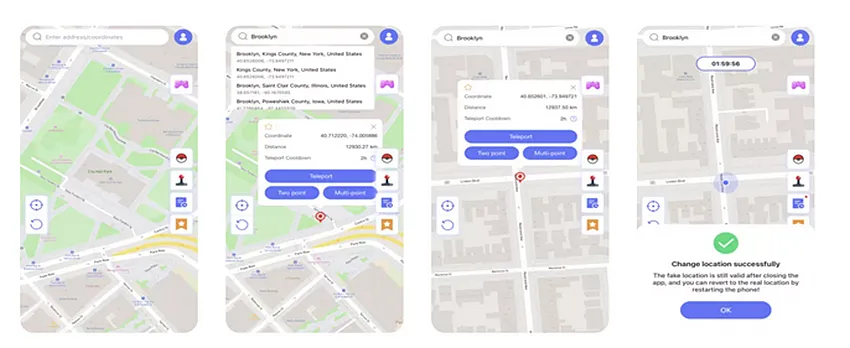
How to Get Started
It only takes a few minutes to set up MocPOGO:
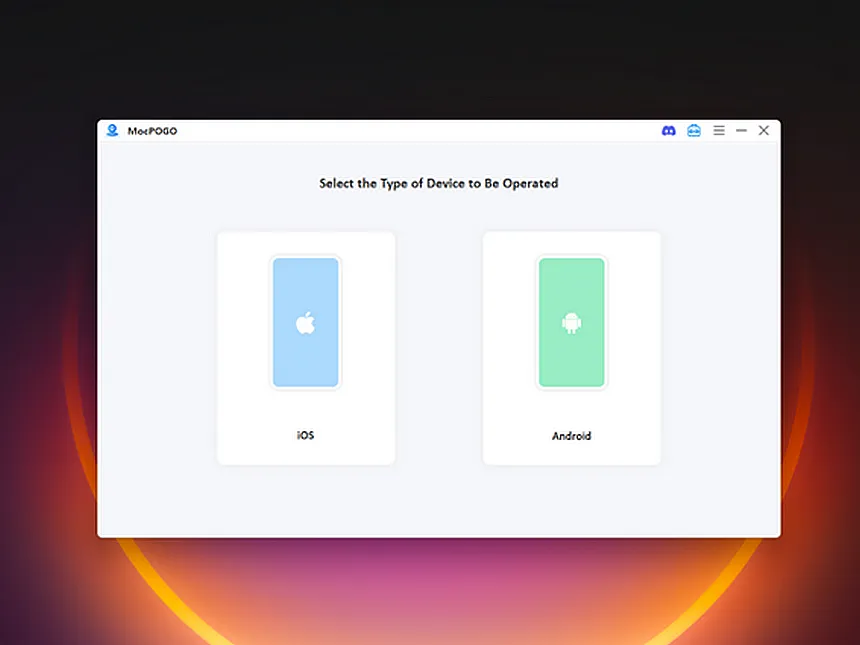
Step 1: Download and Install: Go to the official MocPOGO website and download the app. Install it by
following the guide on the screen.
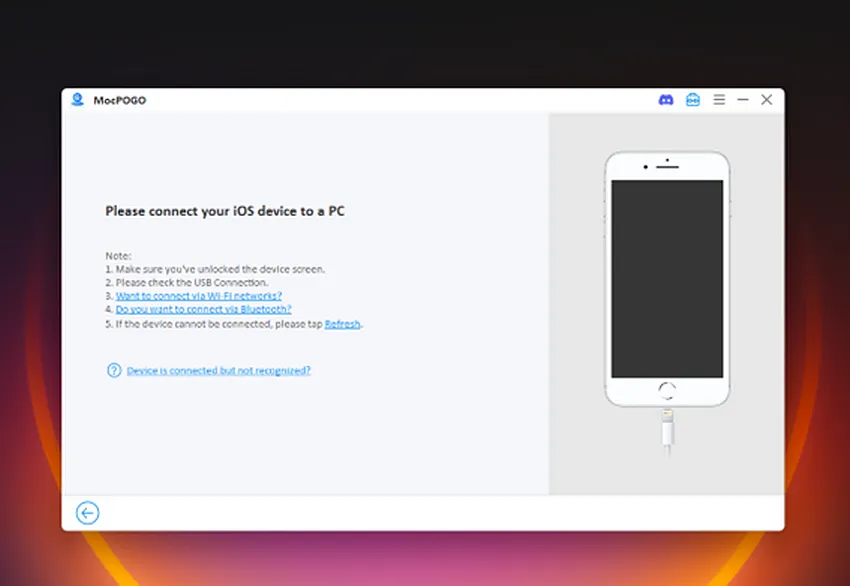
Step 2: Connect Your iPhone:
Use a USB cable to connect your iPhone to your computer. The program will
detect it right away.
Step 3: Turn On Developer Mode: Open Settings, go to Privacy & Security, and switch on Developer Mode. This
is needed for MocPOGO to run.
Step 4: Pick Your Spot: Choose a location from the map and press “Go.” Your GPS will switch to that
spot, and you can start exploring in Pokémon GO right away.
Why Players Love It
MocPOGO is popular because it is safe, simple,
and packed with options. It works well with iOS 26 and Android 16! It supports
wireless connections and even lets you import GPX routes. You can save your
favorite paths, repeat past locations, and explore the game world without
limits.
If you want to stay ahead in Pokémon GO,
MocPOGO gives you everything you need. It helps you catch rare Pokémon, join
events worldwide, and level up faster while playing from home.

Loading