What Should You Consider When Choosing a Portable Monitor for PS4?
SponsoredWednesday, 11 February 2026 at 02:09
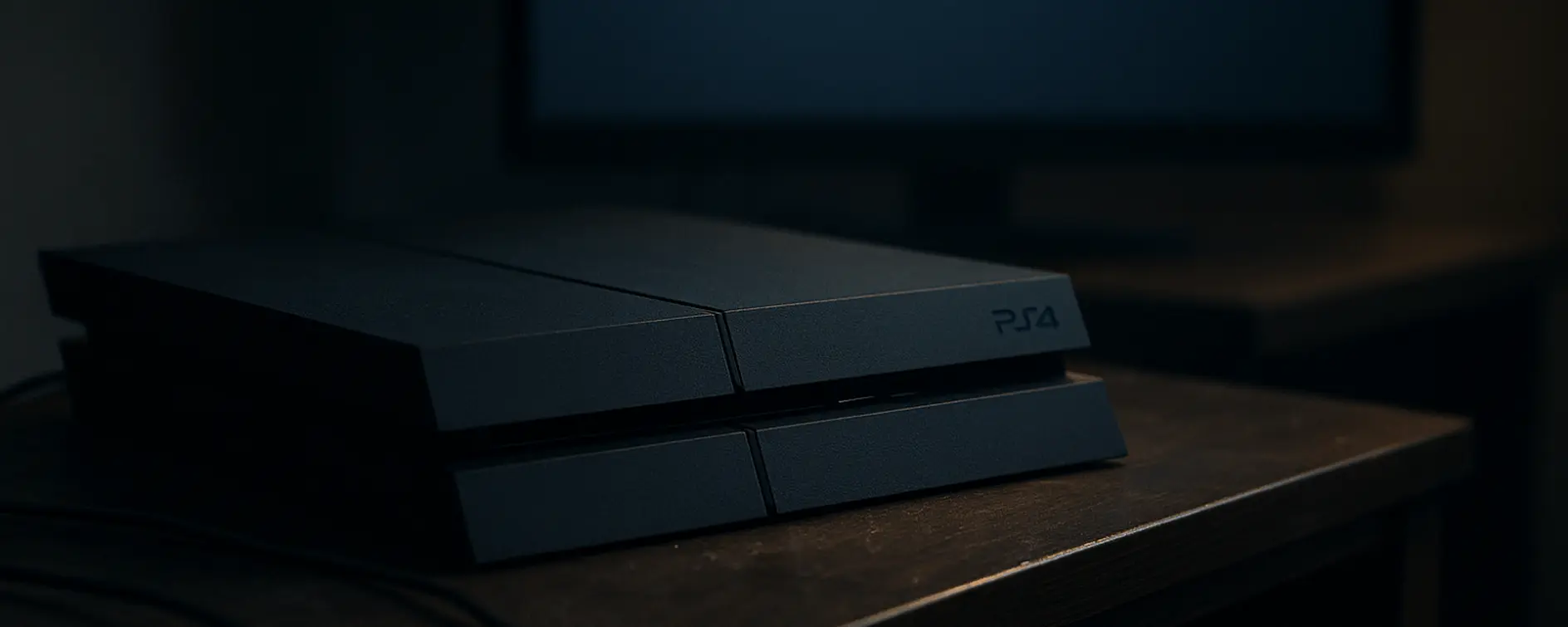
Okay, so first… a portable monitor + PS4 is one of those things that might sound unnecessary until you try it. However, there is a rising demand for gadgets like these. It does not look like something revolutionary until you try it. Then suddenly you’re playing your PlayStation at the bed, at a desk, at someone else’s house, wherever. The fighting for the living room TV is finally over. It’s low-key one of the best upgrades if you don’t want your console glued to one spot.
But yeah, not every portable monitor is good for this. Some are clearly made for Excel, not Elden Ring. In this regard, we want to present a very interesting brand with solid portable gaming monitors for gaming on PS4, and also for basically everything. Through this article, we will discuss the main things you need to check when looking for a good portable monitor, and how we believe this brand has a couple of good devices that fit perfectly.
Things To Consider When Picking a Portable Monitor for Gaming on PS4
One of the first things you need to consider is the size. The size is the first trap. You’ll see super compact ones and think, “hey, nice, easy to carry.” Sure. Then you boot a game, and the minimal looks like a postage stamp, and the text feels microscopic. That gets old fast. We believe that around 15.6 inches is that sweet spot where it still feels like you’re actually in the game, but it’s not huge and awkward to carry. While bigger screens look great, not everyone wants to transport a thin TV.

The Resolution and the Refresh Rate
The Resolution is less dramatic. The normal PS4 runs at 1080p most of the time, and even in 900p in some cross-gen titles. So a 1080p monitor already matches it perfectly. Simple and clean, no weirdness. The 4K or dynamic 4K is still cool if you’ve got a PS4 Pro or want to use the screen with a laptop too. Also, not going to lie, higher-res panels look a bit nicer overall, even when they’re not showing true 4K. It’s hard to explain, but you will certainly notice the difference.

Now the part people don’t think about: how the screen feels. Not specs. Feel. If there’s input lag, you will notice it, especially in shooters, racing games, and anything fast. Press the button. The character reacts late. The brain gets annoyed. Same with motion blur — some screens turn fast movement into a smeary mess. You don’t need crazy 144Hz stuff for PS4, but you do want a panel that doesn’t feel sluggish.
The Amount of Connectivity Options, and The Display Quality
The ports and the I/O in general might be a big topic with big consequences. PS4 uses HDMI, period. You need to make sure the monitor handles that easily. A lot of portable ones use mini HDMI, which is fine, but you need to pick a good adapter. You don’t end up juggling adapters like you’re building IKEA furniture.
IPS panel? Yeah, this matters. Better colors, and the picture doesn’t go weird when you shift your angle. With portable setups, you’re not sitting perfectly centered like a statue, so this helps more than you’d think.
Finding the Perfect Device For Playing on PS4
Obviously, there are various devices in the segment that can succeed as decent portable displays. You will find a couple of good panels from brands like Acer, AOC, and Arzopa. But in this regard, there is an interesting brand dubbed UPERFECT with some neat devices you should also consider.
Brands like UPERFECT got attention because they treated portable monitors like real displays, not novelty gadgets. In the company’s portfolio, you find thin, decent colors, and a lot of devices that are actually usable.

Honestly, this whole thing comes down to balance. Portable, yes. But not at the cost of your games looking bad or feeling laggy. Get a decent-sized, solid panel, low input lag, proper HDMI, and you’re good. Mess that up, and you’ll have a screen that travels well… and still makes you wish you were back on a TV.
Read also
Conclusion
A good PS4 portable monitor turns your console into a flexible gaming system you can use almost anywhere. Focus on:
- 15.6-inch size
- 1080p or 4K resolution
- 60Hz refresh rate
- Low response time and input lag
- HDMI support
- IPS panel
Portable monitors started as a solution for mobile professionals, but they quickly proved useful for gaming and entertainment too. Companies like UPERFECT helped push this idea forward, showing that a small screen is not a toy, but a serious tool that can be useful for everyone.
Popular News
Latest News
Loading