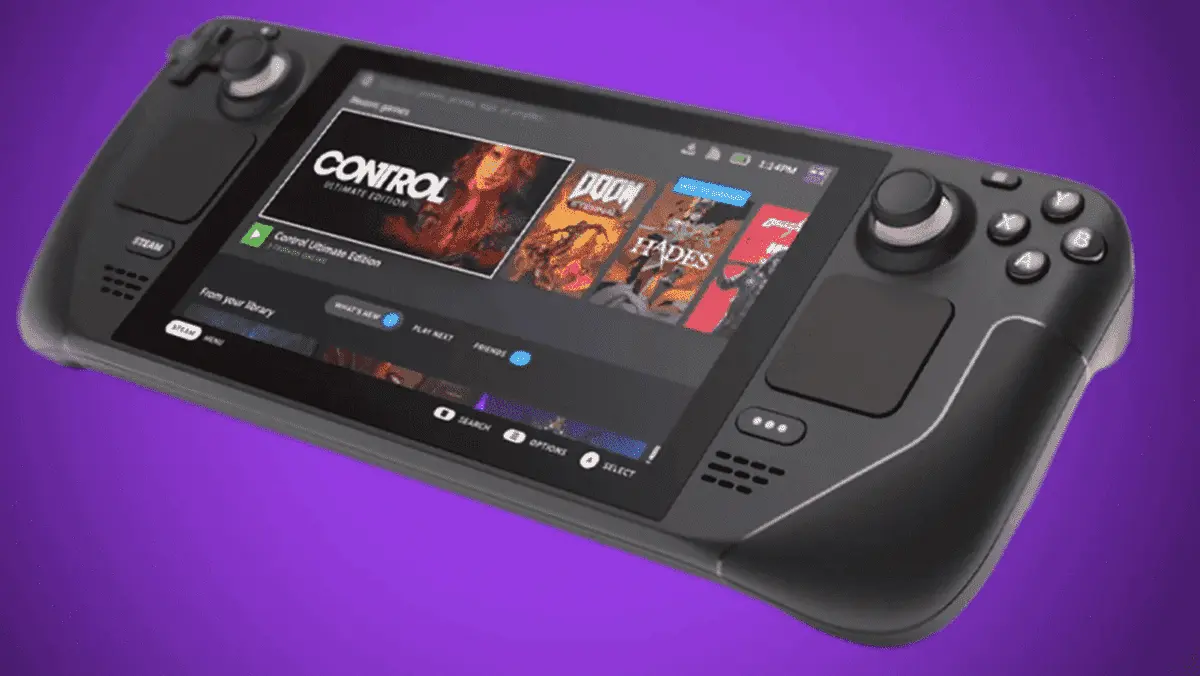
Own a Steam Deck but have a slow internet connection? It must be pretty hard for you to install the games on your handheld gaming console, right? Well, Valve has come up with a solution! If you have the games downloaded to your PC, you can now transfer them through a local area network instead.
Now, this is not just applicable to moving the Steam games from your PC and deck. It can also come in handy for moving the games from one PC to another. And as you might have guessed, this tool will enable you to reduce internet traffic and get your games installed or updated faster (maybe?).
Can You Transfer the Steam Games Faster Than Downloading Them?
So, the biggest elephant in the room is, will it be faster than redownloading the games on your Steam Deck or other PCs? Well, it will basically depend on your internet bandwidth and speed.
According to a test from PCGamer, downloading the Elden Ring game on the Steam Deck was actually faster than transferring the game from the PC.

In their case, the game transfer tool with the local network was moving the files at around 25 MB/s. On the other hand, their network was capable of downloading the game with more than 35 MB/s of speed from the Steam server.
So, although the new feature is great, it might not be that handy for everyone. But if you do not have a fast internet connection, the 25 MB/s transfer speed will probably be faster.
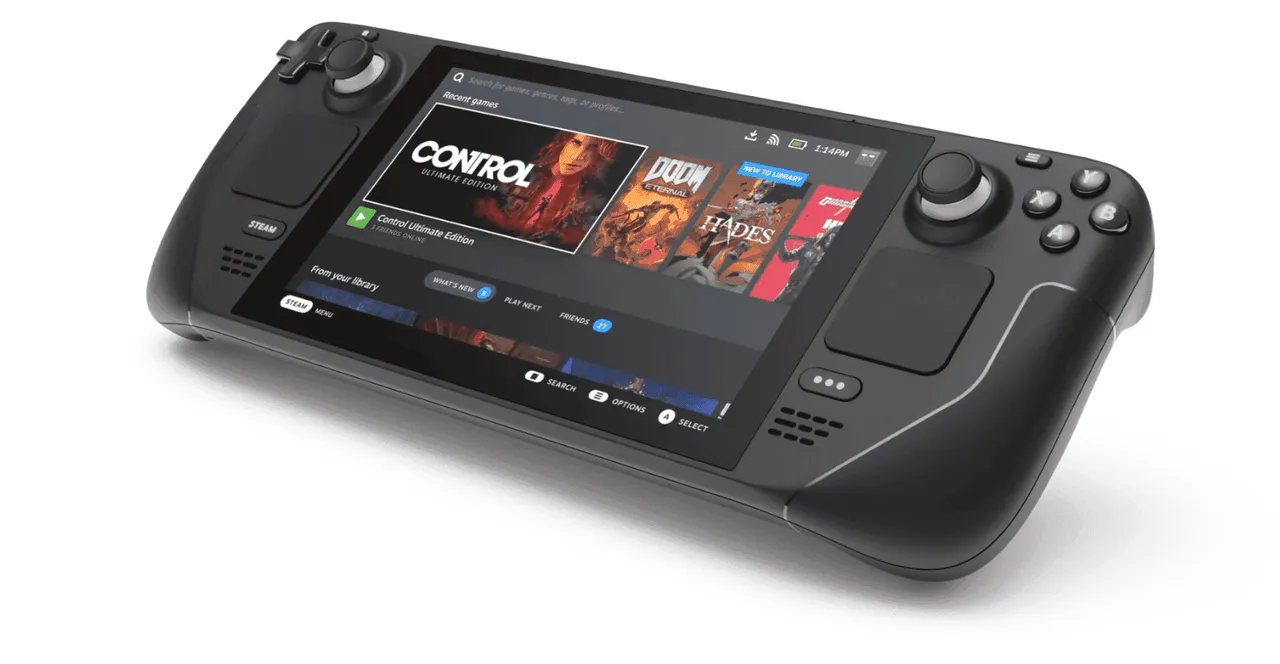
Besides that, this new feature has a few other limitations. It requires the Steam client to be idle. That is, you can’t download or run any games while transferring. Secondly, the game you want to transfer should be up-to-date. Finally, only PCs running the Steam desktop mode can do the transfer. So, no transfers from Deck to Deck or Deck to PC.
Popular News

Latest News
Loading