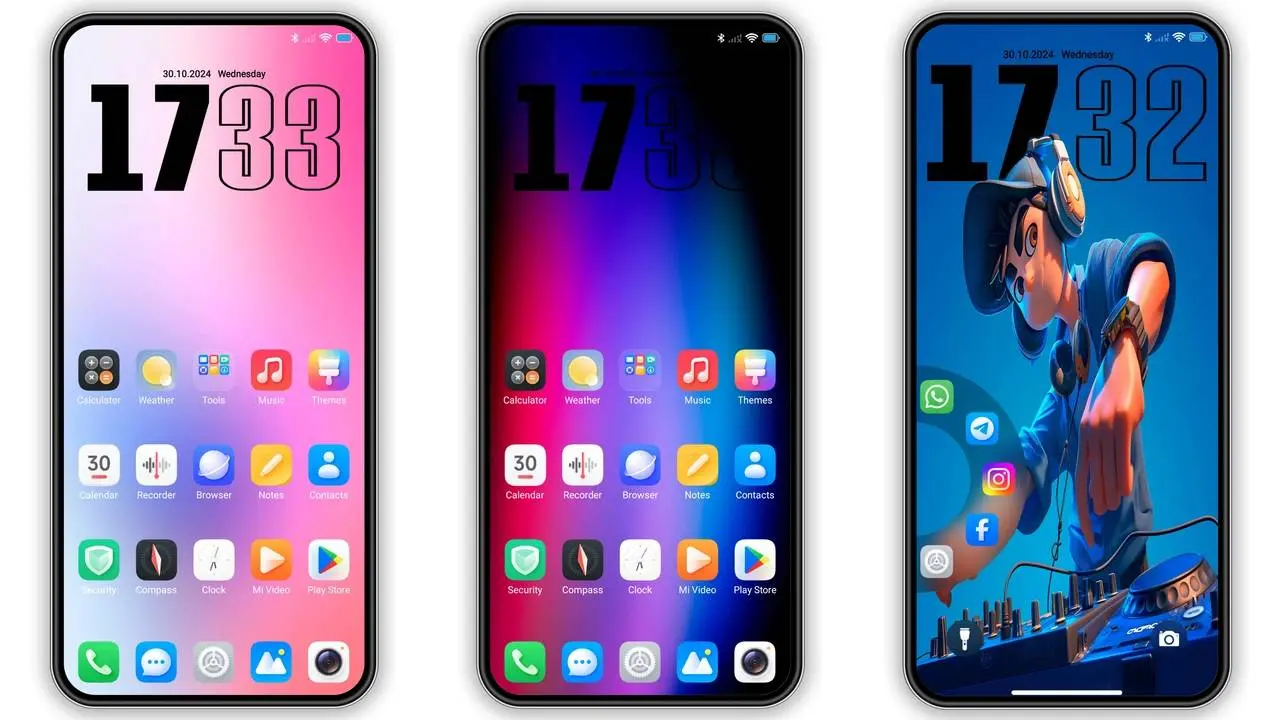
HyperOS makes your Xiaomi phone look great. It feels smooth and lets you change almost everything. But maybe you want even more choices. You want to go beyond the basic options.
Many users feel quite limited when it comes to finding new themes, but that's not entirely so. In this short guide, you will learn how to easily find new themes for your Xiaomi device and how to install them as well.
1. Update Xiaomi Themes App

The first thing you will need to do is to make sure the Xiaomi Themes App is up to date. Xiaomi built this app to help users make visual customizations and other related changes. Therefore, an outdated version of this app means you are missing out on new designs.
Updating is simple:
- Open the MemeOS Enhancer app.
- Tap on "Apps."
- Find the "Themes" app in the list.
- If an update is there, tap "Update."
Now, open the Themes app again. You should see new wallpapers and themes that you did not have before.
Step 2: Try a Manual Update
Sometimes the update does not show up in MemeOS Enhancer. No problem. You can update the app yourself.
You can download the latest version (an APK file) from a trusted website like APKMirror or HyperOSUpdates.com.
Here is how to install it:
- Download the APK file to your phone.
- Go to your Settings. Allow your file manager to "Install unknown apps."
- Open the downloaded file and follow the instructions.
That's it. You now have the latest Xiaomi Themes App, meaning you now have access to all the latest features and designs.
3. Get Exclusive Xiaomi Themes Online

Users who need more than what Xiaomi's official themes app offers aren't left out. Such users can get all exclusive themes for their Xiaomi devices, no matter the kind of categories they may be looking for. On this website, users can be able to safely download and install exclusive themes for their devices.
You will find special theme packs and wallpapers there. These are often made by other users and designers. They share looks you cannot find in the official app.
You also don't need to worry about how to download and install themes on this website. This is because you can find a full guide to help you download and safely install such themes from the site.
Step 4: Experiment with Custom Mods
Most mods come with features such as animated icons, new customization panels, with several live effects that can completely transform the visuals of your Xiaomi device.
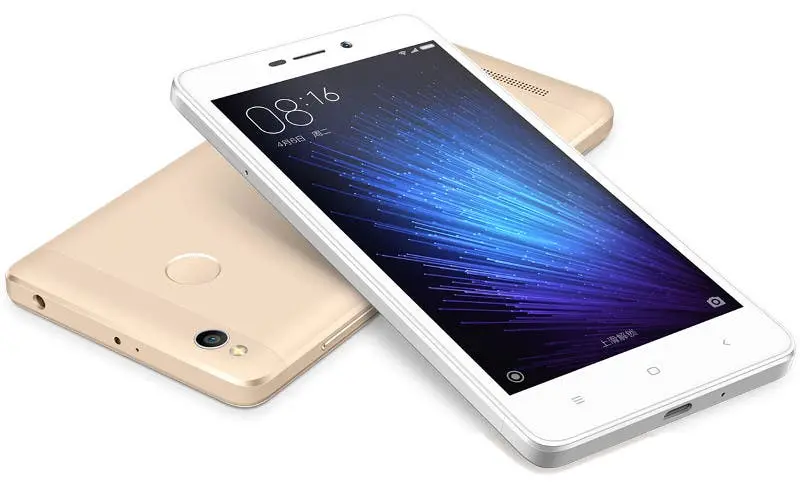
Before you get too excited about mods, it is worth noting that mods can severely harm your device if they contain any bugs. It is therefore advisable to download from trusted sources such as official Xiaomi forums. Avoid random links from social media to stay safe.
Also make sure you back up your smartphone before installing mods. This will help get back on track in case anything goes wrong. Don't forget to scan all files before installing them on your phone.
Step 5: Make Your Own Theme

Do you have a creative idea? You can even design your own theme. Use Xiaomi's tools or other apps to create your own icons, wallpapers, and fonts.
Once you are done, you can use your own custom theme on your smartphone all even share with other Xiaomi users who express interest in your creative work online.
Tips to Ensure a Smooth Experience
Restart your device: After installing and applying new themes, restart your device to ensure everything runs smoothly.
Mix and match: You do not have to use a full theme. Use icons from one and a wallpaper from another.
Stay safe: Never let an untrustworthy app install themes for you. Always use the official Themes app or trusted websites.
Final Thought
Making your Xiaomi phone your own is the best part of HyperOS. Start with a simple app update. Then explore new websites and try out new looks.
Just remember to play it safe. Only install from trusted sources and back up your device, especially when using mods to change the visuals on your phone.
Do this, and you will have a phone that is not just smart, but uniquely yours.
Popular News


Latest News
Loading