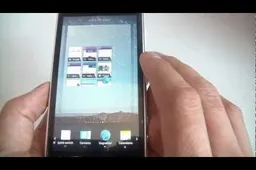
How To Root Zopo Zp100 Smartphone Running Android 4.0.3
How to's | GuidesWednesday, 30 May 2012 at 20:05

 The Zopo ZP100 Android smartphone from Chinese phone maker Zopo recently received a ROM updating giving the competitive Chinese phone the latest version of Android, 4.0 Ice-cream Sandwich. So Now you have your Ice Cream Sandwich it's time to get ROOT access!
Gaining root access to any Android device is much like jailbreaking an iPhone or iPad. The Root allows users to install hacks and apps normally not supported by their phones and also let's the user have full control of the file systems.
How to Root The Zopo ZP100 Running Android 4.0.3
To root your Zopo ZP100 you are going to have to download a simple tool which will actually perform the root for you.
Once downloaded follow the steps below to gain root access to your Zopo ZP100 Android smartphone:
- Unzip the folder “root” downloaded above.
- Connect your Zp100 to PC, wait for the PC recognizes the smartphone
- Click the file “TPSparkyRoot” from the download
- Follow the on screen prompts
- Your phone will now restart 3 times.
- Once complete your you should find the RootExplorer and Superuser apps.
- Congratulations you have rooted your Android Ics 4.0.3 Zopo ZP100 Android smartphone!
Now that you have rooted your Zopo ZP100 what do you plan to do with it? Let us know in the comments below!
Popular News


Latest News
Loading