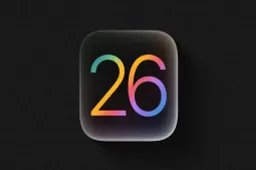
CarPlay has always been a popular way to make driving feel a bit more connected. Automakers do a good job building cars, but their software often lags behind. That’s where Apple steps in, and with iOS 26, the company has quietly given CarPlay some fresh paint and a few welcome upgrades.
Apple CarPlay and iOS 26: A Subtle but Noticeable New Look
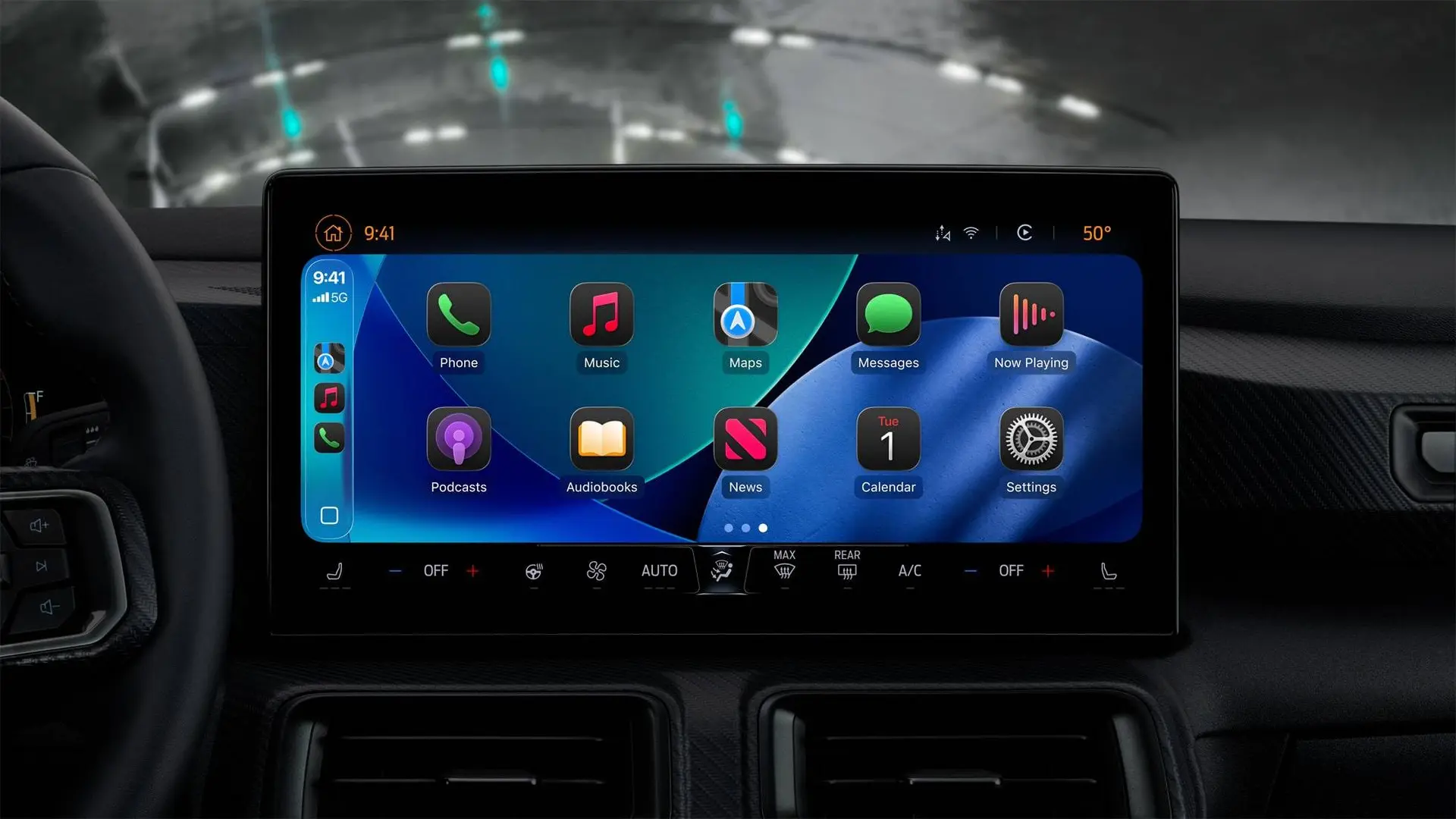
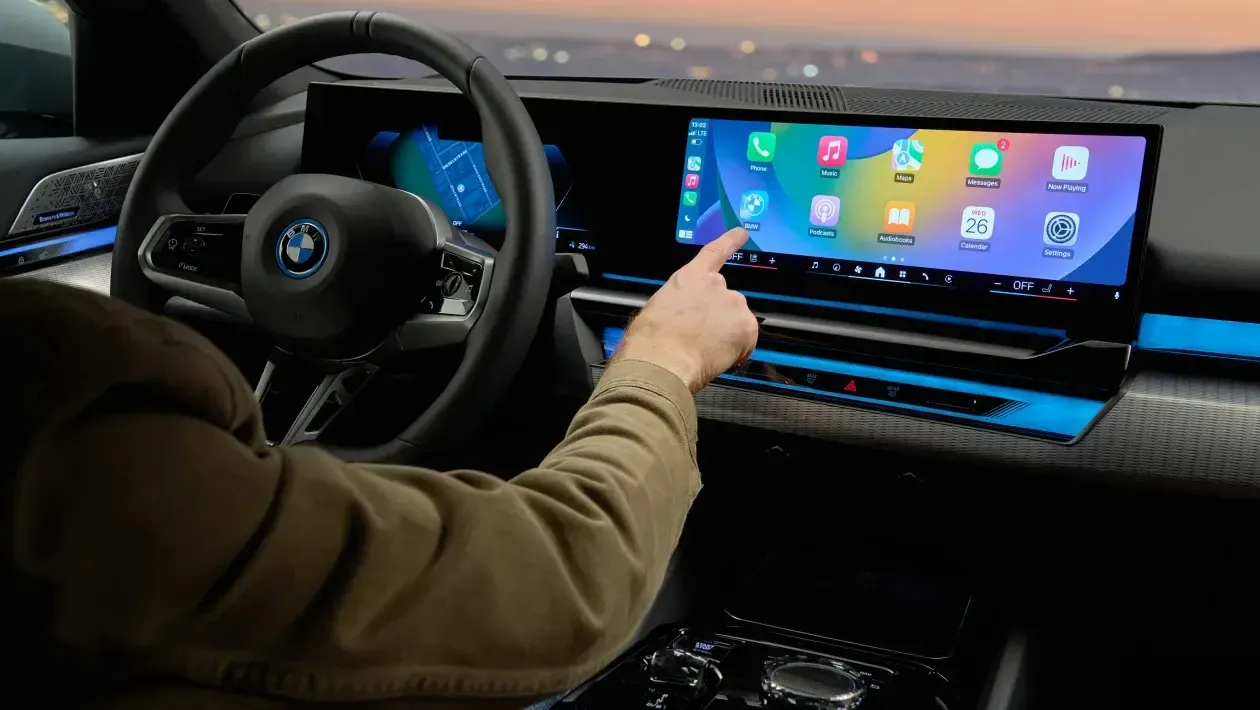
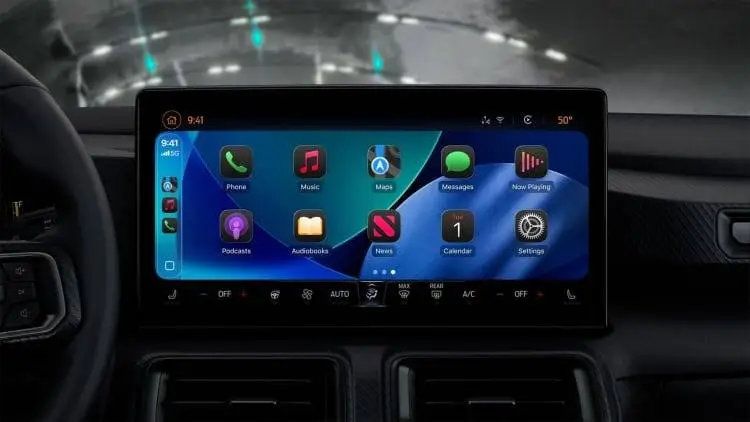
The interface now follows Apple’s new “Liquid Glass” style. On the iPhone, it’s flashy. In the car, it’s toned down: icons shine a little more, backgrounds look softer, and menus have a see-through effect. It isn’t a total overhaul, but it does look different enough that you’ll spot it right away. Apple doesn’t let you switch back to the old design, so what you see is what you get.
Messaging Without Picking Up Your Phone
CarPlay has supported text messages for years, but iOS 26 adds Tapback reactions. When Siri reads you a message, quick replies like a thumbs-up or “haha” pop up on screen. It saves you from having to dictate a short response. Apple also made pinned conversations more obvious, which makes them easier to find during a drive.

Calls That Don’t Take Over the Screen
One of the more practical changes is how calls appear. Instead of filling the whole screen, an incoming call drops in as a banner near the bottom. You can choose to answer or decline without losing your place in Maps. For anyone who’s had directions vanish because of a spam call, this is a big quality-of-life improvement.
Widgets, Live Updates, and Easier to Read Icons
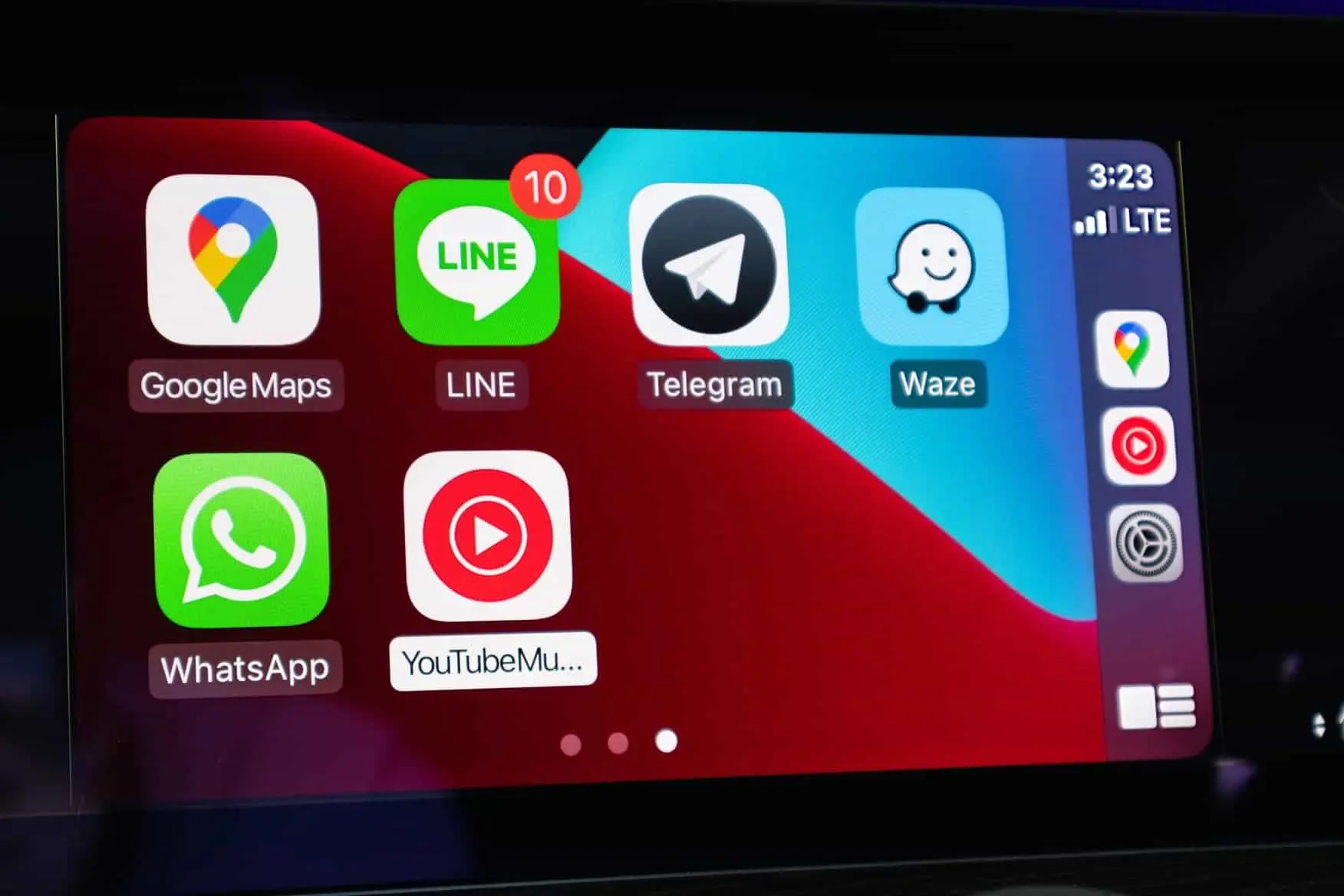
CarPlay is also getting a widget view. You can glance at your calendar or even control HomeKit devices without digging through menus. Live Activities — like following a flight — also show up here. Plus, Smart Display Zoom lets you resize icons and text, which is handy if you prefer larger buttons.

A Hidden Bonus: Video When Parked
Apple didn’t advertise this much, but there’s now an option to stream video when your car is in park. By using AirPlay, you can send YouTube, Netflix, or any supported app straight to the dashboard screen. Waiting in a parking lot or at the airport pickup line suddenly feels less boring.
Final Thoughts
The new CarPlay features come with iOS 26, available on iPhone SE and newer models starting from iPhone 11. It’s not a radical shift, but the mix of design changes and practical tweaks shows Apple hasn’t forgotten about drivers. For people who already prefer CarPlay over the built-in systems, this update just makes that choice even easier.
Popular News
Latest News
Loading