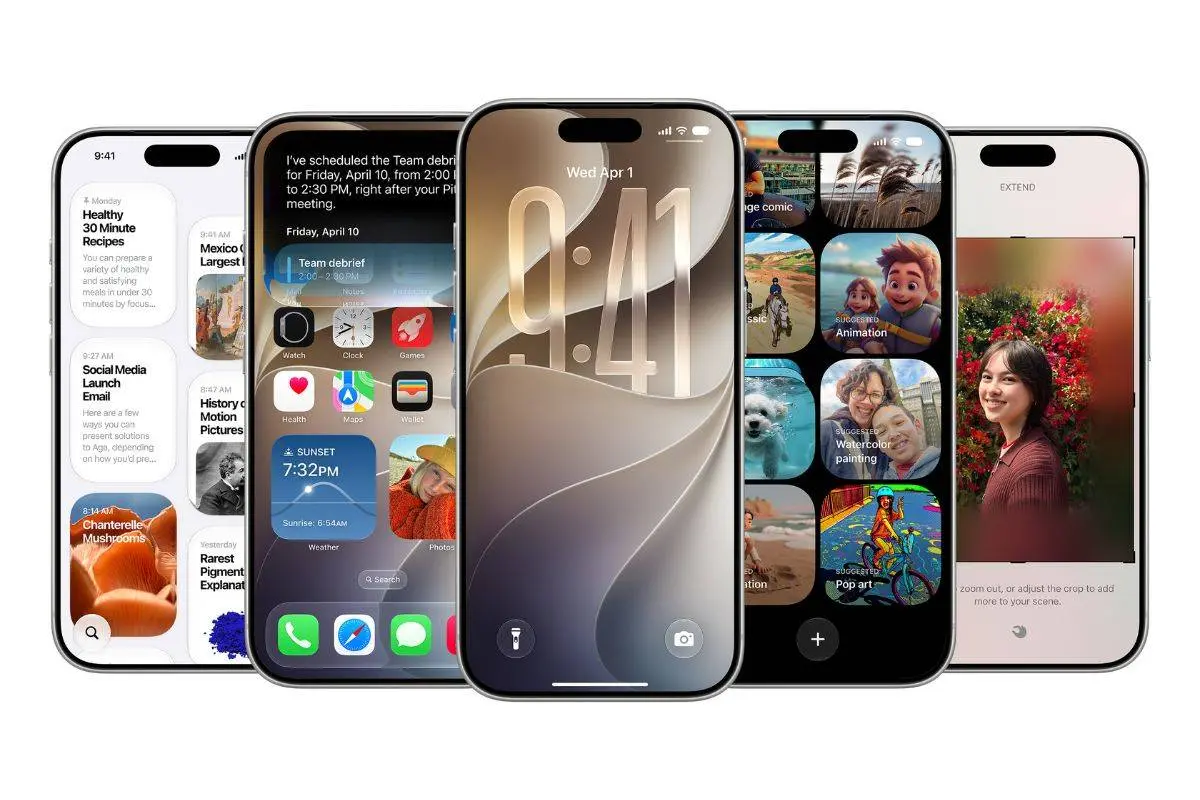
Apple has brought back a small piece of Mac history in iOS 27. Hidden inside the new Liquid Glass settings is an Easter egg featuring Clarus the Dogcow, one of the most famous oddities from classic Mac OS.
It is easy to miss. There is no menu that tells you where to look, and Apple does not mention it in the main iOS 27 feature list.
You Need to Dig Into Liquid Glass
The Easter egg is hidden inside the new Liquid Glass settings. Go to Settings > Appearance > Liquid Glass, where you will find a slider that lets you change the look from Clear to fully Tinted.
Apple has added a small fake web page to this screen. It shows text and photos from Apple Park, giving you a preview of how the Liquid Glass effect changes as you move the slider.
This is where things get interesting.
Scroll to the very bottom of the preview and keep pulling upward. The page will move a little further and reveal a photo of a Clarus the Dogcow figure beside the pond at Apple Park.
Apple has also hidden a colorful "Moof!" inside the example search box. That is the sound associated with Clarus.

Who Is Clarus the Dogcow?
If you started using Apple products in the modern iPhone era, you may never have seen Clarus before. The Dogcow dates back to the original Mac. Designer Susan Kare created the character as a glyph for the Cairo font, which was part of the classic Mac icon set.
Clarus became a small part of Mac history over the years. It never had an important function, which is also what makes the Easter egg so fun.
Apple is not using it to promote a new feature. It is simply a small nod to the company's past.
There Is Another "Moof!" Trick
Apple did not stop at the hidden image. If you type "Moof!" into Siri through Spotlight, Siri replies with "Nice dogcow." It is a tiny detail, but it shows a different side of Apple's software design. Most iOS 27 features are focused on performance, AI and customization. This one exists purely for people who enjoy finding things that Apple never points out.

The same Dogcow Easter egg is also hidden in macOS 27 Golden Gate. You can find it in the Liquid Glass appearance settings inside System Settings.
Apple has clearly decided that a little old-school Mac fun still has a place in its new software.
Popular News
Latest News
Loading