Get Ready for a 'Nano Banana' Surprise in Google Messages
Google AISaturday, 18 October 2025 at 08:28
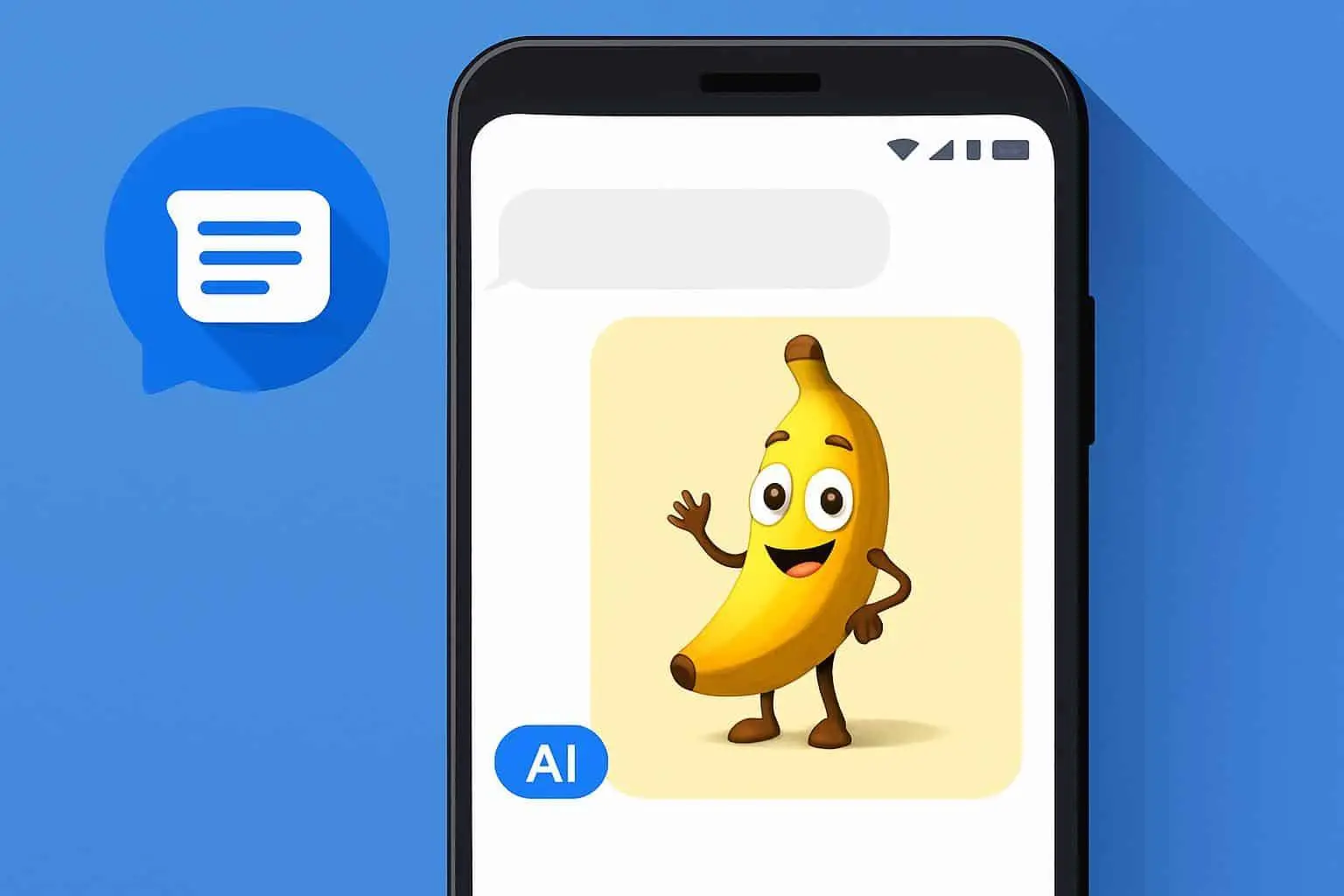
Google’s viral image-generation model, Nano Banana (Gemini 2.5 Flash Image), is getting ready to appear in another app - Google Messages. After creating waves across Lens, AI Mode, and soon Google Photos, it looks like the tech giant wants to make image editing and generation part of everyday chats too.
According to a recent report from Android Authority, the newest beta of Google Messages (version 20251009_00_RC00) includes code that hints at Nano Banana integration. Although the team didn’t share the actual code, they managed to unlock the banana icon hidden inside the app by tweaking the APK.
How the Feature Will Work

Once Google activates the feature, the banana icon will appear in the row of options at the top of the chat window. You’ll see it when you long-press an image, whether you’re in a private chat or a group conversation. This means it won’t clutter your screen during normal use. It’ll only show up when you’re interacting with an image.
However, the feature is still under development. Tapping the banana icon doesn’t do anything yet, so we don’t know the full process for creating or editing images. Based on how Nano Banana works in other apps, users will probably be able to describe what kind of edit or image they want through a prompt box.
Free for Everyone, With Perks for Subscribers
One interesting part of this update is that Nano Banana, much like some other Gemini-powered features, doesn’t require a subscription. That means when it launches in Messages, most users will likely have access for free. Of course, Google’s premium subscribers are expected to get more image generations or edits per day.
Nano Banana’s Journey Through Google Apps

Google first introduced Nano Banana as part of its Gemini 2.5 Flash Image model, designed to quickly generate or edit pictures using AI. The model gained massive popularity for its fun, creative outputs and its lighthearted branding.
So far, it has shown up in Google Lens, allowing users to create or enhance visuals from camera shots, and in AI Mode, where it powers smart image-based suggestions. It’s also in development for Google Photos, where it could soon help with advanced edits like object removal or style changes.
The search engine giant has clearly exhibited its determination to blend AI creativity into its entire ecosystem, especially after adding Google Messages to the list. Just think about how efficient your chat would be if you could instantly make changes to images before sending them without leaving the chat.
Availability of the New Google Messages AI Feature

This integration looks quite promising; however, it does not seem to be ready for the general public yet. The findings of Android Authority have suggested that Google is already working on this feature, which means there could be some changes to the final work before reaching users. Google as a company hasn't made any official statement regarding this feature or its availability. Therefore, we may have to wait for a couple of weeks or even months to have access to this new feature.
The Road Ahead
Google seems to be deeply embedding Gemini's AI capabilities into its core apps by steadily rolling out Nano Banana across its ecosystem. The company is turning everyday text messaging into a more visual and creative experience by bringing image generation to the Google Messages app.
While we may have to wait a bit longer to actually try it in Google Messages, one thing is clear: Nano Banana isn’t going anywhere. It’s only a matter of time before more Google apps join the list, making AI-powered creativity part of daily communication.
Popular News
Latest News
Loading