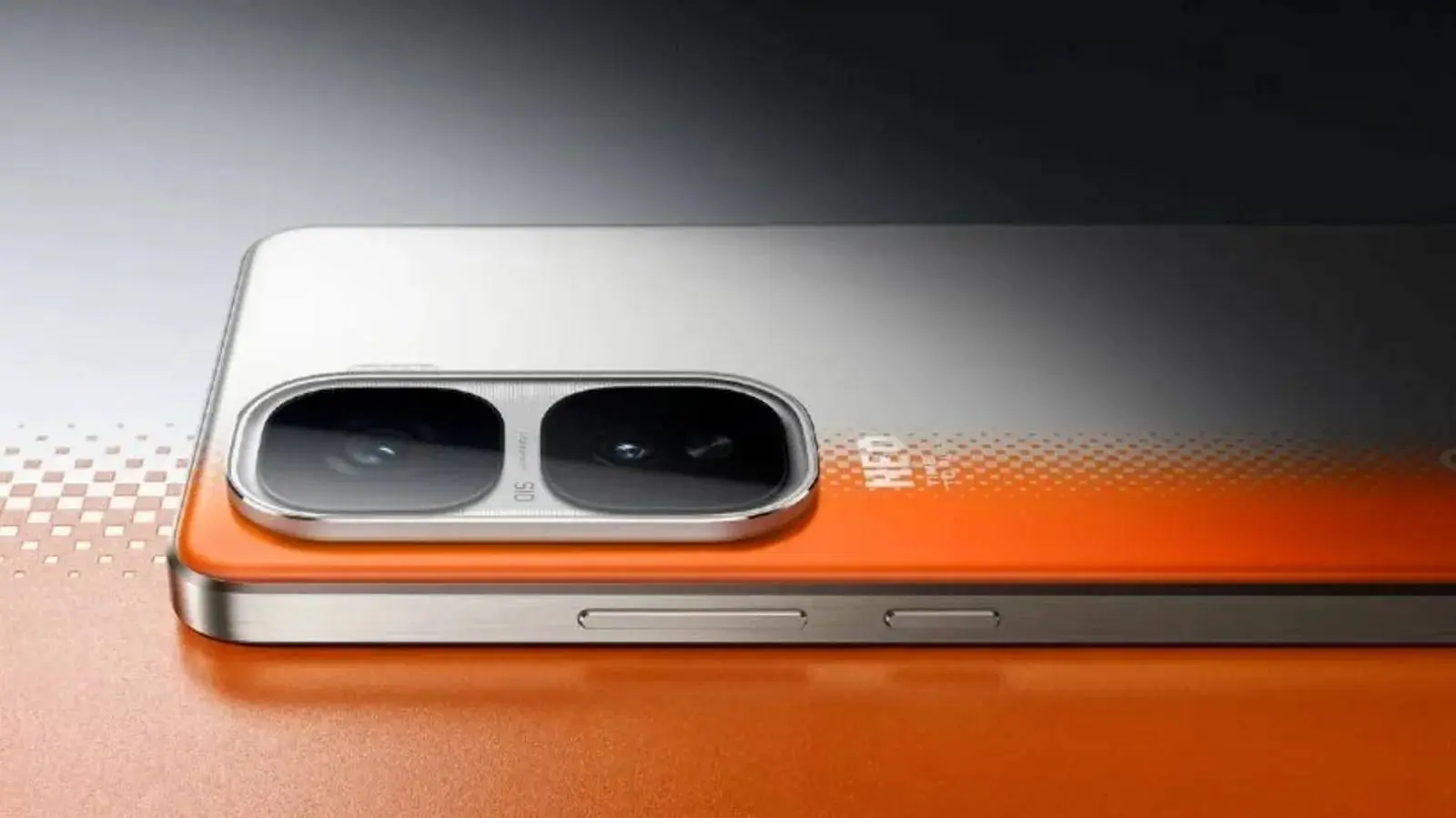
If you’ve been holding onto an iQOO Neo 10R, your phone is about to feel very different. Vivo’s rollout of the stable OriginOS 6 update has finally trickled down to the mid-range after spending some time on the flagship tiers. It is a big one—not just because of the new features, but because it represents a massive shift in how these phones actually look and feel.

I’ve always found the previous software, Funtouch OS, to be a bit... busy. OriginOS 6 feels like the company is finally growing up. Based on Android 16, this update is now hitting the iQOO Neo 10R right on schedule.
Key Points:
- Stable Rollout Begins: The Android 16-based OriginOS 6 update is now moving from beta to stable for the iQOO Neo 10R.
- Branding Shift: This marks a significant move away from Funtouch OS toward a more polished, modern interface.
- Origin Island Feature: Introduces a dynamic notification area for real-time updates and interactive alerts.
- Performance Boost: The new "Origin Smooth Engine" optimizes animations and multitasking for a faster user experience.
- Varying Update Sizes: Beta users receive a small 137MB patch, while stable users should expect a 3-5GB download.
The Slow Move to Stable
Currently, the update (firmware version PD2352BF_EX_A_16.1.10.7.W30) is mostly appearing for people who were already running the beta. If that is you, the download is a tiny 137MB. It is basically just a "switch" that turns the beta into the stable version.

However, if you are coming straight from the old software, be ready to wait for a while. You are looking at a massive 3GB to 5GB download. I think it is worth mentioning that these rollouts happen in batches. If you check your settings and see nothing, don’t panic. It might take a few days or even a week to hit your specific device. Perhaps it is better to wait anyway, just to ensure there aren't any weird day-one bugs lurking in the code.
What is Actually Changing?
The headline feature here is Origin Island. Yes, the name is a bit on the nose—it is clearly inspired by Apple’s Dynamic Island—but it is surprisingly functional. It handles real-time notifications and "smart suggestions" without taking over the whole screen. It makes the phone feel a bit more interactive, I suppose.
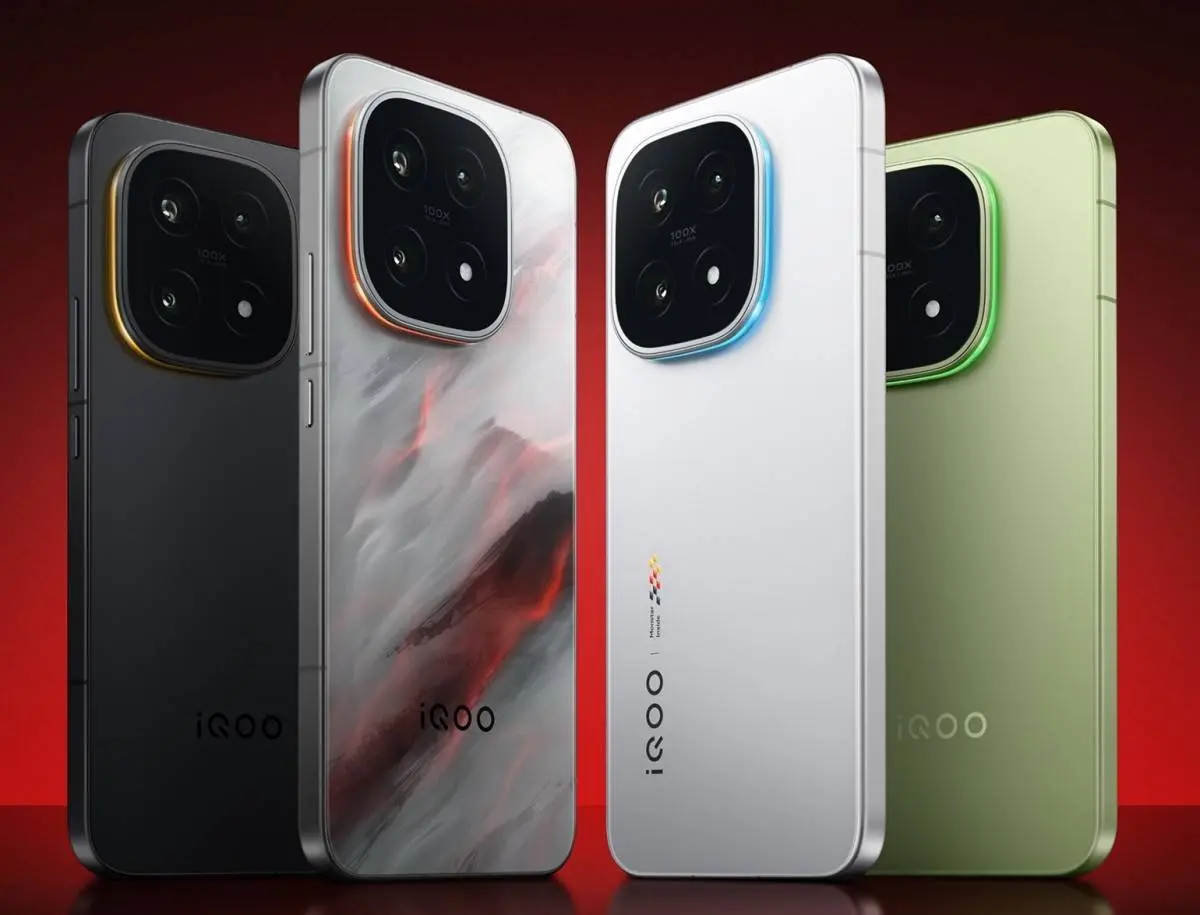
Beyond the "Island," there is a heavy focus on what Vivo calls the Origin Smooth Engine. It is one of those marketing terms that actually seems to mean something this time. The animations are more fluid, and app launches feel a bit snappier. Then there’s the visual overhaul: better transparency effects, a new system font that is much easier on the eyes, and a redesigned Control Center. To be honest, the old notification layout was a bit of a mess, so this cleaner approach is a welcome change.
A Smarter "Second Brain"
The update also leans into the AI trend, though perhaps in a more practical way than some of its competitors. You get AI-powered captions and an improved search function. One feature I actually think people will use is the cross-device support for Windows and Mac. File management has always been a pain on Android, so any improvement there is a win.

There are also new lock screen styles and deeper widget controls. It’s not quite "stock Android," but it is a lot more polished than what we used to get from iQOO. If you are using a Neo 10R, go to Settings > About phone > System updates.
Popular News


Latest News
Loading