Optimizing iPhone Battery Life for Peak Performance

Understanding Your iPhone's Battery
Strategies for Preserving iPhone Battery Health
Prioritize iOS Updates: Apple incorporates battery optimization patches and improvements within their routine iOS updates. Keeping your iPhone updated with the latest version ensures you benefit from the most recent battery-saving measures.
Maintain Optimal Operating Temperatures: Extreme temperatures, both hot and cold, can adversely affect your iPhone's battery health. Avoid leaving your phone in direct sunlight for extended periods, and refrain from using it in excessively cold environments.
Utilize Genuine Apple Chargers: Third-party chargers and cables may not adhere to the same rigorous safety and quality standards as Apple-approved accessories. Using a genuine Apple Lightning cable paired with an Apple-certified power adapter safeguards your iPhone's battery from potential damage.
Leverage Low Power Mode: When your iPhone's battery level dips below 20%, Low Power Mode automatically activates, reducing background activity and power consumption to conserve battery life. You can also proactively enable Low Power Mode manually for extended battery usage.
Manage Your Applications Effectively: Certain applications, especially those that constantly run in the background, can be significant battery drainers. Regularly review your installed apps and remove those you no longer use frequently. Additionally, consider disabling background app refresh for applications that don't require constant updates.
Disable Unnecessary Features: Location services, Bluetooth, and Wi-Fi, while convenient, contribute to battery consumption when left perpetually enabled. Develop a habit of deactivating these features when not actively in use.
Optimize Screen Brightness: While OLED displays, increasingly prevalent on modern iPhones, offer superior picture quality, screen brightness directly impacts battery life. Utilize auto-brightness for automatic adjustments based on ambient light conditions, or manually dim the screen in low-light environments.
Maintain Healthy Charging Habits: Refrain from letting your iPhone's battery completely deplete whenever possible. Regularly topping up the battery throughout the day is preferable to deep discharge cycles. Conversely, avoid constantly keeping your iPhone plugged in at 100% charge, as this can also degrade battery health over time.
Additional Considerations
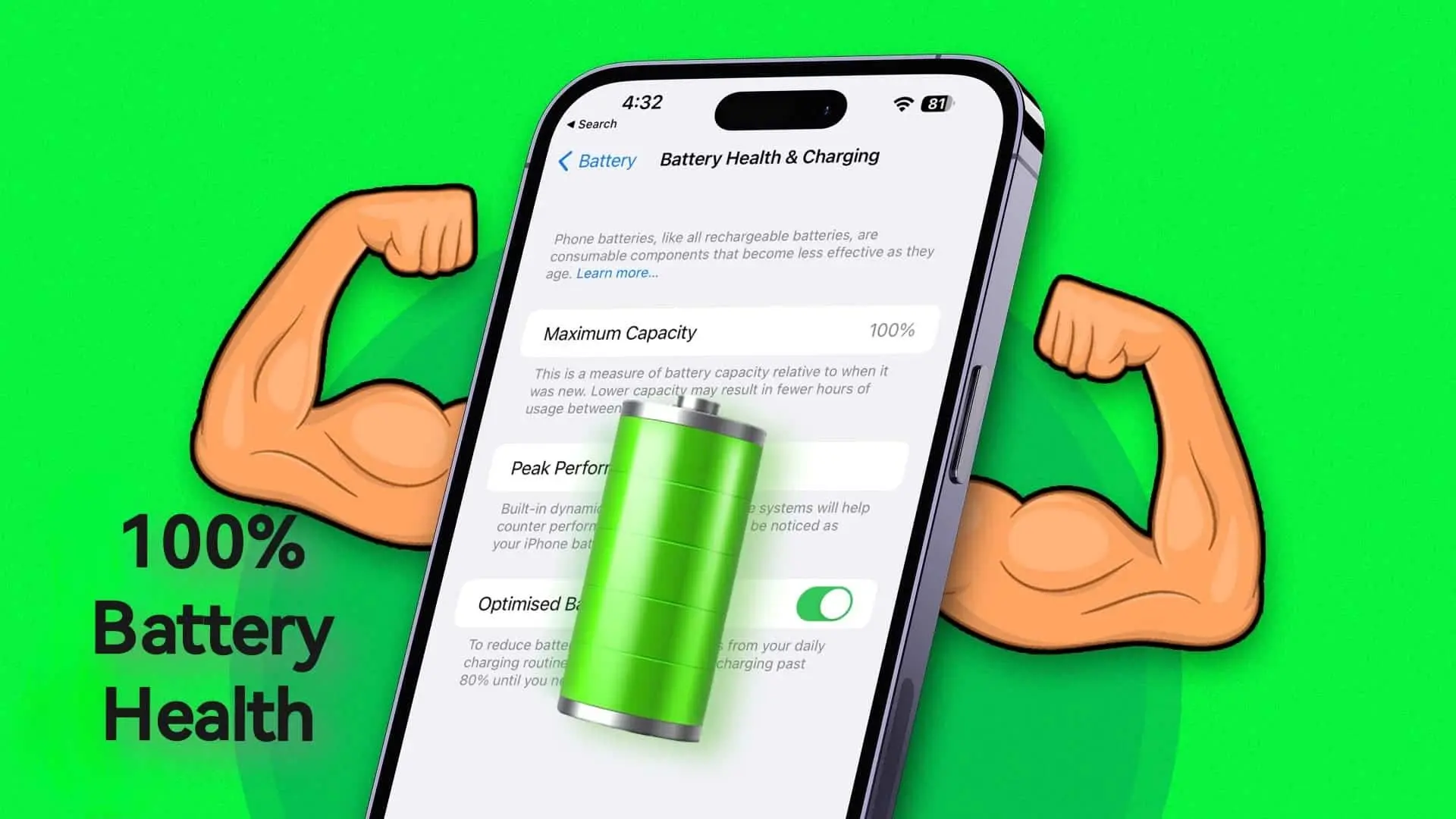
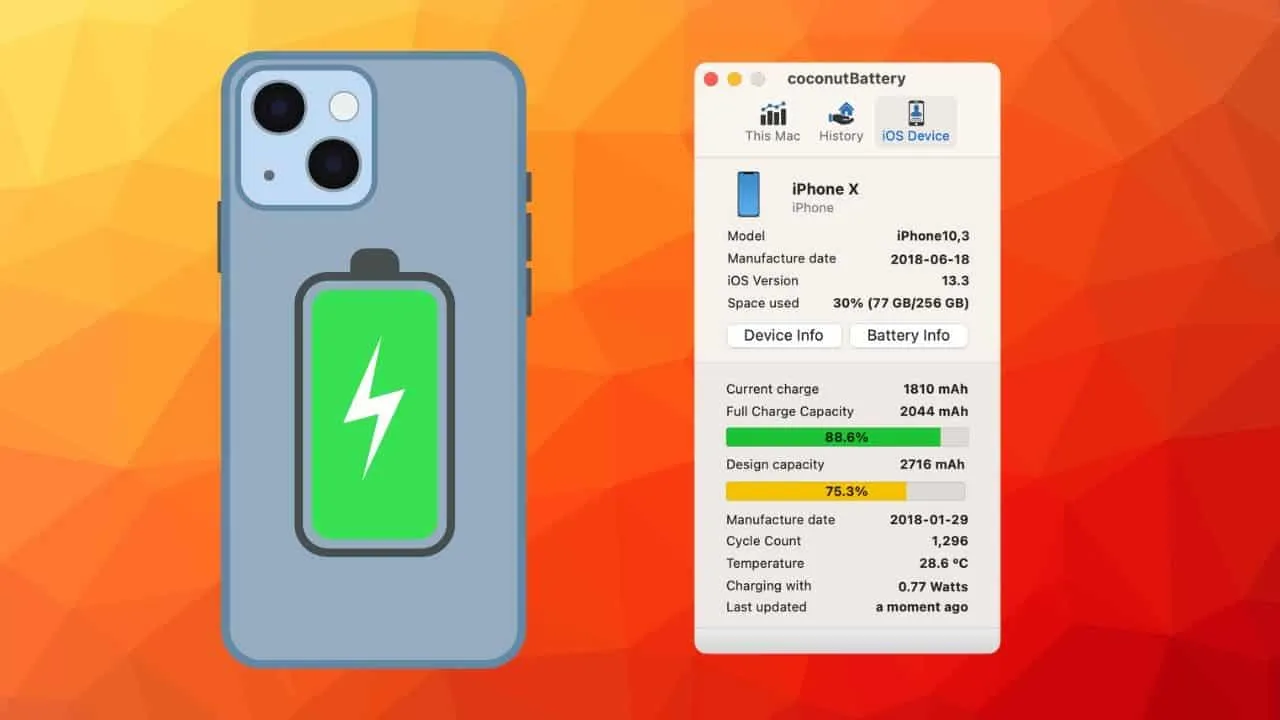
Battery Health Monitoring: Modern iPhones provide built-in functionality to monitor battery health. Access this information by navigating to Settings > Battery > Battery Health. Here, you can view the device's maximum capacity, a metric representing the battery's ability to hold a charge compared to when it was new. A lower percentage indicates reduced capacity, potentially requiring more frequent charging.
Replacement Battery Considerations: If you experience significant battery drain despite implementing the strategies outlined above, replacing the battery might be necessary. Apple offers a battery replacement service, ensuring the use of genuine parts and qualified technicians.
Optimizing iPhone Battery Life for Peak Performance
In-Depth Look at Battery Technology
Extreme Temperatures: As previously mentioned, exposing your iPhone to excessively hot or cold environments can expedite battery wear. Optimal operating temperatures typically range between 62°F and 78°F (17°C and 26°C).
Fast Charging: While convenient, frequently utilizing fast charging methods can generate additional heat within the battery, potentially accelerating degradation. For optimal battery health, consider using the standard charging adapter included with your iPhone.
Deep Discharge Cycles: Regularly allowing your iPhone's battery to completely deplete before recharging can contribute to faster degradation. Aim to maintain battery levels above 20% whenever possible.
Impact of Gaming and Video Streaming
Reduce Graphics Settings: Many mobile games offer adjustable graphics settings. Opting for lower graphics quality can significantly reduce processing demands and conserve battery life.
Minimize Background Activity: Close any unnecessary apps running in the background before starting a game or streaming video. Background applications can contribute to battery drain even when not actively used.
Utilize Airplane Mode (if applicable): If you're streaming pre-downloaded content or playing an offline game, consider enabling Airplane Mode. This disables cellular data and Wi-Fi connectivity, further reducing battery consumption. However, this approach is only suitable for offline content.
Wireless Charging and Battery Health
Utilize a Certified Wireless Charger: Ensure you're using a wireless charger certified by Apple's Made for iPhone (MFi) program. These chargers adhere to specific safety and performance standards.
Avoid Excessive Heat: Refrain from using wireless charging in direct sunlight or other hot environments. If your iPhone feels warm during wireless charging, consider placing it in a cooler location.
Consider Wired Charging for Extended Sessions: For extended charging sessions, particularly overnight, using a wired charger may be preferable to minimize heat generation.
Third-Party Battery Optimization Apps
App Reputation: Research the app's developer and user reviews to gauge its legitimacy and effectiveness. Beware of applications with a history of security vulnerabilities or intrusive data collection practices.
App Permissions: Carefully review the permissions requested by the app during installation. Avoid applications seeking excessive access to system resources or personal data.
Focus on Features, Not Gimmicks: Many legitimate battery optimization apps focus on features like detailed battery usage breakdowns, scheduled charging profiles, or reminders to enable Low Power Mode. Be wary of apps promising unrealistic battery life improvements or employing aggressive tactics that could potentially harm your battery.


Loading