Sucker Punch’s long-awaited sequel, Ghost of Yotei, has finally arrived, and it’s an
absolute visual treat. But for some players, that impressive level of detail
seems to come with a few performance problems.
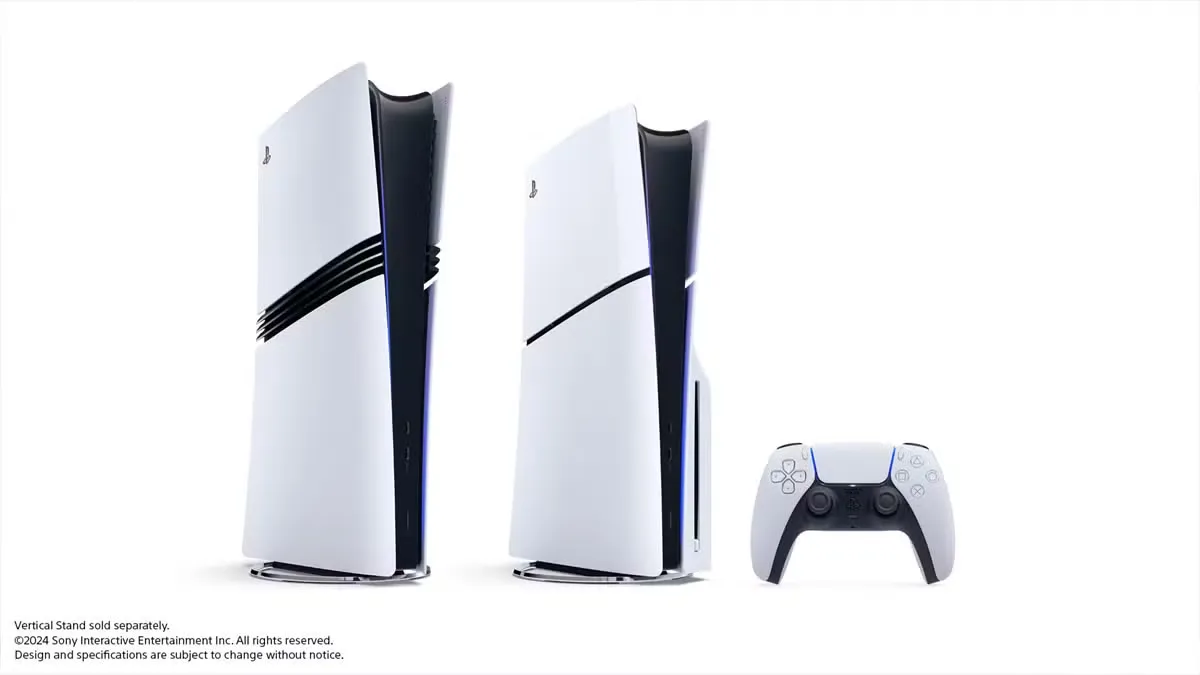
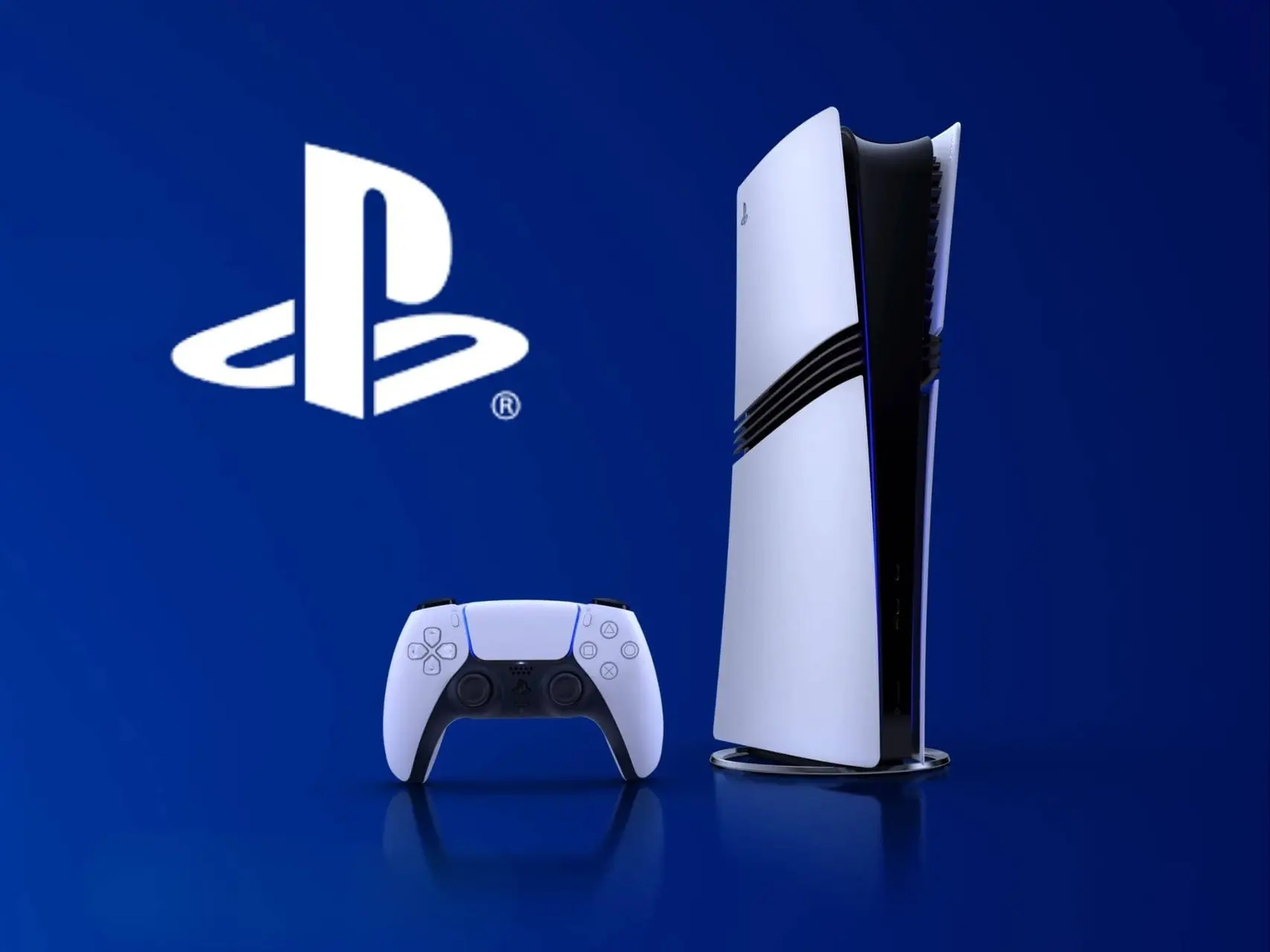
Reports across Reddit and X indicate that the new title is causing the PS5 consoles to spontaneously shut down in a
bizarre manner.
The issue is severe enough that the PS5 won't turn back on
normally. It will require players to completely
kill the power by flipping the switch or unplugging the console to reset
it.
The Unclear Scope of the Problem
The issue has become common enough that a lot of players
are talking about it online. Most of the reports seem to come from people using
the standard PS5.
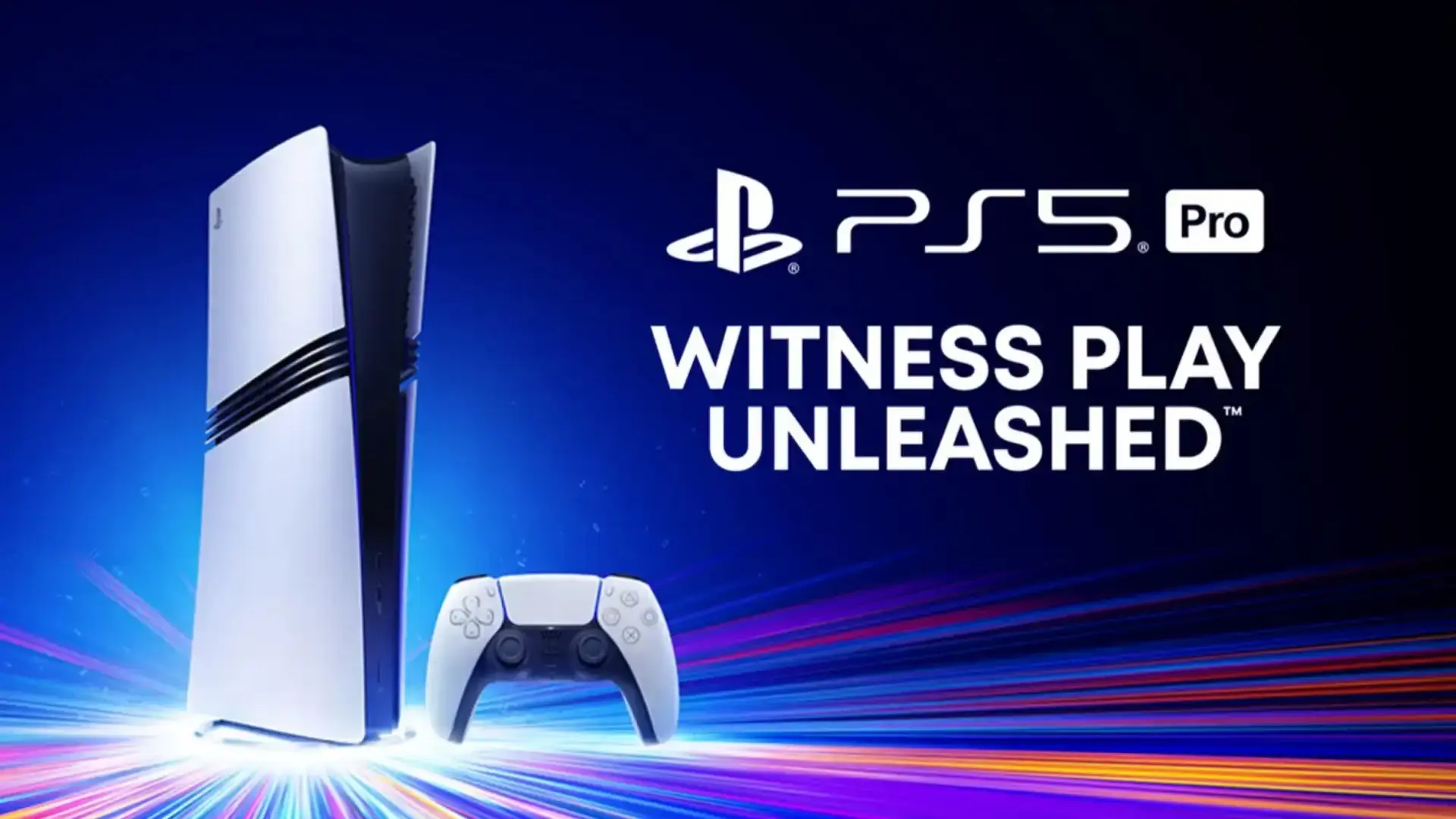
But at least one PS5 Pro owner has said they’re seeing the
same random crashes too. That suggests the problem isn’t tied to just one
version of the console.
One user confirmed
facing this exact issue on a base model PS5 multiple times, even at the same
point in the game, while on patch V1.008.
Attempts to fix it by reinstalling
the game and lowering the console's resolution from 4K to 1080p were only
temporary workarounds, with the console eventually tripping off again.
Suspected Cause and Potential Fixes
The top
guess right now is that the whole thing comes down to poor
game optimization. Basically, the stunning graphics of Ghost of Yotei might just be
pushing the console's parts too hard.
This issue gets even worse on PS5s that
don't cool properly, and maybe they've gotten dusty over time.
Sucker Punch has responded by
quietly releasing an update, V1.009. Though no official patch notes have been provided. It remains
unknown if this update addresses the power-tripping bug.
For those stuck, an immediate DIY
solution appears to offer some hope. In the confirmed user case, doing the following seems to work
- A thorough cleaning of the console's fan
- Clean the heatsink
- Clean the system cache
However, cleaning your console might not solve the problem for everyone, but
it’s still a good place to start. It helps address possible cooling issues that
could be making the game’s performance problems worse.
Popular News

Latest News
Loading